Introduction
Thank you for choosing the INPHIC Wireless Rechargeable Mouse. This manual provides detailed instructions for setting up, operating, and maintaining your mouse to ensure optimal performance and longevity. This mouse features a visible battery indicator, silent buttons, an ergonomic design, and adjustable DPI settings for a comfortable and efficient user experience.
Жайгашуу
1. Пакеттин мазмуну
- INPHIC Wireless Rechargeable Mouse
- USB кабыл алгыч (чычканда сакталган)
- USB-C заряддоо кабели
- User Manual
2. Баштапкы заряддоо
Before first use, fully charge the mouse for approximately 1 hour. Connect the provided USB-C charging cable to the mouse's charging port and the other end to a USB power source (e.g., computer USB port, USB wall adapter). The visible battery indicator on the top of the mouse will show charging status and remaining battery level.

Image: The mouse connected via USB-C cable for charging, highlighting the charging port and the visible battery level indicator.
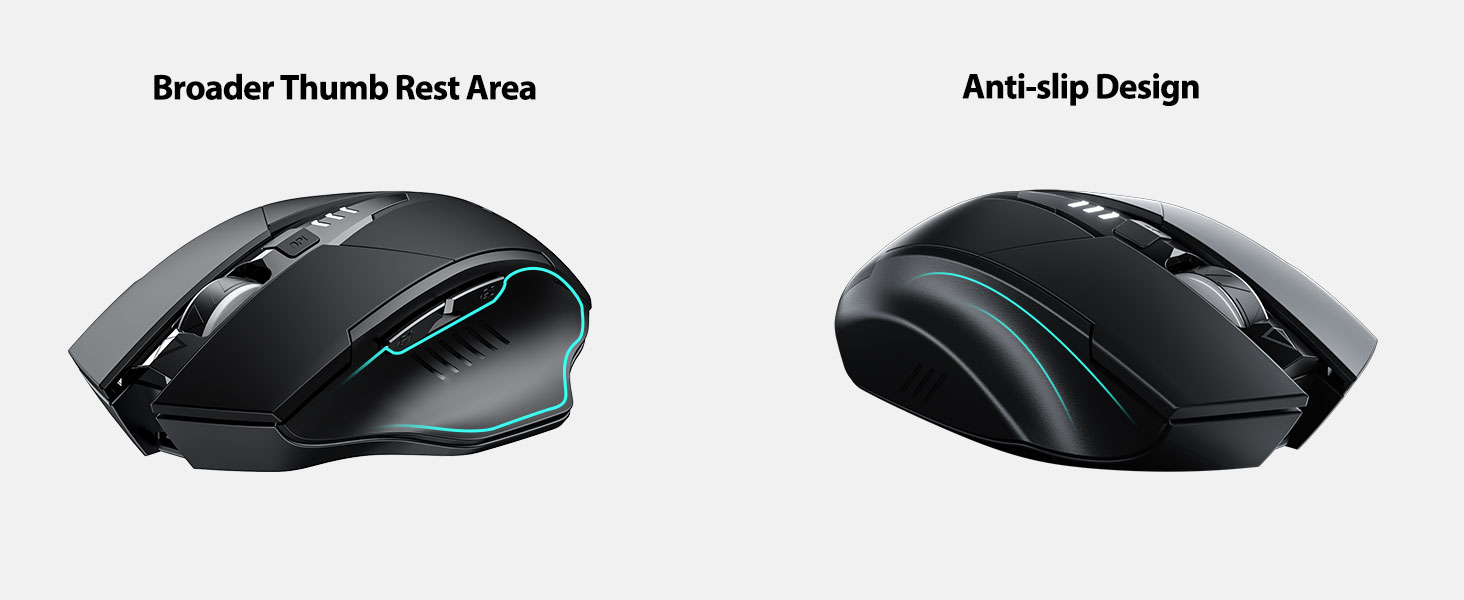
Image: A close-up of the mouse's top surface, showing the illuminated battery indicator displaying the current charge level.
3. Connecting the USB Receiver (2.4G Mode)
- Чычкандын астыңкы жагындагы бөлүмдө сакталган USB кабыл алгычты табыңыз.
- USB кабылдагычты алып салыңыз.
- Insert the USB receiver into an available USB port on your computer or laptop.
- Төмөндө жайгашкан кубат которгучу менен чычканды күйгүзүңүз.
- Your computer should automatically detect and install the necessary drivers. The mouse is ready for use.

Image: The underside of the mouse, illustrating the storage compartment for the USB receiver.

Image: The mouse in use on a desk, demonstrating its reliable 2.4G wireless connection with a laptop.
4. Шайкештик
The 2.4G USB connected mode is compatible with any USB-enabled device and supports a wide range of operating systems, including:
- Windows 7/8/10/XP, Vista
- Mac OS системасы
- Android
- Chrome OS
- Linux ядросу 2.6+

Image: The mouse positioned alongside icons representing Windows, Chrome OS, and Linux, illustrating its broad compatibility.
Иштөө нускамалары
1. Күйгүзүү/өчүрүү жана уйку режими
Use the power switch on the bottom of the mouse to turn it on or off. To conserve battery, the mouse will automatically enter sleep mode after 5 minutes of inactivity. Click any button to wake it up.
2. DPI тууралоо
The mouse features 4 adjustable DPI levels: 800, 1200, 1600, and 2400. Press the DPI button located behind the scroll wheel to cycle through these settings. Each press will change the cursor speed, allowing you to select the sensitivity that best suits your task.
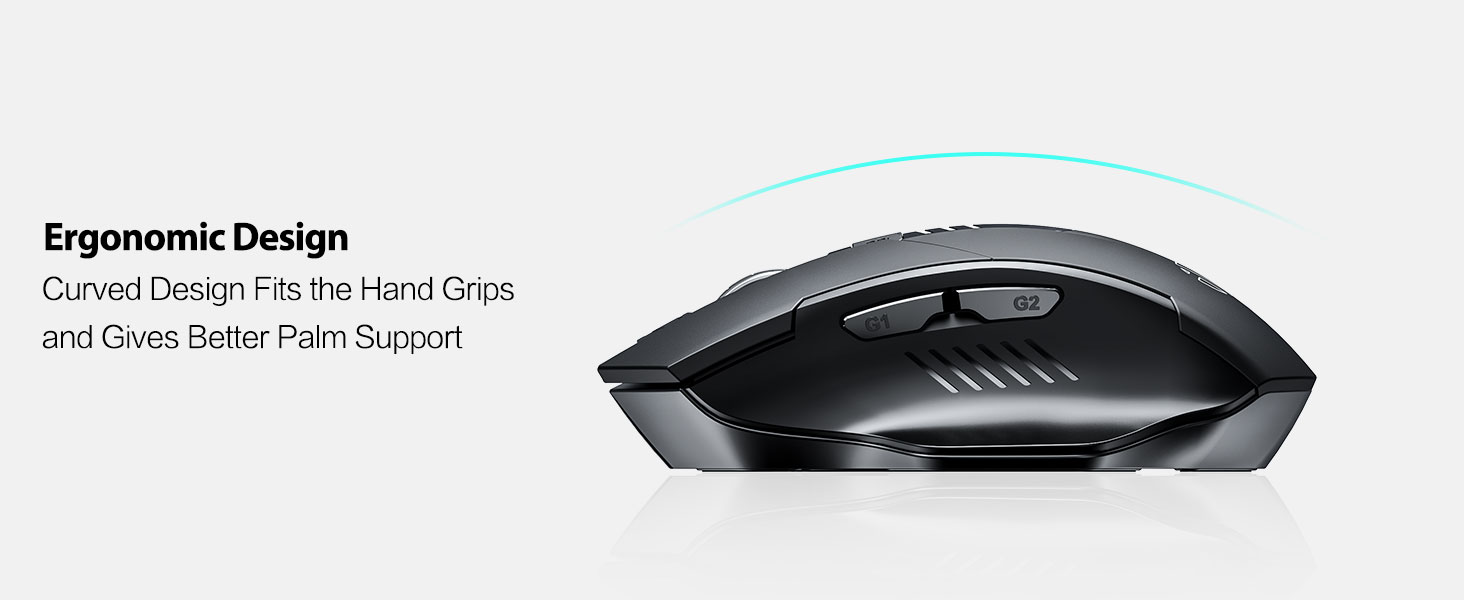
Image: An illustration showing the mouse and a graphic representing the adjustable DPI settings from 800 to 2400.

Сүрөт: жакын план view of the DPI controller button located on the top of the mouse.
3. Баскыч функциялары
The mouse is equipped with 6 efficient buttons:
- Сол чыкылдатуу баскычы: Primary function, silent operation.
- Оң баскычты чыкылдатуу: Secondary function, silent operation.
- Жылдыруу дөңгөлөгү: Тик жылдыруу үчүн. Ортоңку чыкылдатуу функциясы үчүн да басууга болот.
- DPI баскычы: Adjusts cursor sensitivity (800/1200/1600/2400 DPI).
- Каптал баскычтар (G1, G2): Адатта, ал "Алдыга" жана "Артка" функцияларын аткарат web браузерлер жана file изилдөөчүлөр.

Image: The mouse on a desk, emphasizing its quiet left and right click buttons for reduced noise.

Сүрөт: жакын план view of the smooth scrolling wheel on the mouse.
4. Эргономикалык дизайн
The mouse is designed for right-handed users with a curved shape and a broader thumb rest area to provide optimal support for the entire palm and fingers. This design aims to reduce pressure and tension during extended use.
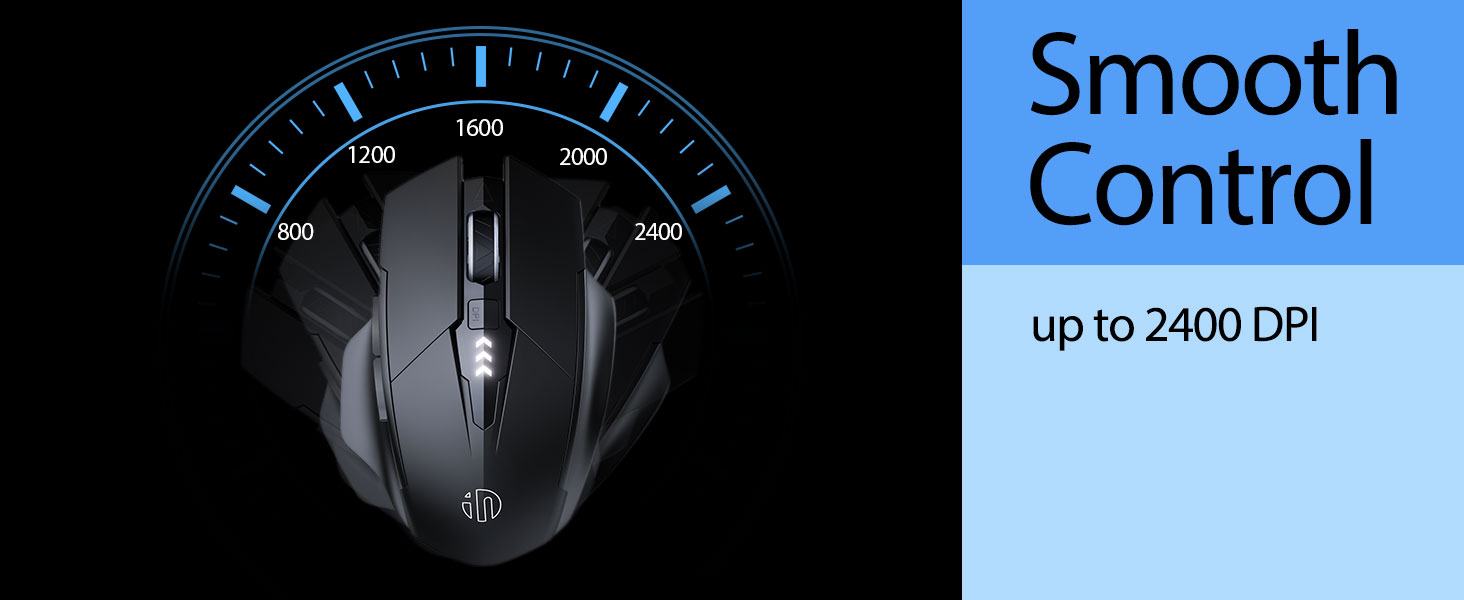
Image: An illustration demonstrating the ergonomic curve of the mouse, designed to fit the hand comfortably.

Сүрөт: эки views of the mouse, highlighting its broader thumb rest area and anti-slip design for improved grip and comfort.
Техникалык тейлөө
1. Тазалоо
Чычканыңызды тазалоо үчүн, анын бетин жумшак, d менен акырын сүртүңүзamp cloth. Avoid using harsh chemicals or abrasive materials, as these can damage the finish. Ensure no liquid enters the internal components.
2. Сактоо
When not in use for extended periods, store the mouse in a cool, dry place. It is recommended to turn off the mouse to preserve battery life. The USB receiver can be stored in its dedicated compartment on the mouse's underside.
3. Батареяга кам көрүү
The built-in 400mAh rechargeable battery is designed for long-lasting performance. For optimal battery health, avoid completely draining the battery frequently. Recharge the mouse when the visible indicator shows a low battery level. Do not expose the mouse to extreme temperatures.
Проблемаларды чечүү
| Көйгөй | Мүмкүн себеп | Чечим |
|---|---|---|
| Чычкан жооп бербей жатат | Батареянын заряды аз; USB кабыл алгычы ажыратылган; Чычкандын кубаты өчүрүлгөн. | Charge the mouse; Re-insert USB receiver; Turn on the mouse. |
| Курсордун кыймылы туура эмес же жай | Incorrect DPI setting; Dirty optical sensor; Unsuitable surface. | Adjust DPI using the DPI button; Clean the optical sensor; Use on a clean, non-reflective surface. |
| Чычкан кубатталбай жатат | USB-C кабели же кубат булагы туура эмес. | Башка USB-C кабелин же USB портун/кубат адаптерин колдонуп көрүңүз. |
| Side buttons (G1/G2) not working | Application does not support side button functions. | Ensure the application (e.g., web browser) is active and supports 'back'/'forward' commands. |
Техникалык шарттар
- Модел: B0FQCCP1VH
- Продукциянын өлчөмдөрү: 4.7 x 3.1 x 0.1 дюйм
- Элемент Салмагы: 4.2 унция
- Батарея: 1 Nonstandard Battery (400mAh, included)
- Байланыш технологиясы: 2.4G зымсыз (USB кабыл алуучу)
- Кыймылды аныктоо технологиясы: Оптикалык
- DPI деңгээли: 800 / 1200 / 1600 / 2400 (Жөнгө салынуучу)
- Баскычтар: 6 (Left, Right, Scroll Wheel, DPI, G1, G2)
- Өзгөчөлүктөр: Ergonomic Design, LED Battery Level Display, Rechargeable, Silent Clicks (Left & Right Buttons)
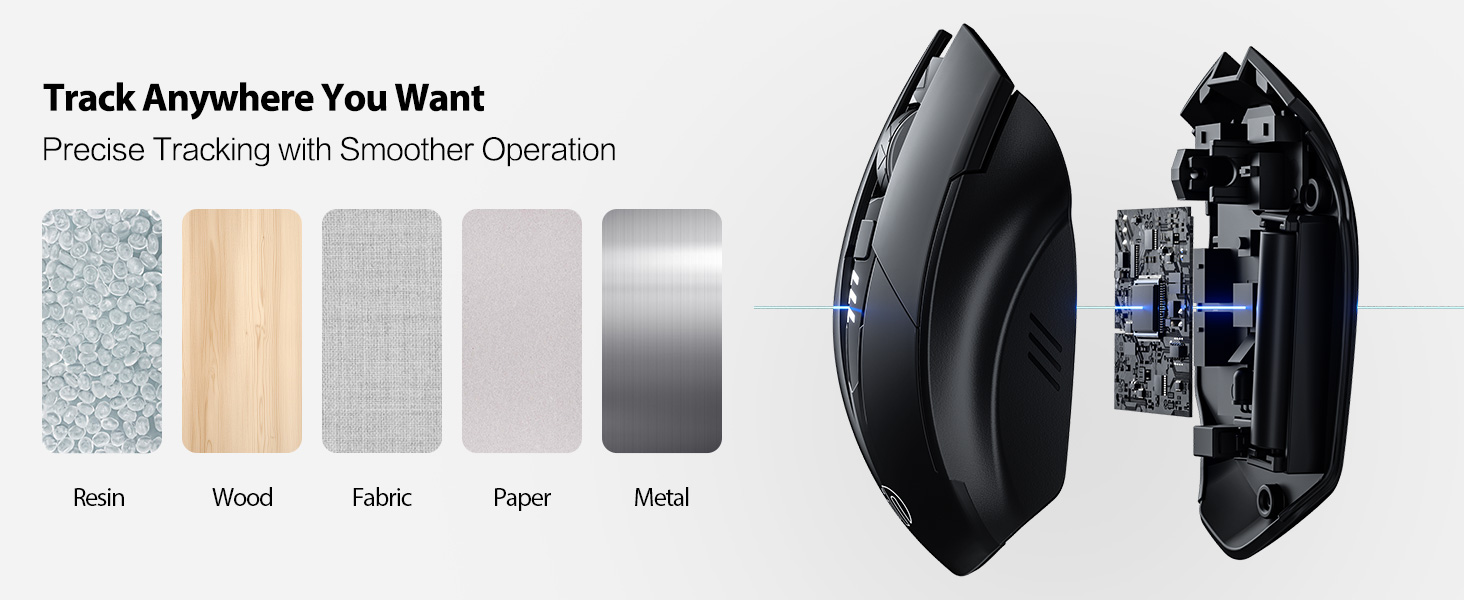
Image: A diagram illustrating the physical dimensions of the INPHIC Wireless Mouse.
Продукт видеосу
Видео: Бүттүview of the INPHIC Wireless Rechargeable Mouse, demonstrating its features and ergonomic design.
Кепилдик жана колдоо
Кепилдик жөнүндө маалымат же техникалык колдоо алуу үчүн, сураныч, продуктунун таңгагын караңыз же түздөн-түз өндүрүүчүгө кайрылыңыз. Сатып алуунун далили катары сатып алуу дүмүрчөгүңүздү сактап коюңуз.


