1. Киришүү
The AOC ACW2212 Wireless Headset is designed for clear communication and comfortable use across various platforms. It offers versatile connectivity options including Bluetooth 5.4, a USB dongle, and a wired connection, making it suitable for professional use, gaming, and entertainment. This manual provides detailed instructions to help you get the most out of your headset.
2. Кутуда эмне бар
Сиздин пакетте бардык компоненттер бар экенин текшериңиз:
- 1 x Зымсыз гарнитура
- 1 x USB Dongle
- 1 x Type-Cден 3.5 ммге чейинки аудио кабель
- 1 x Type-C заряддоо кабели
- 1 х Колдонуучунун колдонмосу (бул документ)

Image: The AOC ACW2212 Wireless Headset shown with its USB dongle and 3.5mm audio jack cable.
3. Продукт бүтүп калдыview
Familiarize yourself with the key features and controls of your AOC ACW2212 headset.
3.1. Эргономикалык дизайн жана ыңгайлуулук
The headset features a lightweight build, an adjustable headband, and plush memory-foam ear cushions for extended comfort during long periods of use.

Сүрөт: жакын план view highlighting the soft protein leather earcups, emphasizing comfort and breathability.
3.2. Noise-Cancelling Microphone
The integrated microphone is designed to effectively block out background noise, ensuring crystal-clear voice transmission. It is rotatable up to 270 degrees for optimal positioning.

Image: A visual representation of the headset's noise-cancelling microphone in action, ensuring clear communication.

Image: A diagram illustrating the microphone's 270-degree rotatable design for flexible positioning.
3.3. Башкаруу
The headset features intuitive button controls for power, volume adjustment, and microphone mute.

Image: A close-up of the microphone boom, highlighting the one-touch mute button for instant privacy control.
4. Орнотуу
4.1. Гарнитураны заряддоо
Before first use, fully charge the headset using the provided Type-C charging cable. Connect the Type-C end to the headset's charging port and the USB-A end to a compatible power source (e.g., computer USB port, wall adapter). The LED indicator will show charging status.
4.2. Bluetooth аркылуу туташуу
- Гарнитура өчүрүлгөнүн текшериңиз.
- LED индикатору жупташтыруу режимин көрсөткөн көк жана кызыл күйгүчө күйгүзүү баскычын басып, кармап туруңуз.
- Түзмөгүңүздө (смартфон, ноутбук ж.б.) Bluetooth'ду күйгүзүп, жеткиликтүү түзмөктөрдү издеңиз.
- Select "AOC ACW2212" from the list to pair. The LED will turn solid blue once connected.
4.3. Connecting via USB Dongle
- USB жабдыгын компьютериңиздеги жеткиликтүү USB портуна сайыңыз.
- Power on the headset. It should automatically connect to the dongle. The LED on the dongle and headset will indicate a successful connection.
- If necessary, select the headset as the audio input/output device in your computer's sound settings.
4.4. Connecting via Wired Connection
- Connect the Type-C end of the provided audio cable to the headset.
- Connect the 3.5mm end to the audio jack of your device.
- The headset will function as a wired headset, bypassing Bluetooth or USB dongle connections.

Image: A graphic demonstrating the headset's triple connectivity options for various devices.
5. Иштөө нускамалары
5.1. Күйгүзүү/өчүрүү
To power on, slide the power switch to the 'On' position. To power off, slide the switch to the 'Off' position.
5.2. Үндү башкаруу
Use the volume buttons located on the earcup to increase or decrease the audio volume.
5.3. Microphone Mute Function
Press the dedicated mute button on the microphone boom to instantly mute or unmute your microphone during calls or recordings.
5.4. Чалууларды башкаруу
When connected via Bluetooth or USB dongle, use the multi-function button (if available) to answer, end, or reject calls. Refer to your device's specific instructions for advanced call features.
6. Техникалык тейлөө
To ensure the longevity and optimal performance of your AOC ACW2212 headset, follow these maintenance guidelines:
- Тазалоо: Гарнитураны тазалоо үчүн жумшак, кургак чүпүрөктү колдонуңуз. Катуу химиялык заттарды же абразивдүү материалдарды колдонуудан алыс болуңуз.
- Сактагыч: Гарнитураны күн нурунан жана экстремалдык температурадан алыс салкын, кургак жерде сактаңыз.
- Батареяга кам көрүү: For optimal battery life, avoid fully discharging the battery frequently. Charge the headset regularly, even if not in use for extended periods.
- Суу каршылык: Бул гарнитура сууга чыдамдуу эмесСуюктуктарга дуушар болбоңуз.
7. Кыйынчылыктарды
Эгерде сиз гарнитураңыз менен көйгөйлөргө туш болсоңуз, төмөнкү кеңири таралган көйгөйлөрдү жана чечимдерди караңыз:
- Кубат жок: Гарнитура толук заряддалганын текшериңиз.
- Bluetooth жупташтыруу мүмкүн эмес: Make sure the headset is in pairing mode (flashing blue and red LED) and within range of your device. Try restarting both the headset and your device.
- Аудио жок/Аудио сапаты начар: Check volume levels on both the headset and your connected device. Ensure the correct audio output device is selected in your computer's sound settings. For wired connection, ensure the cable is securely plugged in.
- Микрофон иштебейт: Ensure the microphone is not muted. Check microphone settings on your connected device and select the headset as the input device.
- Үзгүлтүксүз туташуу: Move closer to your connected device to reduce interference. Ensure no other devices are causing Bluetooth interference.
Эгер көйгөйлөр чечилбесе, кошумча жардам алуу үчүн кардарларды колдоо кызматына кайрылыңыз.
8. Техникалык шарттар
| Өзгөчөлүк | Деталь |
|---|---|
| Модель аты | ACW2212 |
| Бренд | AOC |
| Байланыш технологиясы | Wired, Wireless (Bluetooth, USB Dongle) |
| Зымсыз байланыш технологиясы | Bluetooth 5.4 |
| Bluetooth диапазону | 32.8 Фут (10 метр) |
| Noise Control | Пассивдүү ызы-чууну жокко чыгаруу |
| Frequency Response | 20 Гц - 20 КГц |
| Наушник уясы | 3.5 мм Джек |
| Аудио драйверинин өлчөмү | 40 миллиметр |
| Импеданс | 32 Ом |
| Батареянын иштөө мөөнөтү | Up to 30 hours (Talking Time) |
| Заряддоо убактысы | Approx. 2.5 hours (Fast Charge) |
| Материал | Акрилонитрил бутадиен стирол (ABS) |
| Элемент Салмагы | 11.7 унция |
| Шайкеш түзмөктөр | Уюлдук телефондор, стол үстүндөгү компьютерлер, ноутбуктар |
9. Кепилдик жана колдоо
The AOC ACW2212 Wireless Headset comes with a worry-free guarantee and dedicated customer support. For any product-related inquiries, technical assistance, or warranty claims, please refer to the contact information provided on the product packaging or the official AOC webсайт.
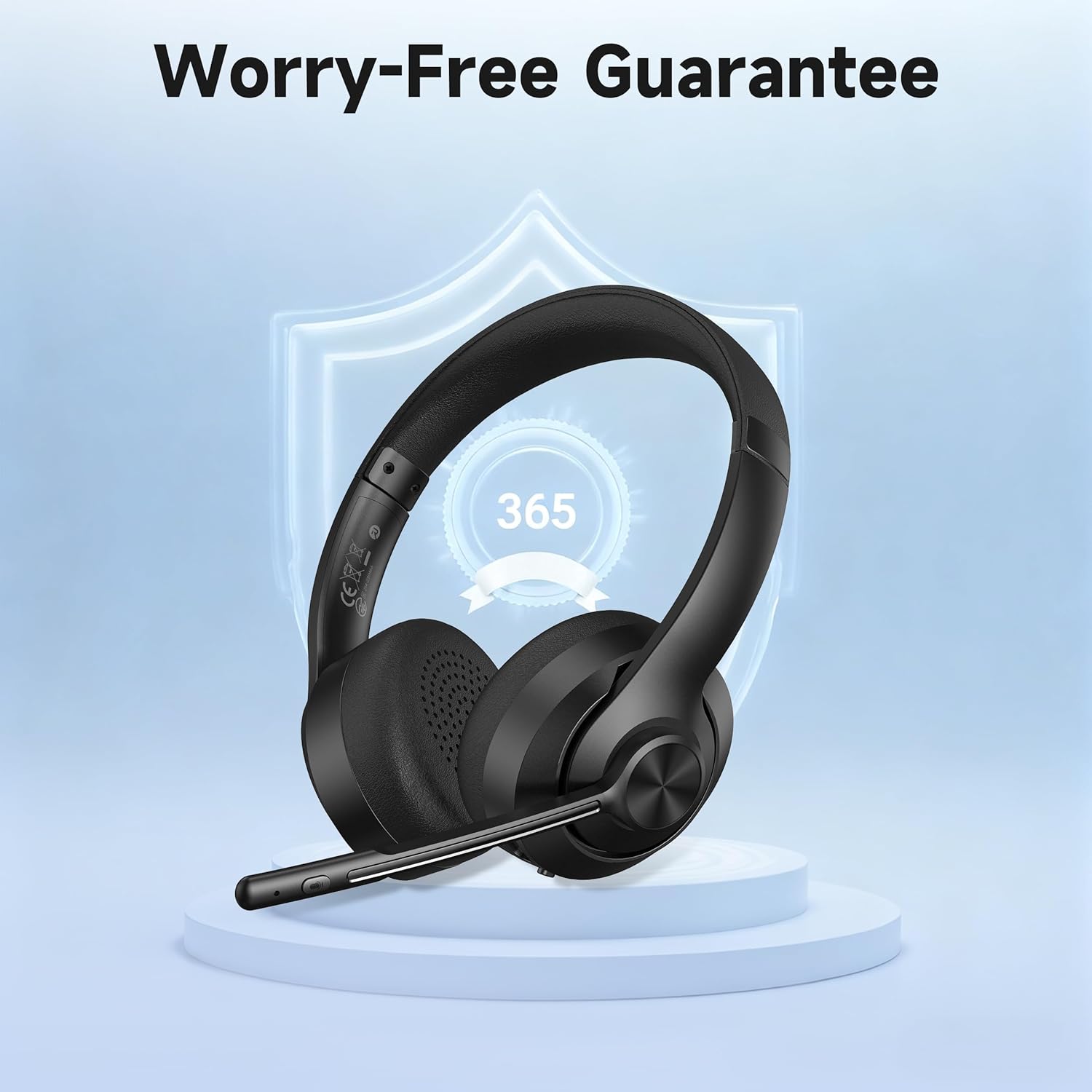
Image: A visual representation of the product's 365-day worry-free guarantee, symbolizing reliable support.


