1. Киришүү
This manual provides essential information for setting up, operating, and maintaining your LG 27US550-W 27-inch 4K UHD UltraFine IPS Monitor. Please read this manual thoroughly before using the product to ensure proper and safe operation. Keep this manual for future reference.
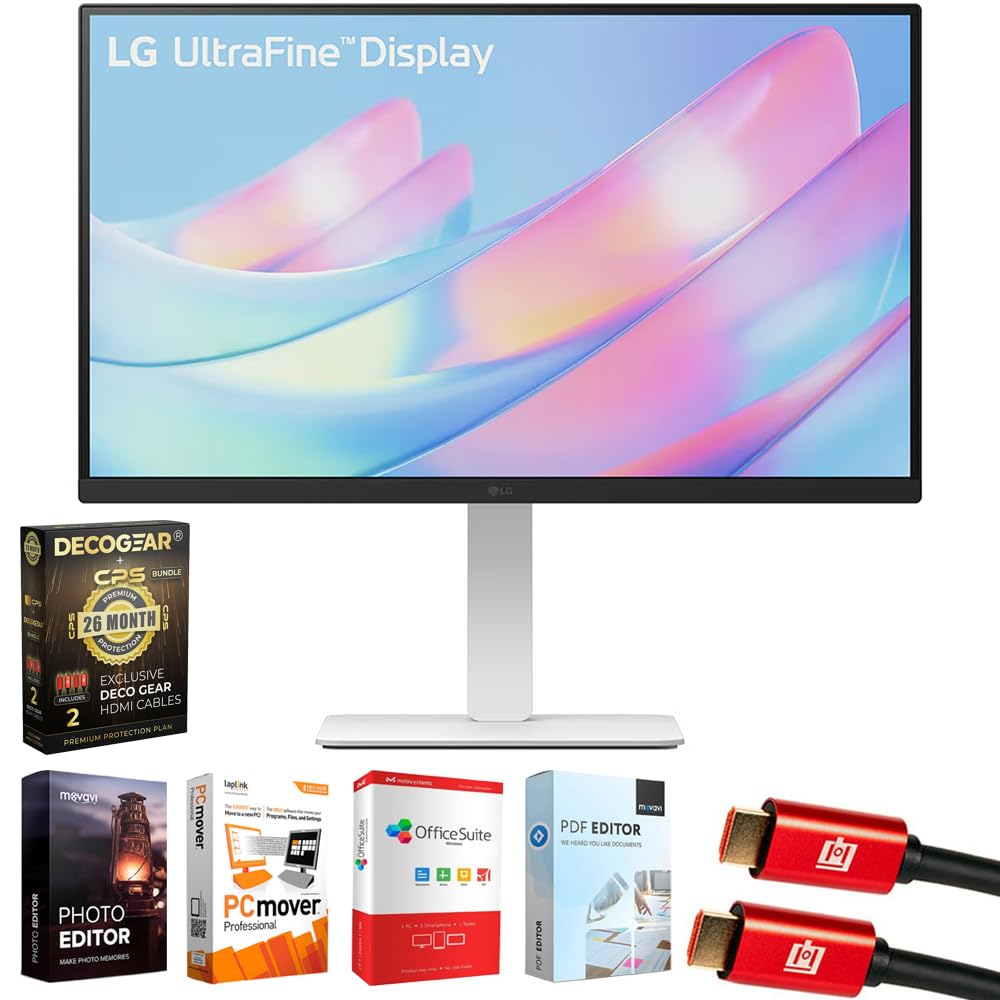
Сүрөт 1: Алдыңкы view of the LG 27US550-W monitor.
2. Кутуда эмне бар
Пакетте бардык компоненттер бар экенин текшериңиз:
- LG 27-inch 4K UHD UltraFine IPS Monitor (Model: 27US550-W)
- Monitor Stand and Base
- Электр кабели
- 1.5 м HDMI кабели
- Колдонуучунун колдонмосу / Ыкчам баштоо колдонмосу
- VESA Screws (for optional wall mounting)
- 2x Deco Gear 6FT Universal 4K HDMI 2.0 Cable with 28AWG Pure Copper Conductors
- Tech Smart USA Elite Suite 18 Standard Editing Software Bundle
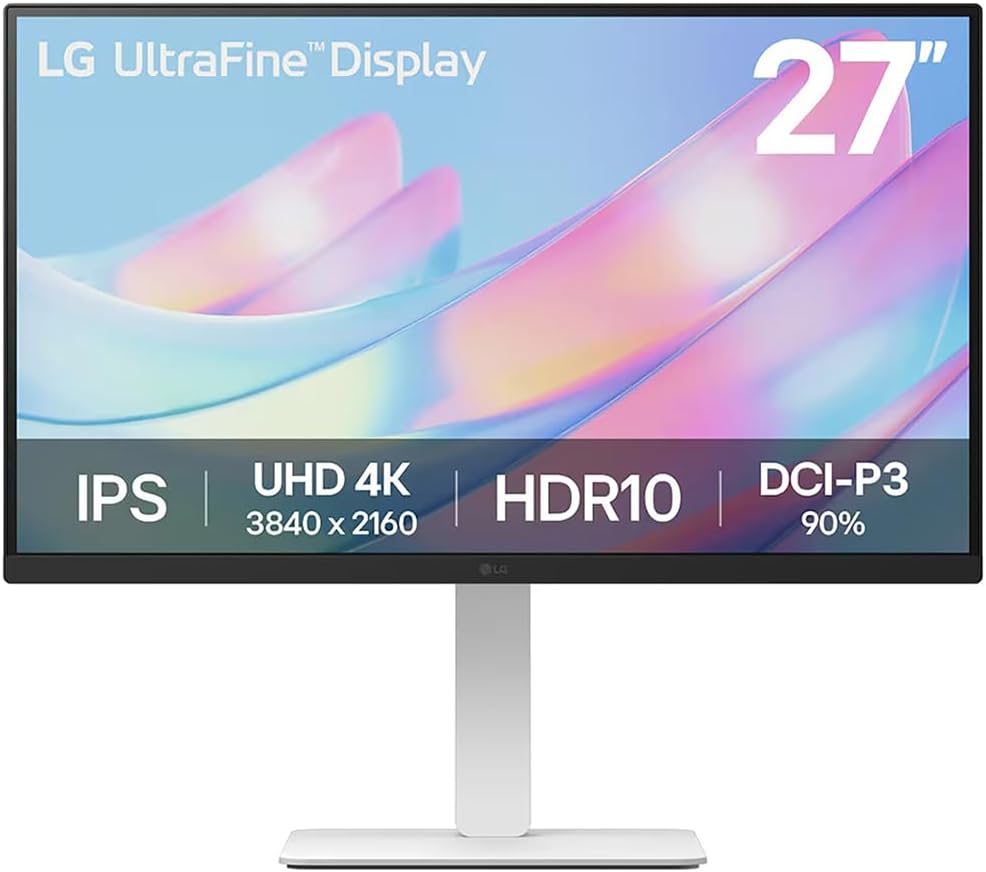
Figure 2: Contents of the LG 27US550-W monitor package.
3. Орнотуу
3.1. Монитор Ассамблеясы
The monitor stand and base are designed for tool-free assembly. Simply attach the stand to the base, then secure the assembled stand to the back of the monitor until it clicks into place.
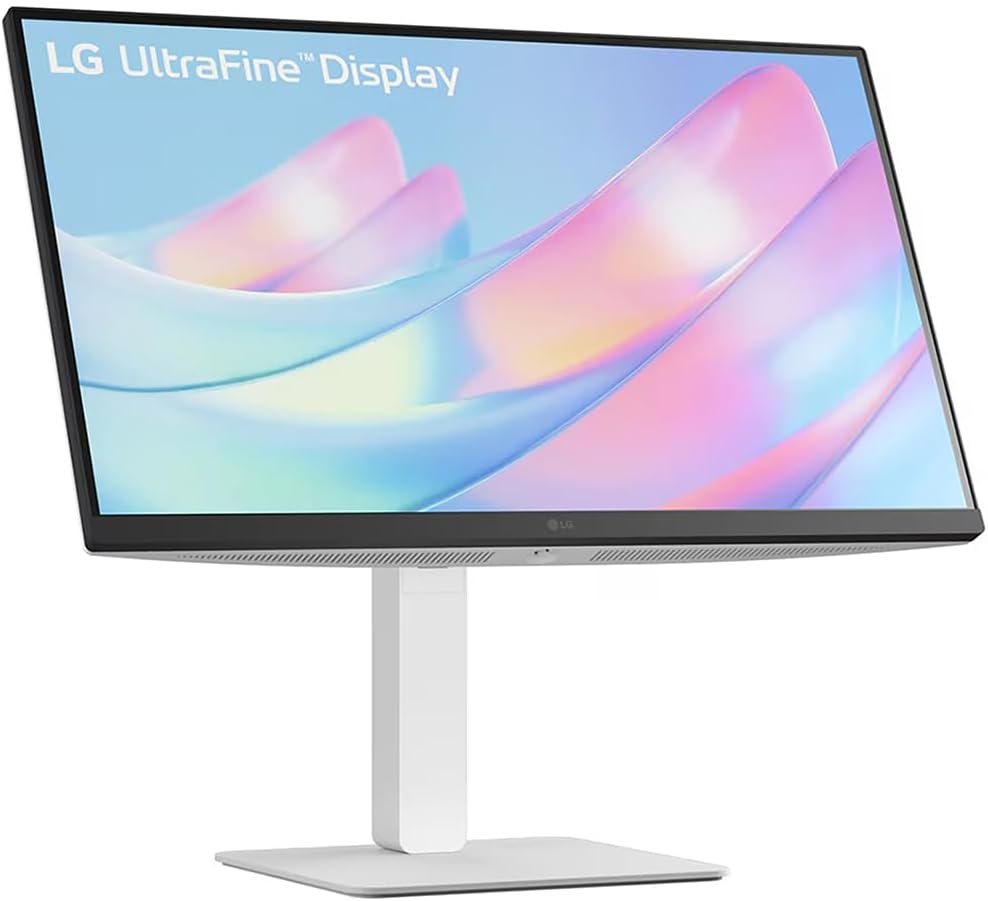
Figure 3: Assembled LG 27US550-W monitor on its stand.
3.2. Video Connections
Connect your computer or other devices to the monitor using the appropriate cables. The LG 27US550-W features multiple input options:
- HDMI2.0: For high-definition video and audio. Two HDMI ports are available.
- DisplayPort 1.4: Жогорку чечилиштеги видео жана аудио үчүн.
- USB-A 2.0: Перифериялык түзүлүштөрдү туташтыруу үчүн.
- Аудио чыгышы: Тышкы динамиктерди же наушниктерди туташтыруу үчүн.
Video 1: This video demonstrates the general steps for connecting video and power cables to a monitor. Note that the specific monitor model shown in the video may differ from your LG 27US550-W, but the connection principles are similar.
3.3. Power Connection
Connect the power cord to the monitor's DC-IN port and then plug the other end into a power outlet.
4. Мониторду иштетүү
4.1. Күйгүзүү/өчүрүү
Press the power button, usually located on the bottom or back of the monitor, to turn it on or off.
4.2. Дисплей өзгөчөлүктөрү
- 4K UHD (3840x2160) IPS Display: Experience stunning visual clarity and vibrant colors with a sharp resolution.
- HDR10 & DCI-P3 90% (Typ.): Enjoy brilliant, cinematic visuals with enhanced brightness up to 300 nits and accurate color reproduction for realistic depth and detail.
- 3-side Virtually Borderless Design: Maximizes screen space and minimizes distractions, ideal for multi-monitor setups.
4.3. Эргономикалык тууралоо
Сиздин жекелештирүү viewing experience for optimal comfort and productivity:
- Россия: Экран бурчун алдыга же артка тууралаңыз.
- Бийиктиги: Мониторду көз деңгээлине чейин көтөрүңүз же түшүрүңүз.
- Айлануучу: Экранды туурасынан айлантыңыз.
- Пивот: Rotate the screen vertically for portrait mode.

Figure 4: LG 27US550-W monitor adjusted to portrait orientation.
4.4. LG Switch App
Utilize the LG Switch app to optimize your workflow. This application allows you to:
- Divide the display into up to 6 sections for efficient multitasking.
- Change theme designs.
- Launch video call platforms with mapped hotkeys.
5. Техникалык тейлөө
Мониторуңуздун узак иштөөсүн жана оптималдуу иштешин камсыз кылуу үчүн төмөнкү тейлөө көрсөтмөлөрүн аткарыңыз:
- Тазалоо: Gently wipe the screen with a soft, lint-free cloth. For stubborn marks, use a screen-cleaning solution specifically designed for monitors. Avoid harsh chemicals or abrasive materials.
- Вентиляция: Ашыкча ысып кетүүнүн алдын алуу үчүн монитордун желдетүү тешиктери жабылбагандыгын текшериңиз.
- Сактагыч: Узак мөөнөткө колдонулбаганда, мониторду күн нурунан жана экстремалдык температурадан алыс, салкын, кургак жерде сактаңыз.
6. Кыйынчылыктарды
Эгерде сиз мониторуңузда көйгөйлөргө туш болсоңуз, төмөнкү жалпы көйгөйлөрдү чечүү кадамдарын караңыз:
- Кубат жок: Электр кабели мониторго да, электр розеткасына да бекем туташтырылганын текшериңиз. Электр розеткасынын иштешин текшериңиз.
- Сигнал жок: Verify that the video cable (HDMI, DisplayPort) is correctly connected to both the monitor and your computer. Ensure the correct input source is selected on the monitor.
- Жаркылдаган экран: Check the video cable for damage or loose connections. Try adjusting the refresh rate in your computer's display settings.
- Туура эмес түстөр: Reset the monitor to factory settings via the On-Screen Display (OSD) menu. Ensure your computer's graphics drivers are up to date.
- Үн маселелери: If using the monitor's audio output, ensure external speakers/headphones are properly connected and selected as the output device on your computer.
For further assistance, consult the full user manual or contact LG customer support.
7. Техникалык шарттар
| Өзгөчөлүк | Спецификация |
|---|---|
| Модель номери | 27US550-W |
| Screen Size | 27 дюйм |
| Резолюция | 3840 x 2160 пиксель (4K UHD 2160p) |
| Аспект катышы | 16:9 |
| Панел түрү | IPS |
| HDR колдоо | HDR10 |
| Түс гаммасы | DCI-P3 90% (Типтүү) |
| Сүрөттүн жарыктыгы | 300 нит |
| Screen Surface | Мт |
| Продукциянын өлчөмдөрү | 24.15 x 9.97 x 21.23 дюйм |
| Элемент Салмагы | 7.3 фунт |
| Өндүрүүчү | LG |
8. Кепилдик жана колдоо
Your LG 27US550-W monitor comes with a LG 1 Year Limited ProtectionМындан тышкары, бул топтомдо төмөнкүлөр бар Deco Gear CPS Exclusive 26 Months Premium Extended Service Protection Plan, which covers accidental damage and burn-in.
For warranty claims or technical support, please refer to the contact information provided in your product documentation or visit the official LG support webсайт.