Продукт бүттүview
The KIM HOST OBT020 Open Ear Headphones are designed for comfort and situational awareness, making them suitable for various activities including sports, commuting, and daily use. These headphones feature Bluetooth 5.3 technology for stable connectivity, 16mm dynamic drivers for immersive sound, and an IPX5 sweatproof rating for durability.
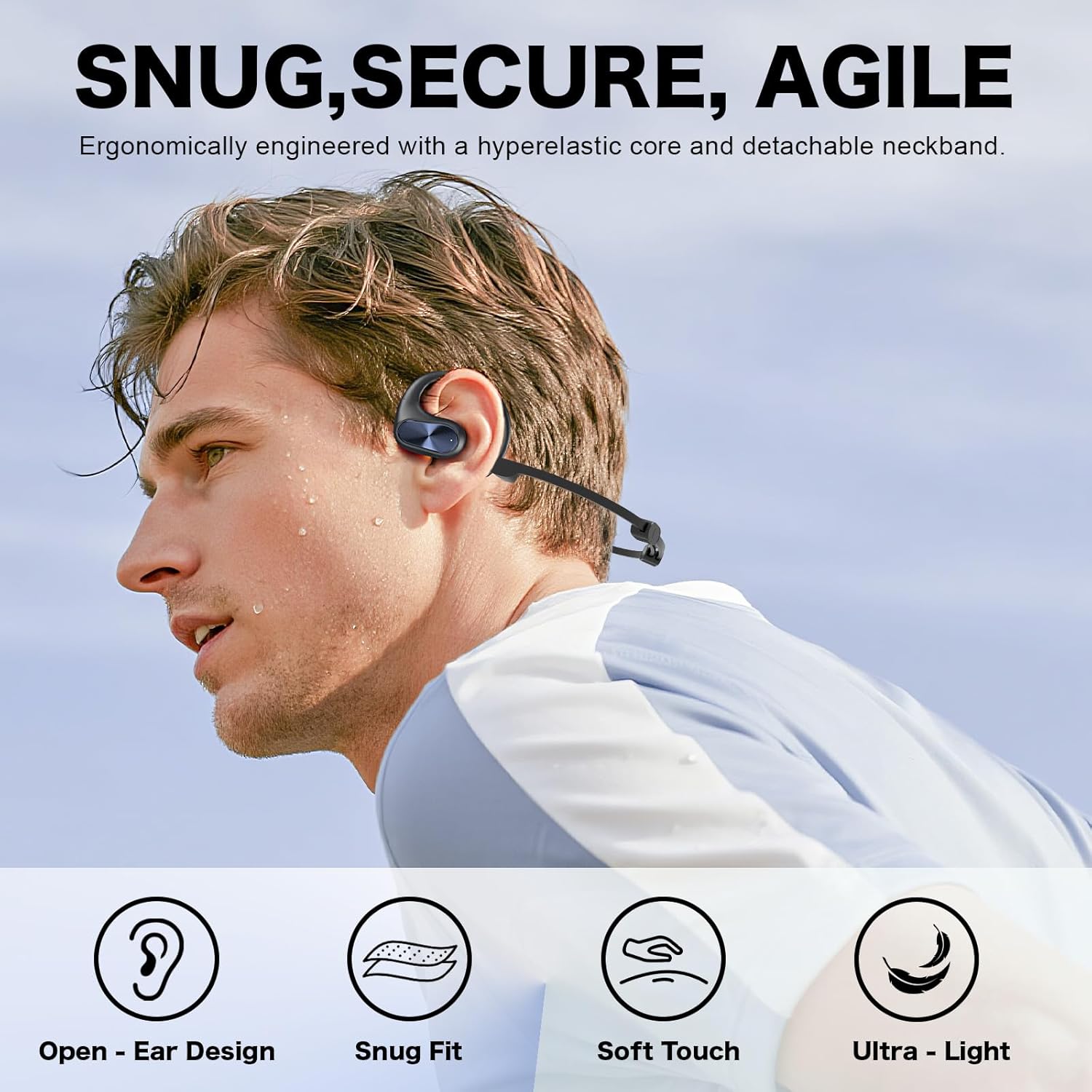
Image: KIM HOST OBT020 Open Ear Headphones shown in their charging case.
Кутуда эмне бар
- Заряддоо кутусу x1
- OBT-020 Earbuds x1 pair
- Detachable Neckband x1
- USB-C заряддоо кабели x1
- Колдонуучунун колдонмосу x1
- Packing Pouch x1

Image: All items included in the KIM HOST OBT020 Open Ear Headphones package.
Жайгашуу
1. Баштапкы заряддоо
Before first use, ensure the charging case and earbuds are fully charged. Connect the provided USB-C cable to the charging port on the case and to a power source. The indicator light on the case will show charging status. Remove any protective film from the earbud charging contacts if present.
Video: Demonstrates connecting the USB-C cable to the charging case for the KIM HOST OBT020 Open Ear Headphones.
2. Bluetooth Жупташтыруу
- Заряддоо кутучасын ачыңыз. Кулакчындар автоматтык түрдө күйүп, жупташтыруу режимине өтөт.
- Түзмөгүңүздө (смартфон, планшет ж.б.) Bluetooth жөндөөлөрүнө өтүңүз.
- Издөө "OBT020" in the list of available devices and select it to connect.
- Туташкандан кийин, сиз ырастоо үнүн угасыз жана кулакчындар колдонууга даяр болот.

Image: A smartphone screen displaying the successful Bluetooth connection to "OBT020" headphones.
3. Наушник тагынуу
The OBT020 headphones are designed to rest gently outside your ear canal. For added security during active use, you can attach the included neckband.
- Заряддагычтан кулакчындарды алып салыңыз.
- Place the ear hook over the top of your ear.
- Pivot the earbud backward until it fits snugly and comfortably.
- (Optional) To use the neckband, attach each end of the neckband to the designated slots on the earbuds. Adjust the length for a secure fit behind your head.

Image: Visual guide on how to correctly wear the OBT020 open ear headphones.
Video: Demonstrates the process of attaching the neckband to the KIM HOST OBT020 Open Ear Headphones and wearing them.
Иштөө нускамалары
Touch Controls
The OBT020 headphones feature intuitive touch controls on the outer surface of each earbud. Refer to the diagram below for specific functions:

Image: A visual representation of the touch control functions on the OBT020 earbuds.
- Музыканы ойнотуу/тындыруу: Tap once on the touch area.
- Кийинки трек: Double-click the touch area on the right earbud.
- Мурунку трек: Double-click the touch area on the left earbud.
- Чалууга жооп берүү/аяктоо: Tap once on the touch area during an incoming call or active call.
- Чакырууну четке кагуу: Long press the touch area for 3 seconds during an incoming call.
- Үн Жардамчысын жандыруу: Сенсордук аймакты 3 секунд басып туруңуз.
Негизги өзгөчөлүктөрү
Comfort-Fit Open Ear Design
The OBT020 headphones are designed to rest outside your ear canal, eliminating ear pain and pressure often associated with traditional in-ear earbuds. This ergonomic design ensures a secure yet lightweight feel, ideal for extended wear during work, travel, or exercise.
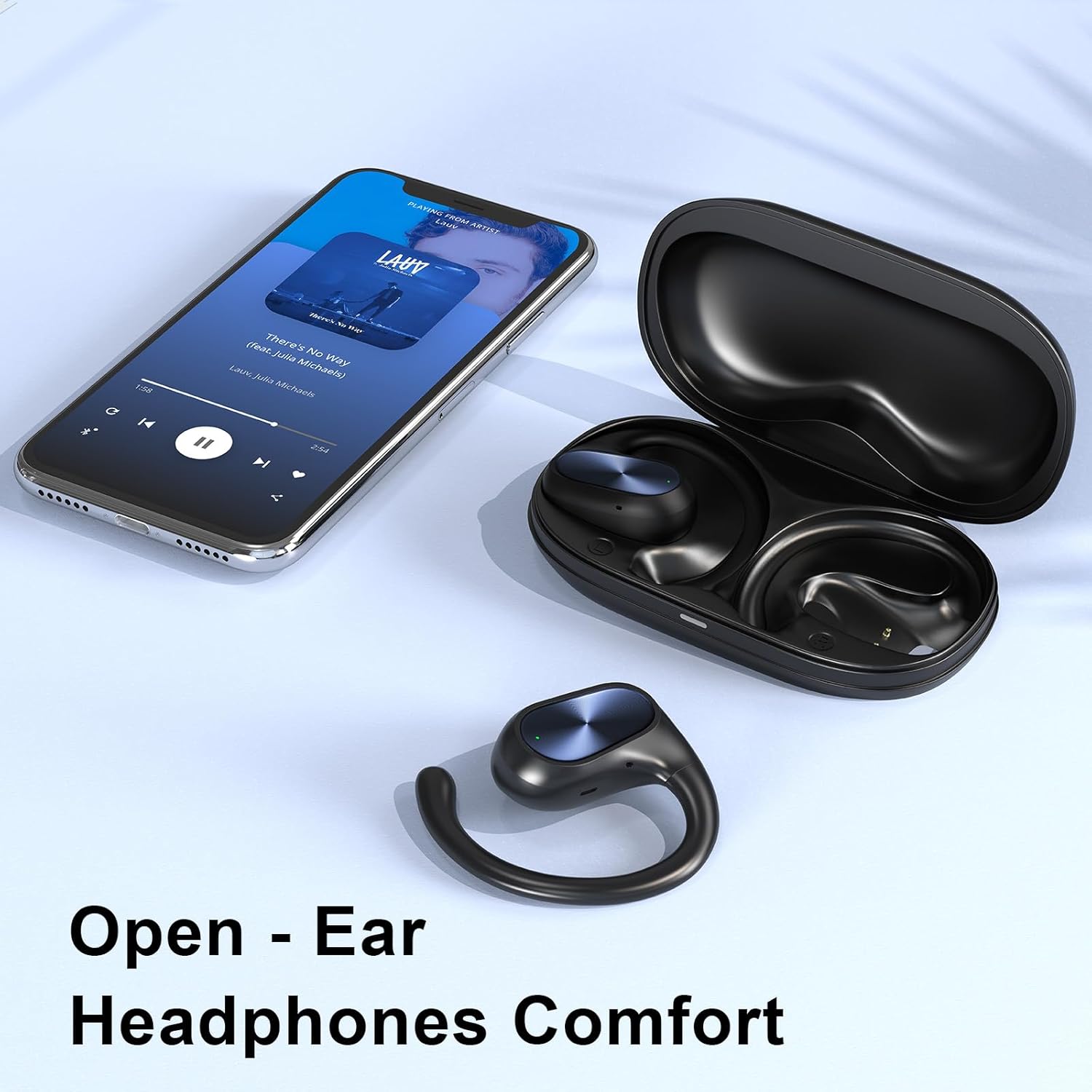
Image: A person wearing the OBT020 headphones, highlighting their comfortable open-ear design.
Situational Awareness & Secure Fit
The open-ear design allows ambient sounds to pass through, enhancing safety by keeping you aware of your surroundings. This feature is particularly beneficial for outdoor activities like running, cycling, and urban commuting. The adjustable ear hooks and optional neckband ensure a secure fit that stays in place during any activity.

Image: Individuals wearing open ear headphones, illustrating the benefit of maintaining situational awareness.
Immersive Sound with 16mm Dynamic Drivers
Experience rich, clear audio with deep bass, powered by advanced 16mm dynamic drivers. This ensures a high-quality listening experience for music and gaming without sacrificing the safety and comfort of the open-ear design.

Сүрөт: жарылган view diagram highlighting the 16mm dynamic driver responsible for immersive sound.
Stable Bluetooth 5.3 & Extended Playtime
Equipped with the latest Bluetooth 5.3 technology, the OBT020 provides a faster connection, superior stability, and ultra-low latency for seamless audio-video synchronization. Enjoy up to 12 hours of continuous playtime on a single charge, with the charging case extending total playtime to 55 hours. A quick 15-minute charge provides 2 hours of playtime.

Image: A visual representation of the 55-hour total battery life and quick charge capability of the OBT020 headphones.
IPX5 Sweatproof & Clear Calls
Built for an active lifestyle, these sports earbuds feature an IPX5 sweatproof rating, making them resistant to sweat and light rain. This makes them ideal for intense workouts and outdoor adventures. The built-in microphones ensure crystal clear call quality, even in noisy environments.

Image: The OBT020 headphones are shown with water droplets, illustrating their IPX5 water and sweat resistance.
Техникалык тейлөө
- Тазалоо: Кулакчындарды жана кубаттагыч кутучаны жумшак, кургак чүпүрөк менен үзгүлтүксүз сүртүп туруңуз. Катуу химиялык заттарды же абразивдүү материалдарды колдонуудан алыс болуңуз.
- Сактагыч: Store the headphones in their charging case when not in use to protect them from dust and damage. Keep them in a cool, dry place away from extreme temperatures.
- Заряддоо байланыштары: Ensure the charging contacts on both the earbuds and the case are clean and free of debris to maintain optimal charging performance.
Проблемаларды чечүү
- Кулакчындар жупташкан жок:
- Ensure the earbuds are charged and out of the case. Turn off and on your device's Bluetooth. Try resetting the earbuds (refer to the full user manual for specific reset instructions).
- Үн жок же үнү төмөн:
- Check the volume levels on both your device and the headphones. Ensure the earbuds are properly seated on your ears. Reconnect the Bluetooth connection.
- Заряддоо маселелери:
- Verify the charging cable is securely connected to both the case and the power source. Clean the charging contacts on the earbuds and inside the case. Ensure the charging case itself has power.
- Earbuds falling out during activity:
- Ensure the ear hooks are correctly positioned over your ears. Use the detachable neckband for extra security, adjusting it to fit snugly behind your head.
Техникалык шарттар
| Өзгөчөлүк | Деталь |
|---|---|
| Модель аты | OBT-020 |
| Байланыш технологиясы | Зымсыз (Bluetooth 5.3) |
| Кулак жайгаштыруу | Ачык кулак |
| Аудио драйвер түрү | 16мм динамикалык драйвер |
| Батареянын иштөө мөөнөтү (наушник) | 12 саатка чейин |
| Жалпы ойноо убактысы (заряддоо кутусу менен) | 55 саатка чейин |
| Сууга туруктуулук деңгээли | IPX5 (терге туруктуу) |
| Башкаруу түрү | Touch Control |
| Материал | Пластик, силикон |
| Элемент Салмагы | 8.4 унция |
Кепилдик жана колдоо
KIM HOST offers a 365-Day warranty coverage for the OBT020 Open Ear Headphones. For any product inquiries, technical assistance, or warranty claims, please contact KIM HOST customer support. They provide 24/7 year-round customer support and offer free returns.
- Кепилдик камтуу: 365 күн
- Кардарларды колдоо: 24/7 Year-Round
- Кайтаруулар: Always Free Returns
Көбүрөөк маалымат алуу үчүн, киргиле KIM HOST Store on Amazon.


