1. Киришүү
This manual provides detailed instructions for the operation and maintenance of your ZAQE 4.0-inch IPS MP3 Player. This multi-functional device features Bluetooth and Wi-Fi connectivity, a 4.0-inch 1080P HD full-color screen, and support for various media applications. Please read this manual thoroughly to ensure proper usage and to maximize your experience with the device.

Image 1.1: The ZAQE 4.0-inch HiFi MP3 Player, highlighting its compact design and key features like 80GB storage, Wi-Fi, Bluetooth, Android OS, and a full-touch screen.
2. Пакеттин мазмуну
Пакетте бардык буюмдар бар экенин текшериңиз:
- ZAQE 4.0-inch IPS MP3 Player
- USB Type-C кубаттоочу кабель
- Коргоочу кап
- Колдонуучунун Колдонмосу (бул документ)
3. Түзмөк бүттүview
MP3 ойноткучуңуздун физикалык компоненттери менен таанышып алыңыз.

Сүрөт 3.1: Алдыңкы view of the ZAQE MP3 Player, showcasing its 4.0-inch IPS display with various application icons.
Негизги компоненттер:
- 4.0 дюймдук IPS сенсордук экраны: Main display for interaction and content viewing.
- Кубат баскычы: Located on the side, used for powering on/off, locking/unlocking the screen, and taking screenshots.
- Үн баскычтары: Капталында жайгашкан, үндүн үнүн жөндөө үчүн колдонулат.
- USB Type-C порту: Заряддоо жана маалыматтарды өткөрүү үчүн.
- 3.5 мм гарнитура уячасы: Зымдуу аудио чыгаруу үчүн.
- MicroSD картасынын уячасы: 1 ТБ чейин кеңейтилүүчү сактоо үчүн.
- Камтылган динамик: For audio playback without headphones.
4. Баштоо (Орнотуу)
4.1 Аппаратты заряддоо
Before first use, fully charge the MP3 player. Connect the provided USB Type-C cable to the device and a compatible USB power adapter (not included) or a computer's USB port.
- A full charge provides up to 40 hours of continuous music playback or 3-5 months of standby time.

Image 4.1: The ZAQE MP3 Player connected to a USB Type-C cable for charging, illustrating its 2000mAh battery capacity.
4.2 Күйгүзүү/өчүрүү
- Күйгүзүү үчүн: Экран жарык болгонго чейин Кубат баскычын басып, кармап туруңуз.
- Өчүрүү үчүн: Кубат баскычын басып, кармап туруңуз, андан кийин экрандагы параметрлерден "Өчүрүү" дегенди тандаңыз.
4.3 Wi-Fiга туташуу
The device supports Wi-Fi for online streaming and app downloads.
- барыңыз Орнотуулар > Тармак жана Интернет > Wi-Fi.
- Wi-Fi которуштуруу On.
- Тизмеден каалаган Wi-Fi тармагын тандаңыз.
- Эгер суралса, сырсөздү киргизип, таптаңыз Туташуу.
4.4 Bluetooth жупташтыруу
Connect to Bluetooth headphones, speakers, or car stereos for wireless audio.
- барыңыз Орнотуулар > Туташкан түзмөктөр > Bluetooth.
- Bluetooth которуштуруу On.
- Bluetooth аудио аспабыңыз жупташтыруу режиминде экенин текшериңиз.
- Түзмөгүңүздү жупташтыруу үчүн жеткиликтүү түзмөктөрдүн тизмесинен тандаңыз.
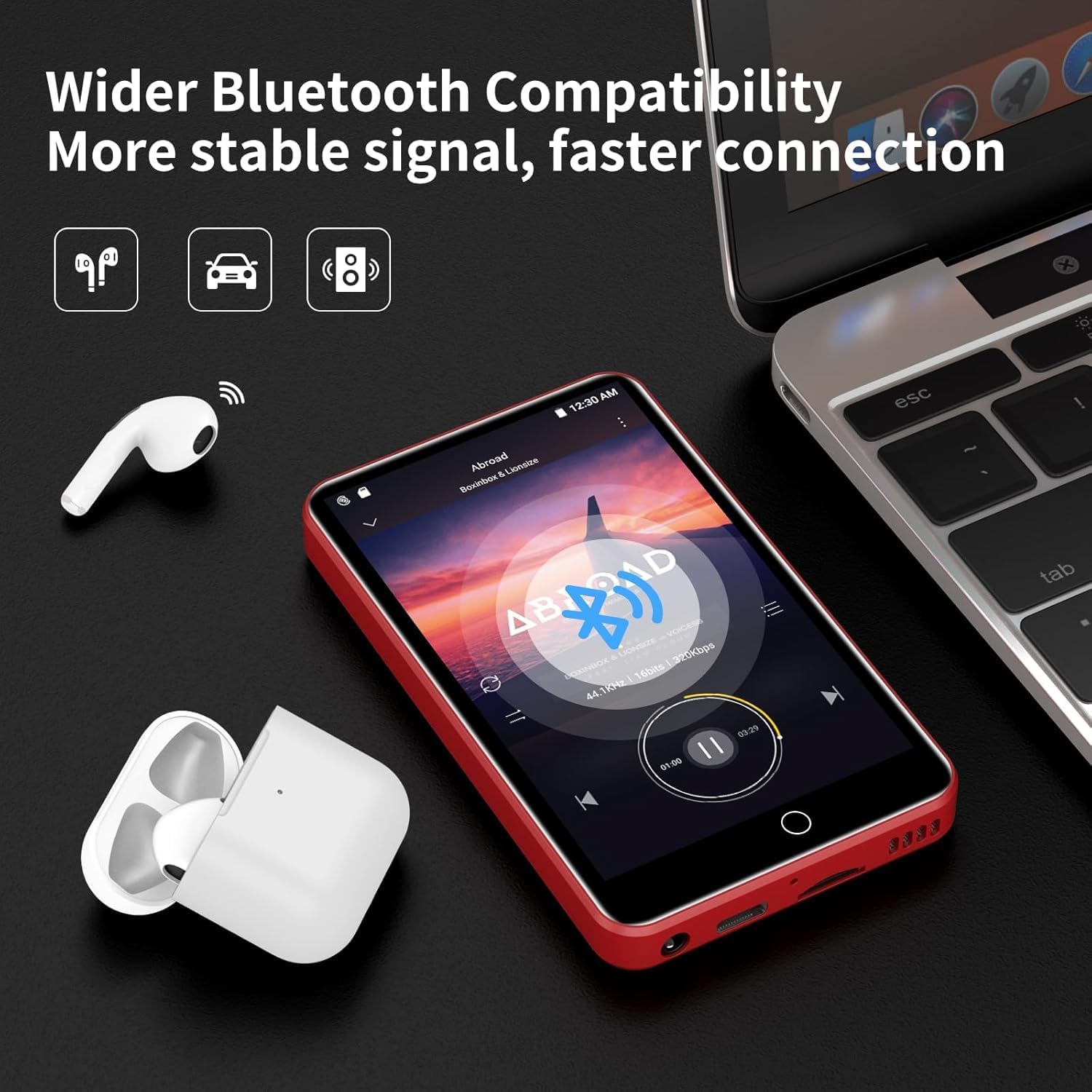
Image 4.2: The ZAQE MP3 Player demonstrating Bluetooth connectivity with wireless earbuds, indicating a stable and fast connection.
4.5 MicroSD картасын салуу
Expand your storage up to 1TB using a MicroSD card (not included).
- Аппараттагы MicroSD карта уячасын табыңыз.
- MicroSD картаны ордуна чыкылдаганча акырындык менен уячага салыңыз.
- The device may prompt you to format the card. Follow the on-screen instructions. Formatting will erase all data on the card.
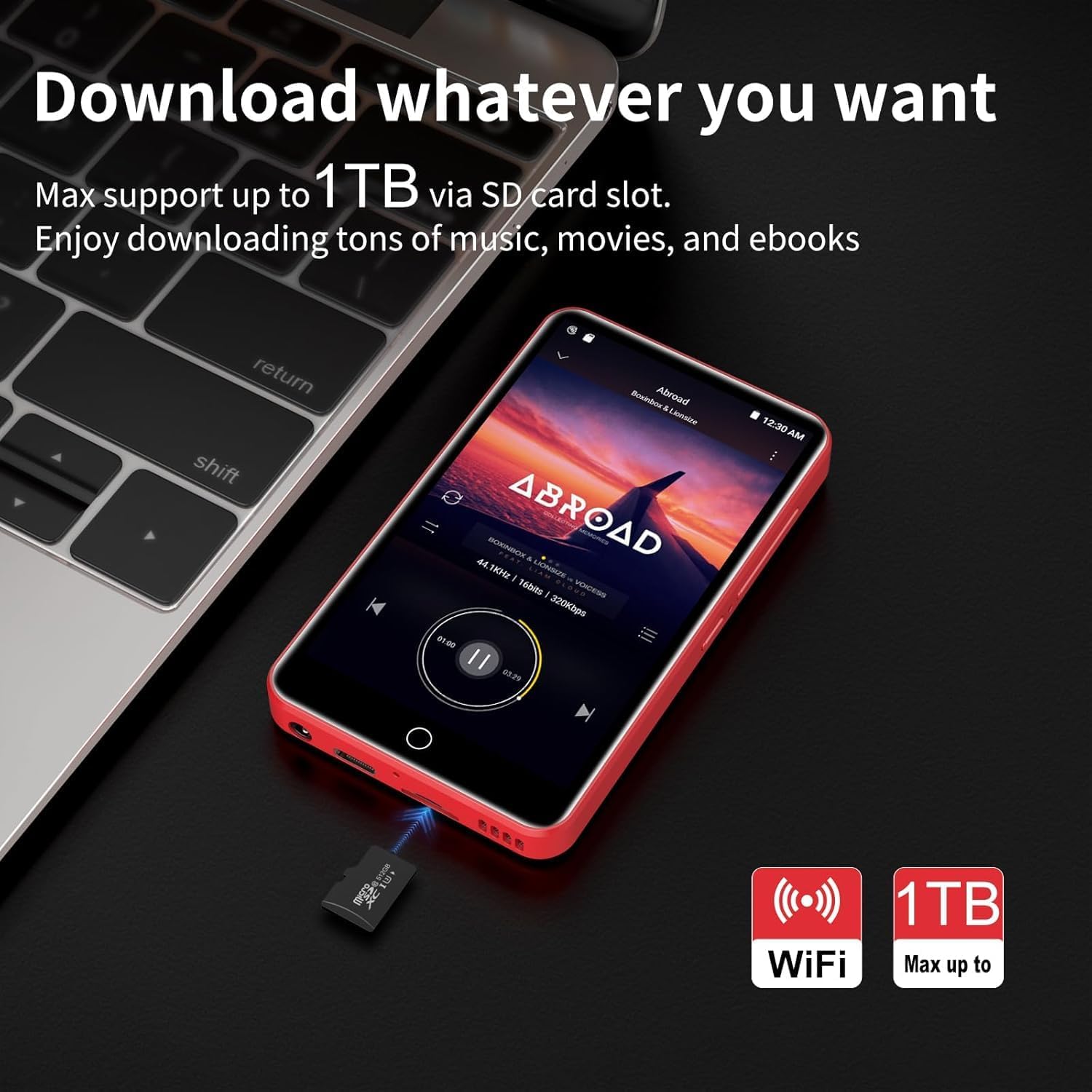
Image 4.3: The ZAQE MP3 Player next to a MicroSD card, illustrating its capability to expand storage up to 1TB for music, movies, and e-books.
5. Негизги операция
5.1 Интерфейсте навигация
The ZAQE MP3 Player features a 4.0-inch full-touch IPS screen for intuitive navigation.
- таптаңыз: Бир нерсени тандаңыз же колдонмону ачыңыз.
- Серпүү: Тизмелер боюнча сыдырыңыз же экрандардын ортосунда которулуңуз.
- Чымчып-кичирейтүү: Adjust zoom in supported applications.

Image 5.1: A hand interacting with the 4.0-inch full-touch screen of the ZAQE MP3 Player, demonstrating smooth and responsive operation.
5.2 Музыканы ойнотуу
Enjoy high-fidelity lossless sound with support for various audio formats.
- Колдоого алынган форматтар: MP3, OGG, FLAC, AAC, WAV, WMA, APE.
- Камтылган динамик: Play music directly without headphones.
- Өзгөчөлүктөрү: Synchronized lyrics display, playlist creation, custom equalizer settings.
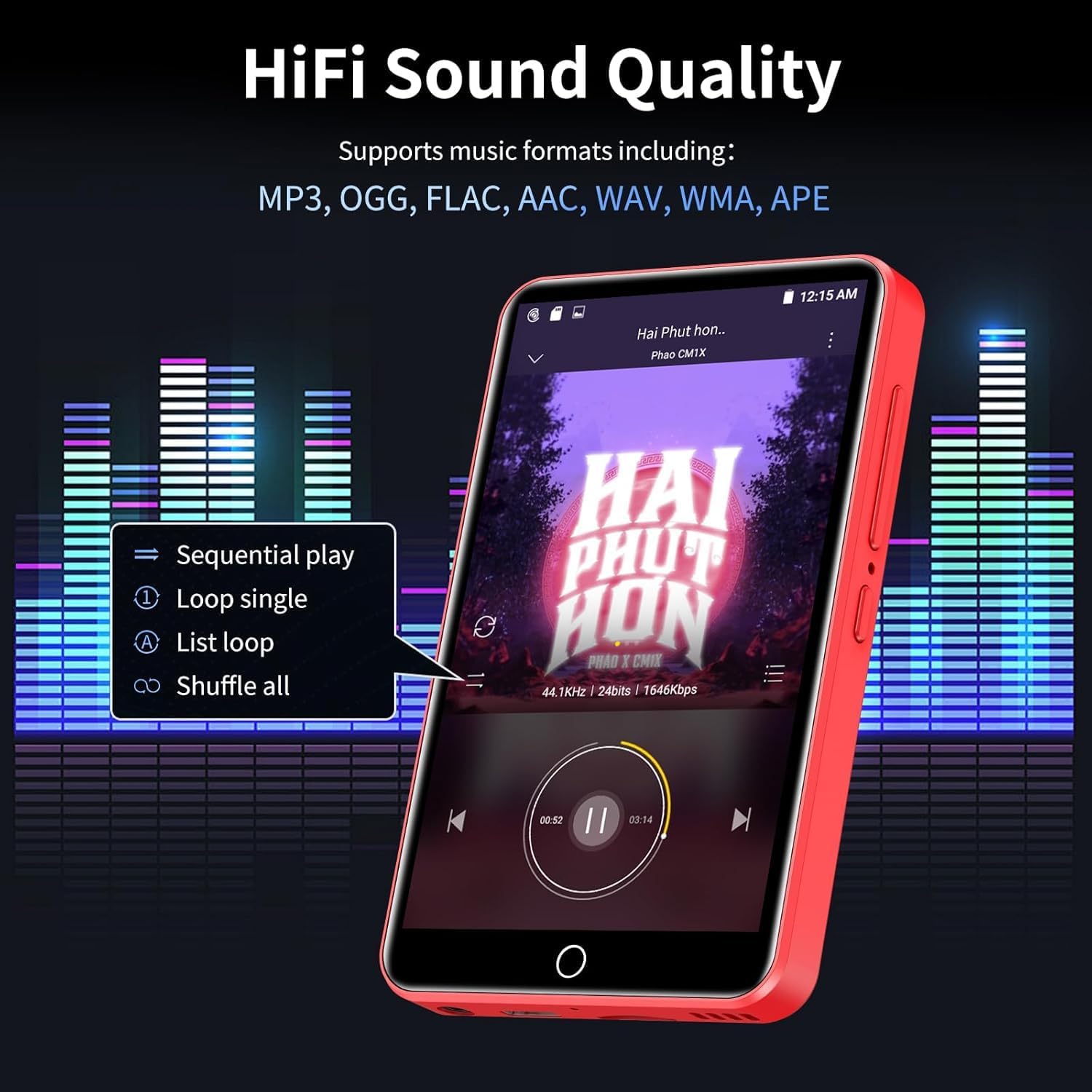
Image 5.2: The ZAQE MP3 Player's music playback screen, illustrating its HiFi sound quality and options for sequential play, loop, and shuffle.
5.3 Видеону ойнотуу
The 4-inch 1080P HD screen supports direct playback of high-definition videos.
- Колдоого алынган форматтар: RM, RMVB, FLV, MP4, DAT, MKV, MPG, MOV, TS.
- No format conversion is required for 720P and 1080P videos.

Image 5.3: The ZAQE MP3 Player displaying a video, emphasizing its powerful 8-core CPU, 1080P HD video support, and 2GB RAM + 16GB ROM for a smooth audio-visual experience.
5.4 Using Pre-installed Applications
The device comes with several mainstream media apps and tools pre-installed.
- Медиа колдонмолору: Spotify, Audible, Amazon Music, Deezer.
- Куралдар: FM Radio, Video Player, Calendar, Recorder, Clock, Sound Recorder, Browser.
- Access these applications from the home screen.

Image 5.4: The ZAQE MP3 Player's screen displaying a variety of popular pre-installed applications such as Spotify, Audible, Amazon Music, Deezer, FM Radio, and a web браузер.
5.5 Lock Screen and Screenshot
- Кулпуланган экран: Briefly press the Power button to lock the screen and prevent accidental touches. Press again to wake, then swipe to unlock.
- Скриншот: Press and hold the Power button to capture a screenshot.
6. Өркүндөтүлгөн функциялар
6.1 Offline Playback via HiByMusic
The built-in HiByMusic app allows for offline playback of downloaded music and video files.
- Transfer music or video files from your PC to the player's internal 80GB storage (2GB RAM + 16GB ROM + 128GB card) or an inserted MicroSD card.
- Open the HiByMusic app to access and play your local media library without a network connection.

Image 6.1: The ZAQE MP3 Player showcasing its 80GB built-in storage and 1TB expandable memory, capable of storing approximately 32,000 lossless quality songs or 100 movies.
6.2 HiFi Sound Settings
Аудио тажрыйбаңызды ыңгайлаштырыңыз:
- Access the equalizer settings within your music player application to adjust bass, treble, and other audio frequencies.
- Experiment with different presets or create your own custom sound profile.
7. Техникалык тейлөө
7.1 Батареяга кам көрүү
- Батареянын иштөө мөөнөтүн начарлатышы мүмкүн болгон экстремалдык температурадан качыңыз.
- For long-term storage, charge the device to about 50% and store it in a cool, dry place.
- Заряддоо үчүн берилген USB Type-C кабелин гана колдонуңуз.
7.2 Тазалоо
- Аппараттын экранын жана корпусун тазалоо үчүн жумшак, түксүз чүпүрөктү колдонуңуз.
- Абразивдүү тазалагычтарды же эриткичтерди колдонбоңуз.
7.3 Сактагычты башкаруу
- Regularly check the available storage space in Орнотуулар > Сактагыч.
- Керексиз жок кылуу fileже тиркемелер аркылуу орун бошотуу.
- Utilize the MicroSD card for large media files to preserve internal memory.
8. Кыйынчылыктарды
Бул бөлүм сиз кабылышы мүмкүн болгон жалпы көйгөйлөрдү карайт.
| Маселе | Мүмкүн чечим |
|---|---|
| Түзмөк күйбөйт. | Түзмөктүн толук заряддалганын текшериңиз. Кубат булагына туташтырып, кайра аракет кылыңыз. |
| Wi-Fi'га туташпай жатат. | Check if Wi-Fi is enabled in settings. Verify the Wi-Fi password. Restart your router and the MP3 player. |
| Bluetooth байланышы туруксуз же үзгүлтүккө учурап жатат. | Ensure the MP3 player and Bluetooth device are within close proximity. Disconnect and re-pair the devices. Avoid obstacles between devices. |
| Low audio volume. | Adjust the volume using the side buttons. Check volume settings within the music application. Ensure headphones are properly connected or Bluetooth volume is maximized. |
| Difficulty downloading music or apps. | Ensure a stable Wi-Fi connection. Check available storage space. Some services may require a subscription. |
| Forgot screen lock password. | Contact ZAQE customer support for assistance with password recovery. |
9. Техникалык шарттар
Technical details of the ZAQE 4.0-inch IPS MP3 Player.
| Өзгөчөлүк | Деталь |
|---|---|
| Модел | ZAQE 4.0-inch IPS MP3 Player |
| Дисплей | 4.0-inch IPS HD Full-Color Touch Screen |
| Процессор | Advanced 8-Core CPU |
| Операция системасы | Android 9.0 OS |
| Эс | 2 ГБ оперативдүү эс тутум + 16 ГБ ROM (ички) |
| Кеңейтүүчү сактагыч | MicroSD картасы аркылуу 1 ТБ чейин |
| Байланыш | Bluetooth, WiFi |
| Батарея | 2000mAh (Type-C rechargeable) |
| Музыканы ойнотуу убактысы | 40 саатка чейин |
| Күтүү убактысы | 3-5 ай |
| Колдоого алынган аудио форматтары | MP3, OGG, FLAC, AAC, WAV, WMA, APE |
| Колдоого алынган видео форматтары | RM, RMVB, FLV, MP4, DAT, MKV, MPG, MOV, TS (1080P HD) |
| Өлчөмдөр | 5.79 x 5.75 x 0.75 дюйм |
| Элемент Салмагы | 7.8 унция |
| UPC | 765826120102 |
10. Кепилдик жана колдоо
For warranty information, please refer to the documentation provided at the time of purchase or contact your retailer. For technical support, product inquiries, or assistance with any issues not covered in this manual, please contact ZAQE customer service.
You can also visit the official ZAQE store on Amazon for additional resources and contact options: ZAQE Amazon Store


