1. Киришүү
Welcome to the Redragon M695CT Transparent Wired Gaming Mouse user manual. This guide provides detailed instructions for setting up, operating, maintaining, and troubleshooting your new gaming mouse. Please read this manual thoroughly to ensure proper usage and to maximize your gaming experience.
2. Пакеттин мазмуну
- Redragon M695CT Wired Gaming Mouse
- USB-C to USB-A Cable (Braided)
- User Manual
3. Продукт бүтүп калдыview
The Redragon M695CT is a transparent wired gaming mouse designed for performance and aesthetics. It features a high-precision optical sensor, seven programmable buttons, and customizable RGB lighting. Its ergonomic design ensures comfort during extended use.

This image displays the Redragon M695CT Transparent Wired Gaming Mouse, highlighting its key features such as 24,000 DPI Max, 1000Hz Max polling rate, 7 programmable buttons, 8 RGB backlit modes, comfortable grip, soft cable, and transparent design.

The image illustrates the comfortable grip of the Redragon M695CT mouse, designed to fit the palm for good tactility during long periods of use.
4. Орнотуу
Follow these steps to connect your Redragon M695CT mouse to your computer:
- Connect the USB-C end of the braided cable to the port on the front of the mouse.
- Кабелдин USB-A учунун компьютериңиздеги жеткиликтүү USB портуна туташтырыңыз.
- The mouse will automatically be detected and installed by your operating system. No additional drivers are typically required for basic functionality.

The image demonstrates the wide compatibility of the Redragon M695CT mouse, showing it connected to a laptop and indicating support for desktop computers, notebooks, and Mac systems.
5. Иштөө нускамалары
5.1. Негизги функциялар
The Redragon M695CT mouse features standard mouse functions:
- Сол чыкылдатуу: Негизги аракет, тандоо.
- Оң чыкылдатуу: Secondary action, context menu.
- Scroll Wheel (Roller Button): Өйдө/төмөн сыдырыңыз, ортоңку чыкылдатыңыз.
- Алдыга/Артка баскычтары: Чабыттоо web pages or folders (default function).

This diagram illustrates the seven programmable buttons on the Redragon M695CT mouse, including the Left Button, Right Button, Roller Button (scroll wheel), Forward Button, Backward Button, DPI+ Switch, and DPI- Switch.
5.2. DPI тууралоо
The mouse features adjustable DPI settings to change cursor sensitivity on the fly. This allows you to adapt to different tasks or gaming scenarios.
- басыңыз DPI+ Switch (Button 6) to increase DPI.
- басыңыз DPI- Switch (Button 7) to decrease DPI.
The mouse supports a wide DPI range from 100 to 24000.
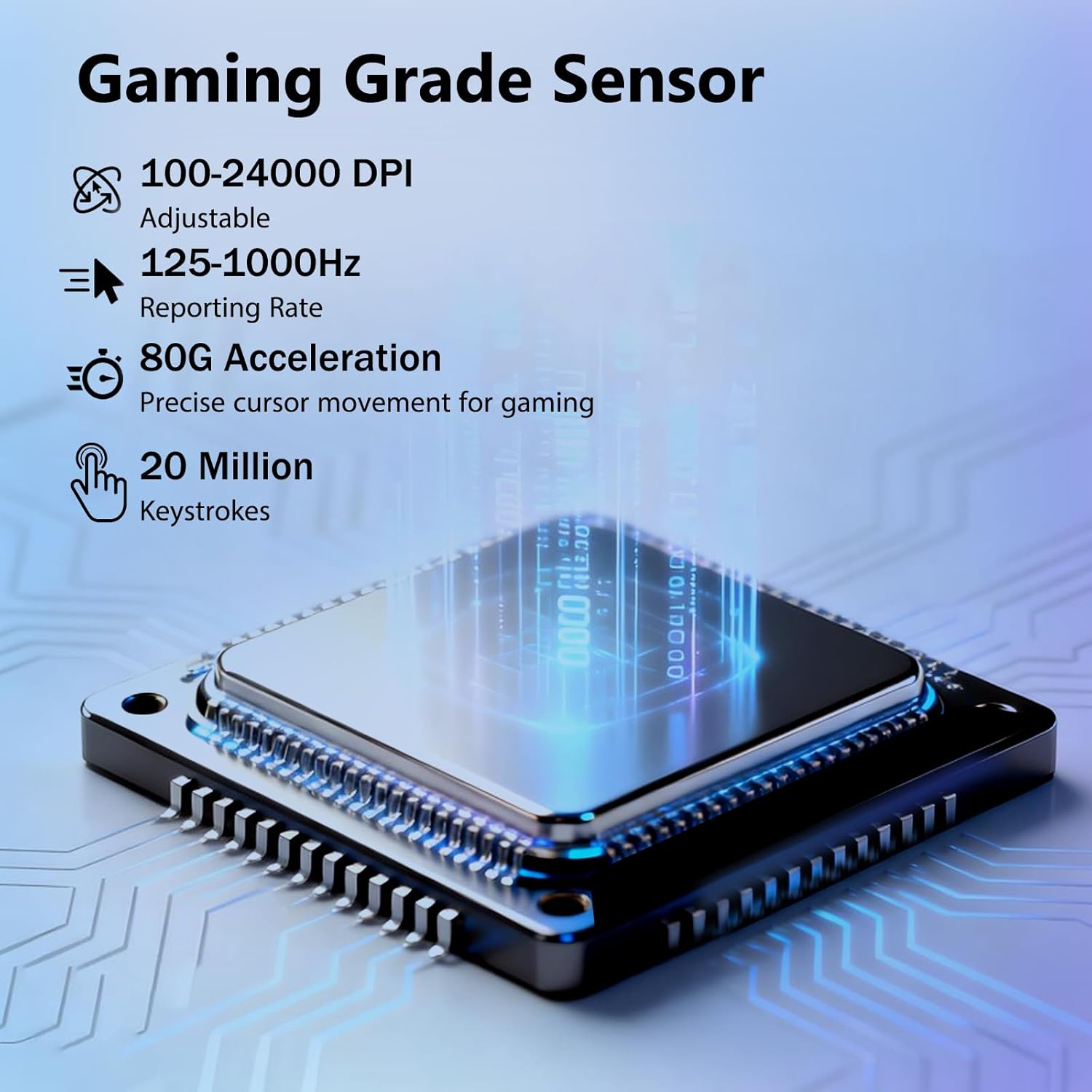
This image highlights the gaming-grade sensor of the Redragon M695CT, detailing its adjustable 100-24000 DPI, 125-1000Hz reporting rate, 80G acceleration, and 20 million keystroke durability.
5.3. RGB жарыкты башкаруу
The M695CT mouse features dynamic RGB backlighting with 8 different modes. You can cycle through these modes using a dedicated button on the bottom of the mouse or customize them further using the Redragon software.

The image shows the Redragon M695CT mouse illuminated with vibrant RGB lighting, demonstrating its "Cool RGB Light Effect" feature and the ability to choose from 8 different RGB light modes.
5.4. Software Customization (Macro Programming)
For advanced customization, including macro programming, button remapping, and fine-tuning RGB lighting effects, download the official Redragon software from the Redragon webсайт.
- Компьютериңизге программаны орнотуңуз.
- Use the intuitive software interface to create custom DPI profiles, personalize RGB lighting, and assign complex macros or functions to the 7 programmable buttons.

This image displays the Redragon software interface, illustrating options for macro programming, DPI settings, lighting customization, and button assignments for the M695CT mouse.
6. Техникалык тейлөө
To ensure the longevity and optimal performance of your Redragon M695CT mouse, follow these maintenance guidelines:
- Тазалоо: Use a soft, dry, lint-free cloth to clean the mouse surface. For stubborn dirt, slightly dampчүпүрөктү суу менен.
- Химиялык заттардан алыс болуңуз: Do not use harsh chemicals, abrasive cleaners, or solvents, as these can damage the transparent material and internal components.
- Сенсорго кам көрүү: Так көзөмөлдөө үчүн чычкандын астыңкы жагындагы оптикалык сенсорду таза жана чаңдан же таштандылардан таза кармаңыз.
- Сактагыч: Колдонулбаганда чычканды таза, кургак чөйрөдө сактаңыз.
- Демонтаж: Do not attempt to disassemble the mouse. This may cause damage and void your warranty.
7. Кыйынчылыктарды
If you encounter any issues with your Redragon M695CT mouse, please refer to the following common solutions:
7.1. Чычкан жооп бербейт
- Байланышты текшерүү: Ensure the USB cable is securely connected to both the mouse and a functional USB port on your computer.
- Башка портту колдонуп көрүңүз: Connect the mouse to a different USB port on your computer.
- Компьютерди кайра иштетүү: Restart your computer to refresh USB device detection.
- Башка компьютерде сыноо: Мүмкүн болсо, маселе чычканда же системаңызда экенин аныктоо үчүн чычканды башка компьютерде сынап көрүңүз.
7.2. DPI or Lighting Not Changing
- Check Mouse Connection: Ensure the mouse is properly connected and powered.
- Программалык камсыздоону текшерүү: If using the Redragon software, ensure it is running and that any changes have been applied and saved.
- Баскычтын иштеши: Verify that the DPI and lighting control buttons are functioning correctly.
7.3. Cursor Movement is Erratic
- Таза сенсор: Чычкандын түбүндөгү оптикалык сенсорду жумшак, кургак чүпүрөк менен тазалаңыз.
- Чычкандын аянтчасы: Ensure you are using the mouse on a clean, uniform surface or a high-quality mouse pad. Avoid highly reflective or transparent surfaces.
8. Техникалык шарттар
| Өзгөчөлүк | Спецификация |
|---|---|
| Бренд | Redragon |
| Модел | M695CT |
| Байланыш | Зымдуу (USB-Cден USB-Aга) |
| Сенсор түрү | Оптикалык |
| DPI диапазону | 100-24000 (Adjustable) |
| Добуш берүү көрсөткүчү | 125-1000 Гц |
| Ылдамдатуу | 80G |
| Buttons | 7 Программалануучу баскычтар |
| Жарыктандыруу | 8 RGB Backlit Modes |
| Материал | Metal, Plastic (Transparent Shell) |
| Колдун багыты | Эки тараптуу |
| Продукциянын өлчөмдөрү | 15.24 x 6.1 x 0.25 см |
| Салмагы | 134 г |
| Шайкеш OS | PC/Mac/Linux/Unix, Windows |
9. Кепилдик жана колдоо
Redragon products typically come with a standard manufacturer's warranty. For specific warranty terms, duration, and conditions, please refer to the warranty card included with your product or visit the official Redragon webсайт.
For technical support, troubleshooting assistance, or service inquiries, please contact Redragon customer support through their official channels:
- Расмий Redragon Webсайт: www.redragonzone.com
- караңыз website for contact information, FAQs, and driver downloads.


