Introduction
This manual provides essential instructions for setting up, operating, and maintaining your SGIN-T12S Android Tablet. Please read this guide thoroughly to ensure proper use and to maximize your tablet's performance and longevity.

Image: The SGIN-T12S Android Tablet, showcasing its 12-inch screen with the Android 13 operating system and a protective blue case.
Жайгашуу
1. Түзмөк бүттүview жана порттор

Image: A detailed diagram illustrating the various components and ports of the SGIN-T12S tablet, including cameras, power button, volume controls, speakers, Type-C port, and TF mount.
- Алдыңкы камера: Видео чалуулар жана селфи үчүн.
- Арткы камера: Сүрөттөрдү жана видеолорду тартуу үчүн.
- Power ON/OFF баскычы: Күйгүзүү же өчүрүү үчүн басып туруңуз.
- Increase Volume Button: Аудио чыгаруу деңгээлин тууралайт.
- Reduce Volume Button: Аудио чыгаруу деңгээлин тууралайт.
- Стерео динамиктер: Аудио чыгарууну камсыз кылат.
- TF Mount: Slot for inserting a Micro TF (microSD) card.
- Тип-C Port: Заряддоо жана маалыматтарды өткөрүү үчүн.
2. Планшетти заряддоо
Before first use, fully charge your tablet. Use the included Type-C fast charger.
- Connect the Type-C cable to the tablet's Type-C port.
- Заряддоо түзүлүштү розеткага сайыңыз.
- Экрандагы батареянын индикатору заряддоо абалын көрсөтөт.
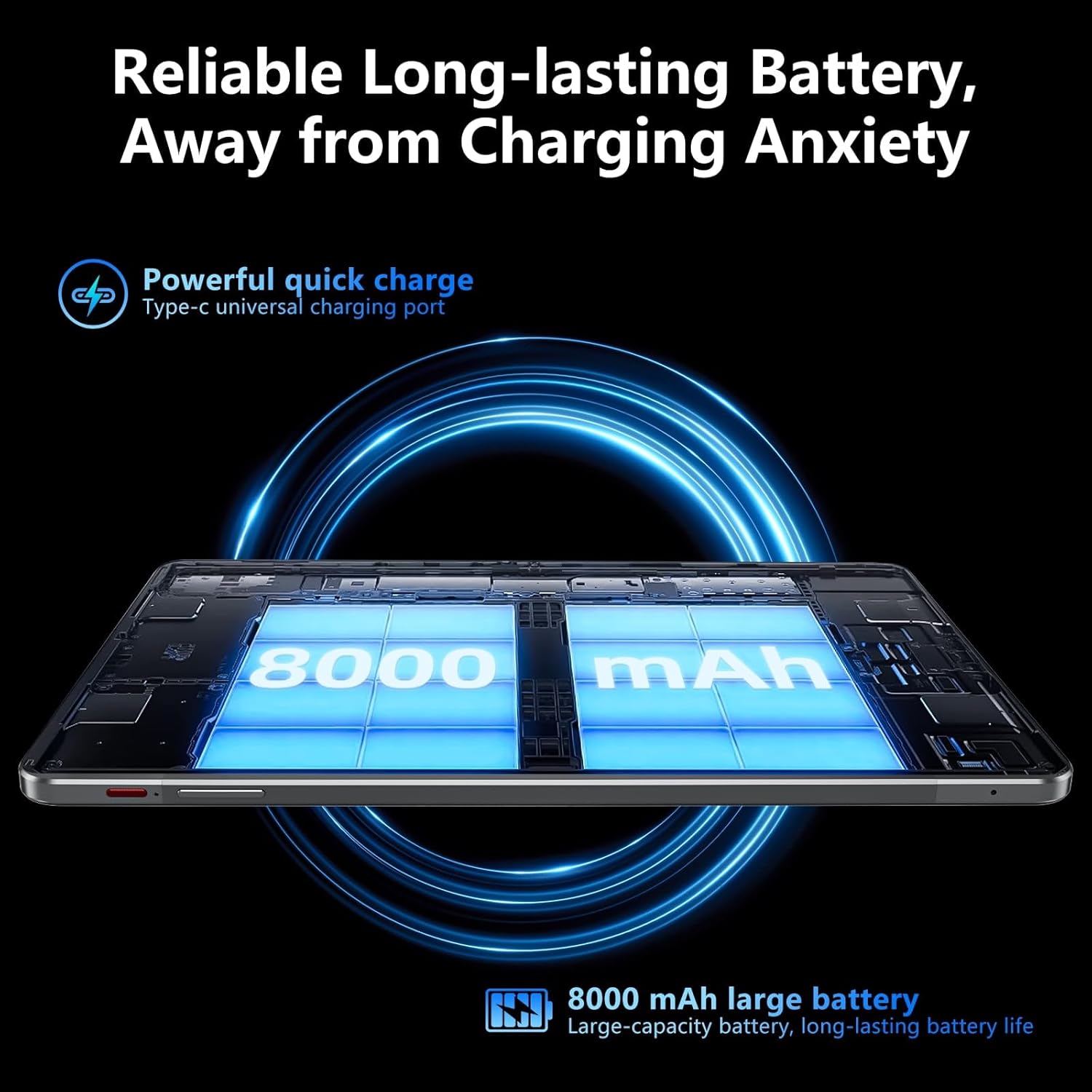
Image: Visual representation of the tablet's 8000mAh battery capacity and the Type-C universal charging port, emphasizing long battery life.
3. Күйгүзүү / Өчүрүү
- Күйгүзүү үчүн: Press and hold the Power ON/OFF button until the SGIN logo appears.
- Өчүрүү үчүн: Press and hold the Power ON/OFF button, then select 'Power off' from the options on the screen.
- Кайра баштоо үчүн: Press and hold the Power ON/OFF button, then select 'Restart' from the options.
4. Баштапкы орнотуу
Upon first power-on, the tablet will guide you through the initial setup process for Android 13. This includes:
- Тилиңизди тандоо.
- Wi-Fi тармагына туташууда.
- Setting up your Google account (required for Google Mobile Services and app downloads).
- Экран кулпусун орнотуу (PIN код, үлгү же сырсөз).
5. Inserting a Micro TF Card
To expand storage, insert a Micro TF (microSD) card into the TF mount.
- Locate the TF mount on the side of the tablet (refer to the Device Overview сүрөт).
- Gently insert the Micro TF card into the slot until it clicks into place.
- The tablet supports up to 256GB TF card expansion.
Иштөө нускамалары
1. Display and Touch Screen
The tablet features an 11.97-inch Full HD IPS touch screen with a resolution of 1920x1200 pixels.
- Тийүү жаңсоолору: Use standard Android touch gestures such as tap, swipe, pinch-to-zoom, and long-press.
- Экранды айлантуу: The display automatically adjusts orientation based on how you hold the tablet. This can be locked or unlocked in the Quick Settings panel.
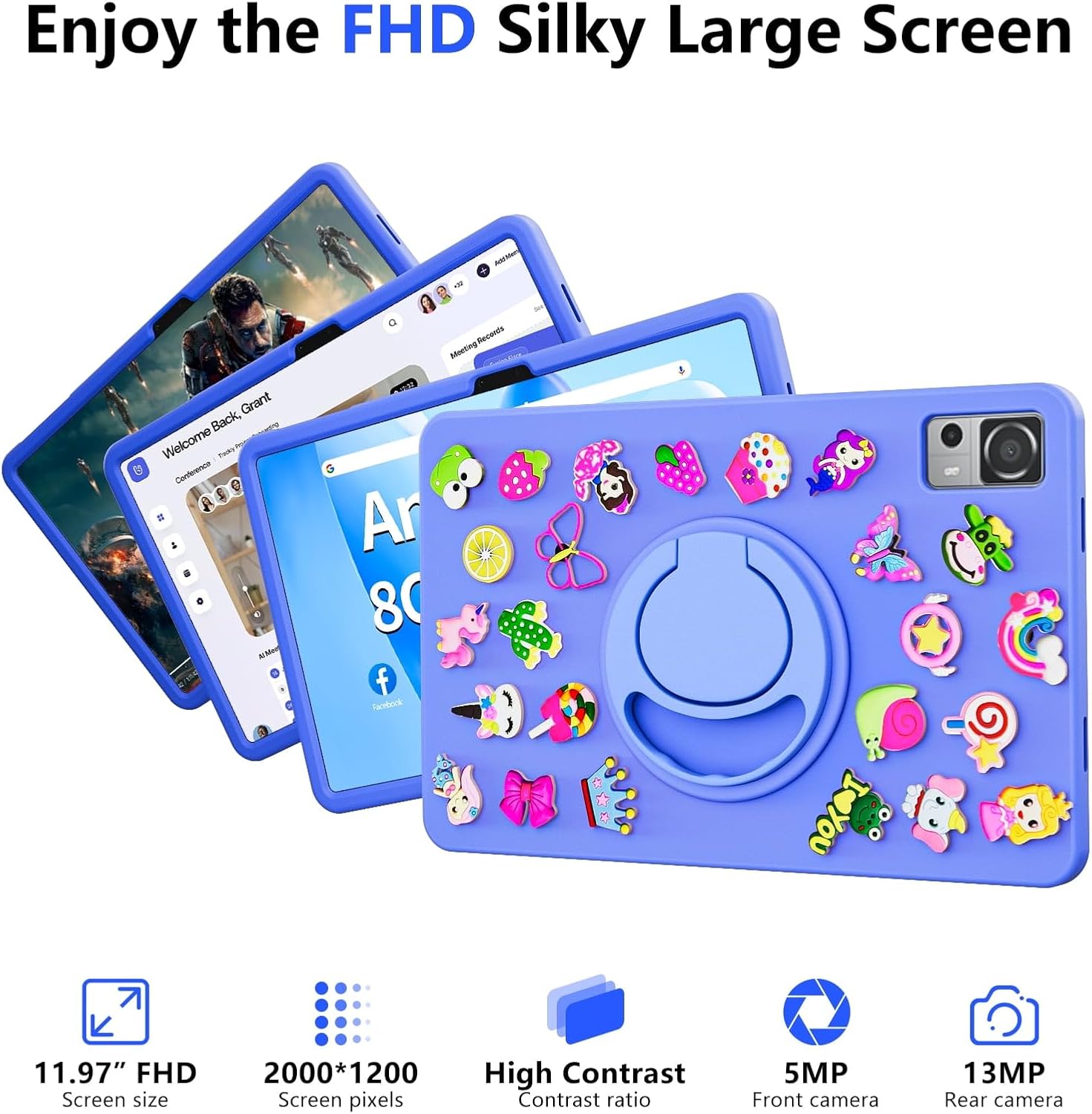
Image: The SGIN-T12S tablet highlighting its 11.97-inch FHD screen, 2000x1200 pixel resolution, 5MP front camera, and 13MP rear camera.
2. Камералар
Планшет 5 МП алдыңкы камера жана 13 МП арткы камера менен жабдылган.
- Үй экранынан же колдонмо суурмасынан Камера тиркемесин ачыңыз.
- Экрандагы сүрөтчө менен алдыңкы жана арткы камералардын ортосунда которулуңуз.
- Tap to focus and press the shutter button to capture photos or start/stop video recording.
3. Аудио
Experience immersive sound with the tablet's quad speakers and 3.5mm headphone jack.
- Төрт спикерлер: Located on the sides of the tablet, providing stereo sound.
- Гарнитура уячасы: Жеке угуу үчүн стандарттуу 3.5 мм кулакчындарды туташтырыңыз.
- Adjust volume using the physical volume buttons or the on-screen controls.

Image: The SGIN-T12S tablet illustrating its surround four-speaker stereo system, designed for an immersive audio experience.
4. Байланыш
- Wi-Fi: Supports dual-band Wi-Fi (2.4G/5G). Go to Орнотуулар > Тармак жана интернет > Wi-Fi жеткиликтүү тармактарга туташуу үчүн.
- Bluetooth 5.0: For connecting wireless accessories like headphones, keyboards, or mice. Go to Орнотуулар> Туташкан түзмөктөр> Байланыштын каалоолору> Bluetooth to pair devices.
5. Сактоо жана аткаруу
The tablet comes with 8GB RAM and 256GB internal storage, expandable via Micro TF card.
- RAM: 8GB LPDDR4 RAM ensures smooth multitasking and app performance.
- Ички сактагыч: 256GB ROM for apps, photos, videos, and documents.
- Кеңейтүүчү сактагыч: Supports Micro TF cards up to 256GB for additional storage.
- Процессор: Powered by an ARM high-performance 8-core CPU with a frequency up to 2GHz for efficient operation.
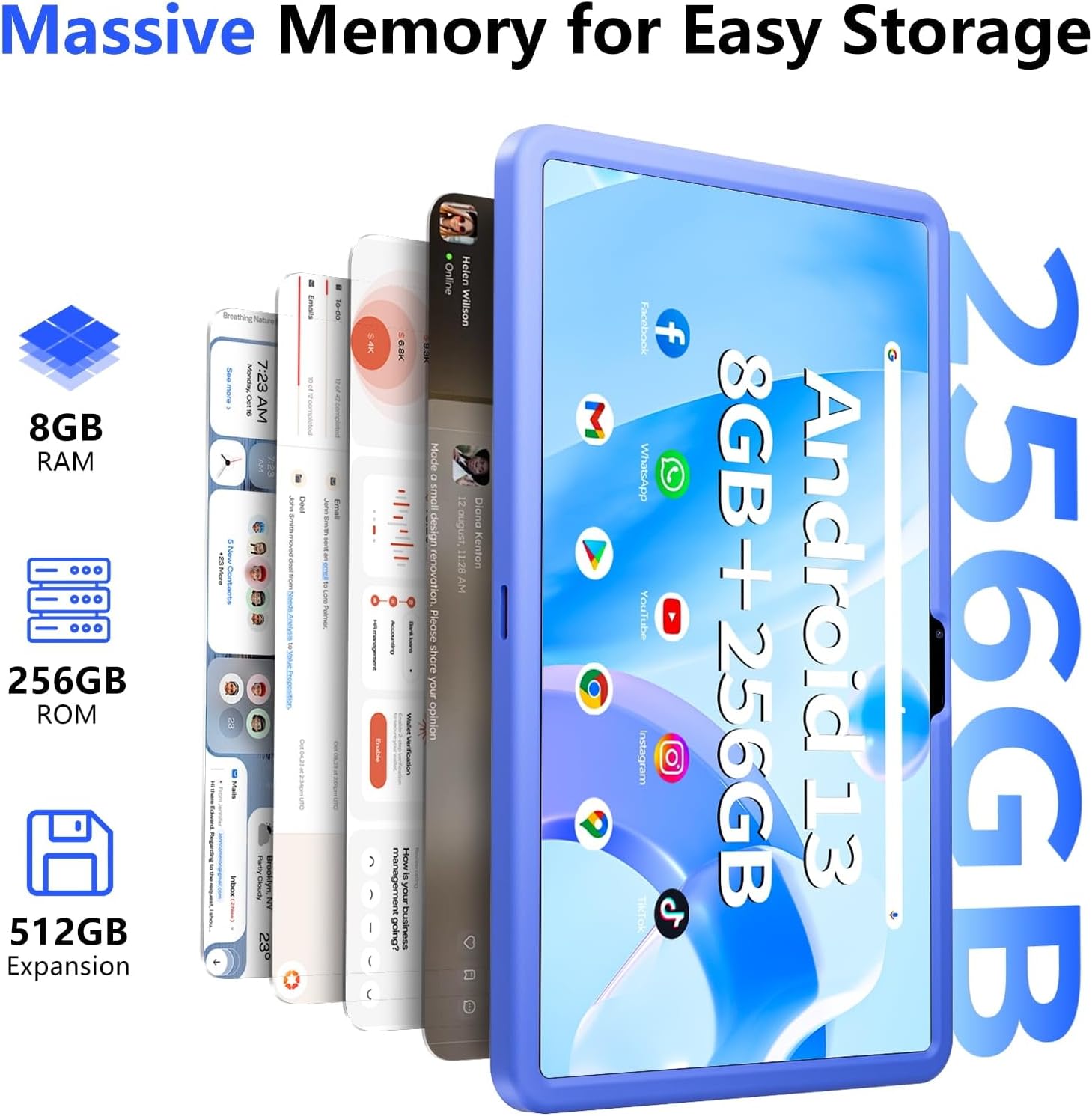
Image: The SGIN-T12S tablet emphasizing its large memory capacity, including 8GB RAM, 256GB ROM, and the potential for 512GB expansion.
6. Android 13 операциялык системасы
The tablet runs on Android 13, offering enhanced security and personalization features.
- Коопсуздук: Android 13 provides improved privacy controls and system security.
- Персоналдаштыруу: Customize your tablet's interface, themes, and widgets to suit your preferences.
- Google Mobile Services: Access to Google Play Store for apps, Gmail, Google Maps, and other Google services.

Image: The SGIN-T12S tablet highlighting the benefits of Android 13, such as enhanced security and personalization, alongside its matte metal body and silicone shell options.
Техникалык тейлөө
1. Тазалоо
- Планшеттин экранын жана корпусун тазалоо үчүн жумшак, түксүз чүпүрөктү колдонуңуз.
- өжөр тактар үчүн, бир аз гampчүпүрөккө суу же экранды тазалоо эритмеси.
- Катуу химиялык заттарды, абразивдүү материалдарды же ашыкча нымдуулукту колдонуудан алыс болуңуз.
2. Батареяга кам көрүү
- Ашыкча температурадан качыңыз, алар батареянын иштөө мөөнөтүн начарлатышы мүмкүн.
- For optimal battery health, avoid frequently discharging the battery completely or keeping it at 100% charge for extended periods.
- The 8000mAh battery provides approximately 7-9 hours of usage depending on activity.
3. Программалык камсыздоону жаңыртуу
- Regularly check for and install system updates to ensure your tablet has the latest features, security patches, and performance improvements.
- барыңыз Орнотуулар > Система > Системаны жаңыртуу жаңыртууларды текшерүү үчүн.
Проблемаларды чечүү
- Планшет күйбөй жатат: Ensure the tablet is charged. Connect it to the charger and wait a few minutes before attempting to power on again. If it still doesn't turn on, try holding the power button for 10-15 seconds.
- Экран жооп бербей жатат: Try restarting the tablet. If the issue persists, ensure the screen is clean and free of debris.
- Wi-Fi туташуу көйгөйлөрү: Check if Wi-Fi is enabled in settings. Restart your router and the tablet. Ensure you are within range of the Wi-Fi signal and have entered the correct password.
- Колдонмолор бузулуп же катып жатат: Close and reopen the app. Clear the app's cache (Settings > Apps > [App Name] > Storage & cache > Clear cache). If the problem continues, uninstall and reinstall the app.
- Жай аткаруу: Close unnecessary background apps. Clear cached data. Consider removing unused apps or large fileсактагыч мейкиндигин бошотуу үчүн.
Техникалык шарттар
| Өзгөчөлүк | Спецификация |
|---|---|
| Модель аты | SGIN-T12S |
| Операция системасы | Android 13 |
| Screen Size | 11.97 дюйм |
| Max Screen Resolution | 2000*1200 Pixels (FHD IPS) |
| Процессор | ARM Octa-Core 2.0 GHz (ARM_Cortex_A5) |
| RAM | 8 ГБ DDR4 SDRAM |
| Hard Drive (ROM) | 256 ГБ |
| Кеңейтүүчү сактагыч | Supports Micro TF card up to 256 GB |
| Алдыңкы камера | 5 депутат |
| Арткы камера | 13 депутат |
| Зымсыз түрү | 802.11bgn (Dual-band 2.4G/5G Wi-Fi) |
| Bluetooth | Bluetooth 5.0 |
| Батарея | 8000 mAh Lithium Ion (Average 6-9 hours) |
| Порттар | Type-C, Micro TF slot, 3.5mm Headphone Jack |
| Аудио | Төрт динамик |
| Элемент Салмагы | 2.2 фунт (болжол менен 500 грамм) |
| Продукциянын өлчөмдөрү | 11.97 x 6.85 x 0.3 дюйм |
Кепилдик жана колдоо
Information regarding specific warranty terms and direct support contact details for the SGIN-T12S tablet is not provided in the available product data. Please refer to the product packaging or the official SGIN webэң акыркы кепилдик маалыматы жана кардарларды колдоо параметрлери үчүн сайт.


