Introduction
This manual provides essential information for the Apple iPad Pro 11-inch (M5). It covers device setup, operational guidance, maintenance procedures, troubleshooting steps, and detailed product specifications. The iPad Pro 11-inch (M5) features the Apple M5 chip for high performance, an Ultra Retina XDR display, advanced camera systems, and robust connectivity options including Wi-Fi 7 and 5G cellular.
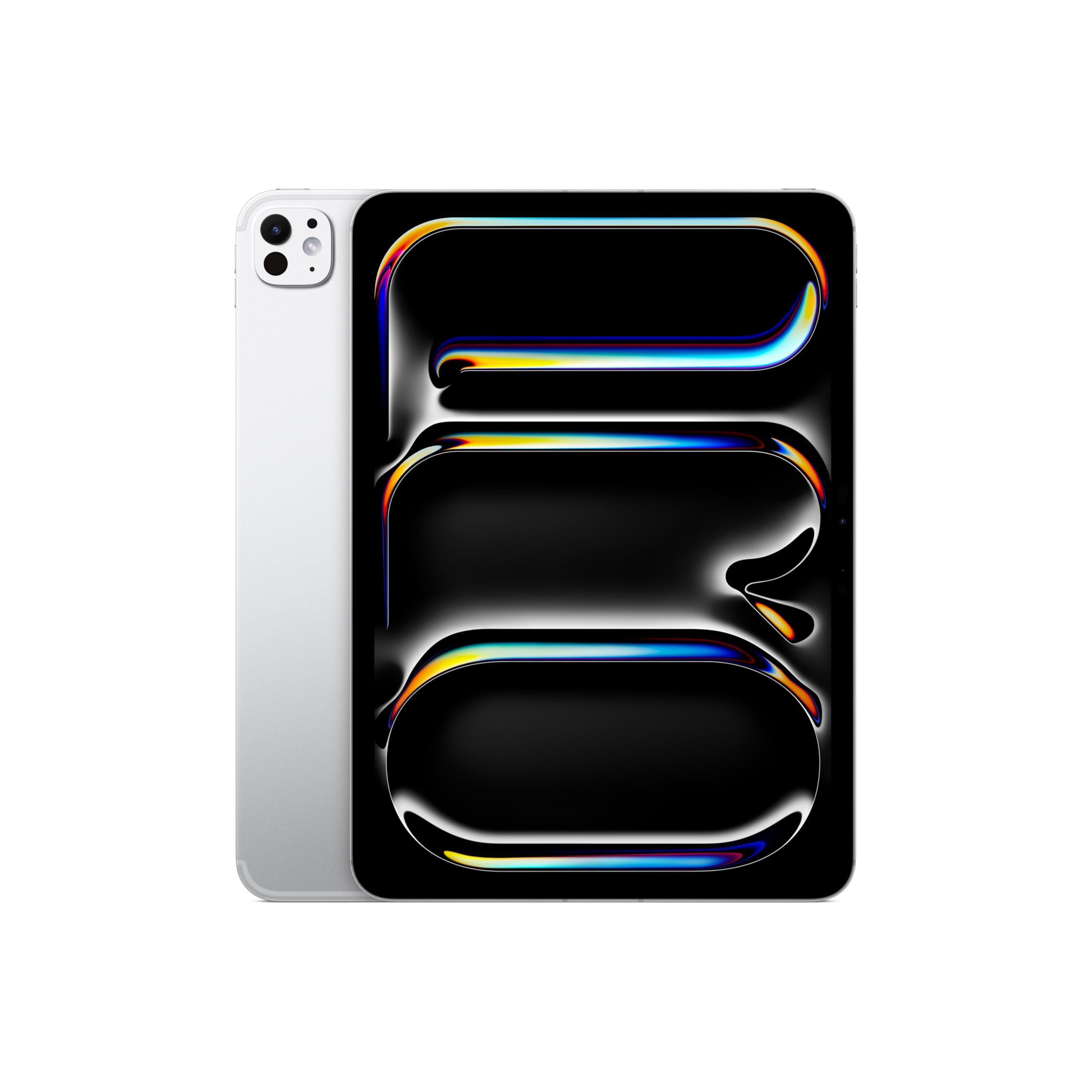
Сүрөт: алдыңкы view of the Apple iPad Pro 11-inch (M5) in Silver.
Баштоо (Орнотуу)
Кутуда эмне бар
- iPad Pro
- USB-C заряддоо кабели
- 20W USB-C кубаттуу адаптер

Image: The items included in the Apple iPad Pro packaging.
Түзмөктү баштапкы жөндөө
- Күйгүзүү: Apple логотиби пайда болгонго чейин жогорку баскычты басып туруңуз.
- Экрандагы нускамаларды аткарыңыз: Select your language, region, and connect to a Wi-Fi network.
- Face ID'ни орнотуу: Follow the prompts to configure Face ID for secure authentication and unlocking.
- Apple ID: Sign in with your existing Apple ID or create a new one.
- Маалыматтарды өткөрүү: Choose to restore data from a previous backup or set up the iPad as a new device.
iPad заряддоо
Connect the provided USB-C Charge Cable to the USB-C port on your iPad Pro and the other end to the 20W USB-C Power Adapter. Plug the power adapter into a wall outlet. The battery icon on the screen will indicate charging status.
iPad Pro'ңузду иштетүү
Дисплей технологиясы
The 11-inch Ultra Retina XDR display features Tandem OLED technology, offering extreme brightness, precise contrast, and a 2420-by-1668-pixel resolution at 264 ppi. ProMotion technology provides adaptive refresh rates from 10Hz to 120Hz for smooth scrolling and responsiveness. It supports P3 wide color, True Tone, and has an antireflective coating. Nano-texture display glass is an option available on 1TB and 2TB configurations.
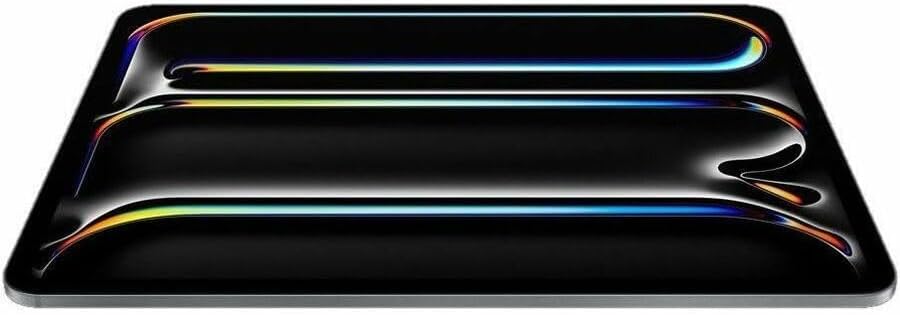
Image: An abstract graphic illustrating advanced display capabilities.
Өндүрүмдүүлүк (M5 чипи)
The Apple M5 chip powers the iPad Pro, delivering advanced performance. Models with 256GB or 512GB storage include a 9-core CPU and 10-core GPU, while 1TB or 2TB models feature a 10-core CPU and 10-core GPU. All configurations include Neural Accelerators, a 16-core Neural Engine, and hardware-accelerated ray tracing for demanding tasks and AI capabilities.

Сүрөт: iPad Pro көргөзмөсүasing its M5 chip capabilities with multiple apps open.
iPadOS and Apple Intelligence
The iPad Pro runs on iPadOS 26, which offers a redesigned interface and enhanced multitasking features. Apple Intelligence is integrated as a personal intelligence system, assisting with communication, expression, and task completion while maintaining strong privacy protections.
Камералар
- Арткы камера: A 12MP Wide camera with ƒ/1.8 aperture, digital zoom up to 5x, Adaptive True Tone flash, and Smart HDR 4 for high-quality photos.
- Front Camera (TrueDepth): Пейзаждык 12MP Center Stage camera with ƒ/2.0 aperture, supporting Portrait mode, Portrait Lighting, Animoji, Memoji, and Smart HDR 4 for video calls and selfies.
- Видео жаздыруу: Capable of 4K video recording at various frame rates (24, 25, 30, or 60 fps), 1080p HD, ProRes video recording (up to 4K at 30 fps), Slo-mo, and Time-lapse video.
Байланыш
The iPad Pro supports Wi-Fi 7 (802.11be) with 2x2 MIMO for fast wireless connections and Bluetooth 6. Wi-Fi + Cellular models include an Apple C1X cellular modem for 5G (sub-6 GHz) and Gigabit LTE connectivity, allowing you to stay connected in more locations.
Аудио
The device features a four-speaker audio system for rich sound output and a studio-quality four-mic array for clear calls, video recording, and audio recording.
Siri
Activate Siri hands-free by saying "Siri" or "Hey Siri," or use Type to Siri to get assistance with everyday tasks such as sending messages, setting reminders, and more.
Apple Pay
Utilize Face ID to securely make purchases within apps and on the web. You can also send and receive money in Messages using Apple Pay.
Аксессуарлар
The iPad Pro is compatible with the Apple Pencil Pro and Apple Pencil (USB-C) for precise drawing, note-taking, and creative tasks. The Magic Keyboard provides a comfortable typing experience with an integrated trackpad. These accessories are sold separately.

Image: A user interacting with the iPad Pro using an Apple Pencil.

Image: A close-up of the Apple Pencil Pro being used for creative work on the iPad Pro.
Кароо жана тейлөө
Аппаратты тазалоо
Use a soft, lint-free cloth to clean your iPad Pro. Avoid using abrasive materials, aerosols, or harsh cleaning solutions. For models with nano-texture display glass, use only the polishing cloth provided by Apple to prevent damage.
Батареяны оптималдаштыруу
To maximize battery life, keep your iPadOS software updated, adjust screen brightness to a comfortable level, and manage background app refresh settings. Avoid exposing the device to extreme hot or cold temperatures.
Программалык камсыздоо жаңыртуулары
Regularly check for and install iPadOS updates. These updates often include performance improvements, security enhancements, and new features. You can check for updates in Орнотуулар > Жалпы > Программаны жаңыртуу.
Проблемаларды чечүү
Device Unresponsive
If your iPad Pro becomes unresponsive, perform a force restart:
- басыңыз жана тез коё бериңиз Үндү көтөрүү баскычы.
- басыңыз жана тез коё бериңиз Үндү төмөндөтүү баскычы.
- басып, кармап туруңуз Жогорку button until the Apple logo appears.
Байланыш маселелери
For Wi-Fi or cellular connection problems, try the following:
- Toggle Wi-Fi or Cellular off and on in Орнотуулар.
- Wi-Fi роутериңизди өчүрүп күйгүзүңүз.
- Reset network settings by going to Орнотуулар > Жалпы > iPad'ды өткөрүп берүү же баштапкы абалга келтирүү > Баштапкы абалга келтирүү > Тармак жөндөөлөрүн баштапкы абалга келтирүү.
Колдонмо маселелери
If an application is not functioning correctly, force quit the app and reopen it. If the problem persists, delete the app and reinstall it from the App Store.
Кошумча жардам
For persistent issues or problems not covered here, visit the official Apple Support webсайт (support.apple.com) or contact an authorized Apple service provider.
Техникалык шарттар
| Өзгөчөлүк | Деталь |
|---|---|
| Продукциянын өлчөмдөрү | 6.99 x 9.83 x 0.21 дюйм |
| Элемент Салмагы | 15.7 унция |
| Өндүрүүчү | Apple |
| ASIN | B0FWD7JQ52 |
| Элементтин моделинин номери | ME2P4LL/A |
| Батареялар | 1 литий-иондук батарейка талап кылынат (кошулган) |
| Дата биринчи жеткиликтүү | 14-октябрь, 2025-жыл |
| Бренд | Apple |
| Модель аты | iPad Pro |
| Эстутум сактоо сыйымдуулугу | 256 ГБ |
| Screen Size | 11 дюйм |
| Дисплейдин максималдуу чечилиши | 2420х1668 пикселдик чечим 264 ppi |
| Дисплей | Ultra Retina XDR display, Tandem OLED, ProMotion (10Hz-120Hz), P3 wide color, True Tone, Antireflective coating, Nano-texture display glass option (1TB/2TB models), SDR brightness: 1000 nits max, XDR brightness: 1000 nits max full screen, 1600 nits peak (HDR content only), 2,000,000:1 contrast ratio |
| Чип | Apple M5 chip, 9-core CPU (256GB/512GB) or 10-core CPU (1TB/2TB), 10-core GPU, Neural Accelerators, 16-core Neural Engine, Hardware-accelerated ray tracing, 12GB RAM (256GB/512GB) or 16GB RAM (1TB/2TB), Media Engine |
| Apple Intelligence | Built-in personal intelligence system with privacy protections |
| Камера | 12MP Wide camera, ƒ/1.8 aperture, Digital zoom up to 5x, Adaptive True Tone flash, Smart HDR 4 |
| Видео жаздыруу | 4K at 24/25/30/60 fps, 1080p HD at 25/30/60 fps, ProRes video up to 4K at 30 fps, Slo-mo, Time-lapse, Cinematic video stabilization |
| TrueDepth камерасы | Пейзаж 12MP Борбор Сtage camera, ƒ/2.0 aperture, Portrait mode, Portrait Lighting, Animoji and Memoji, Smart HDR 4 |
| Видео чалуу | FaceTime video, Center Stage, SharePlay, Screen sharing, Portrait mode |
| Аудио чалуу | FaceTime audio, Relay cellular calls from iPhone |
| Баяндамачылар | Төрт динамиктин аудиосу |
| Микрофондор | Studio-quality four-mic array |
| Уюлдук жана зымсыз | Wi-Fi 7 (802.11be) with 2x2 MIMO, Bluetooth 6, Thread, 5G (sub-6 GHz) with 4x4 MIMO (Cellular models), Gigabit LTE (Cellular models) |
| Жайгашкан жер | Digital compass, Wi-Fi, iBeacon microlocation, GPS/GNSS (Cellular models), Cellular (Cellular models) |
| Сенсорлор | Face ID, LiDAR Scanner, Three-axis gyro, Accelerometer, Barometer, Ambient light sensors |
| Face ID | Facial recognition for unlock, secure data, purchases |
| Apple Pay | Pay with Face ID in apps and web, send/receive money in Messages |
| Siri | Voice-activated assistant, Type to Siri, powered by Apple Intelligence |
| Заряддоо жана кеңейтүү | Thunderbolt / USB 4 port (Charging, DisplayPort, Thunderbolt 3 up to 40Gb/s, USB 4 up to 40Gb/s, USB 3 up to 10Gb/s) |
| Дисплей колдоо | Supports native resolution on built-in display, one external display up to 6K at 60Hz or 4K at 120Hz, Thunderbolt 3 digital video output, Native DisplayPort output over USB-C, Video mirroring up to 4K AirPlay |
| Кубат жана Батарея | Built-in 31.29-watt-hour rechargeable lithium-polymer battery, Up to 10 hours web surfing (Wi-Fi) or video, Up to 9 hours web surfing (cellular models), Fast-charge capable |
Кепилдик жана колдоо
The Apple iPad Pro 11-inch (M5) is covered by Apple's standard limited warranty, which typically covers manufacturing defects for a period from the original purchase date. For detailed warranty terms and conditions, please refer to the documentation included with your product or visit the official Apple webсайт.
For technical support, service, or to find an authorized service provider, visit the official Apple Support webсайтында support.apple.com or contact Apple Support directly through their provided channels.


