Introduction to the OPPO Find X9 Series
This manual provides a detailed guide to understanding and utilizing the full capabilities of your OPPO Find X9 Series smartphone, including the Find X9 and Find X9 Pro models. It covers essential functions, advanced features, and practical tips to enhance your user experience. The goal is to help you navigate your device efficiently and securely.
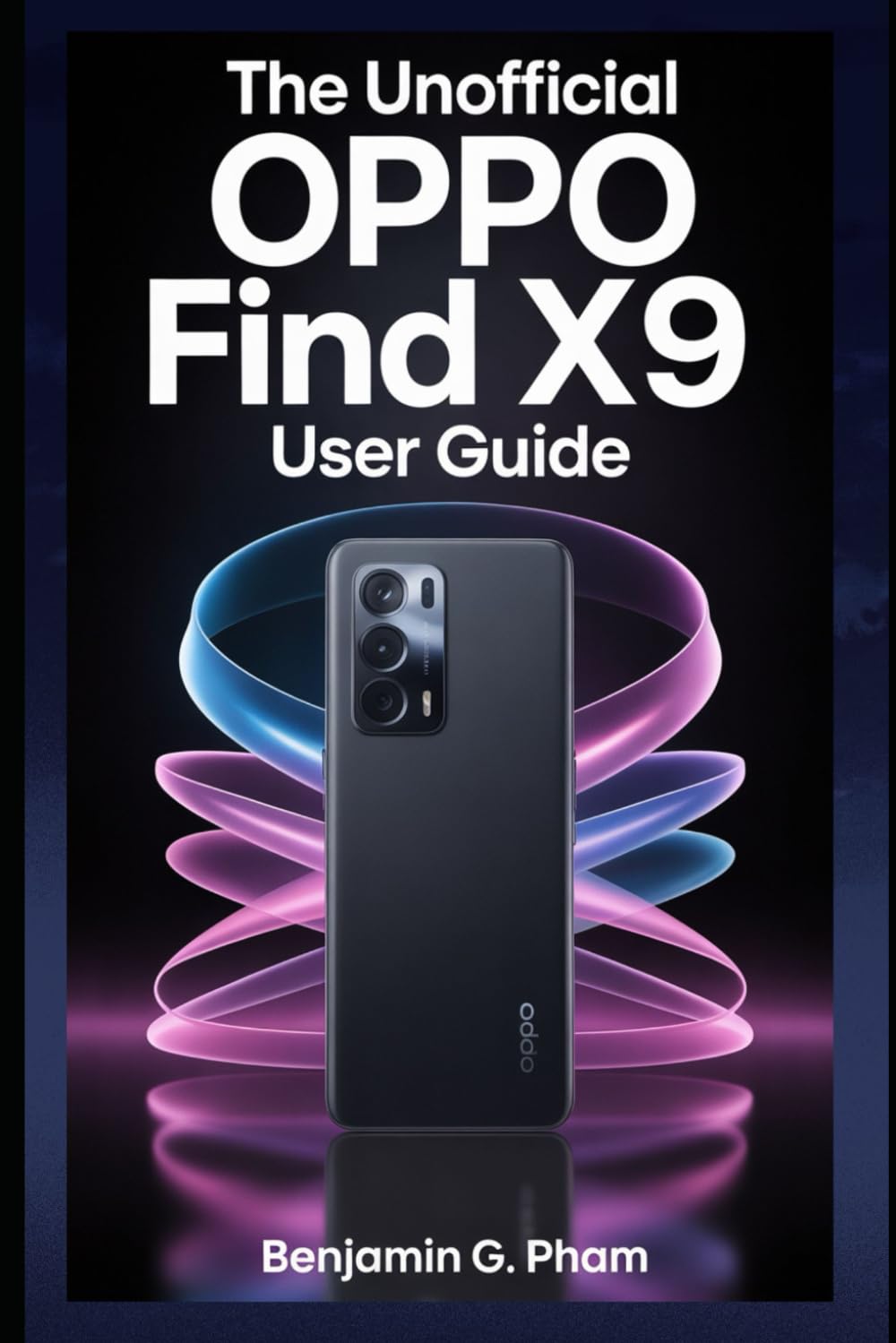
Image: Front cover of the user manual for the OPPO Find X9 Series, displaying the title and design.
1. Баштапкы орнотуу жана конфигурация
Upon first powering on your OPPO Find X9 Series device, you will be guided through a series of steps to set up your phone. This section outlines the process for initial configuration.
- Күйгүзүү: Press and hold the power button until the OPPO logo appears.
- Тил тандоо: Тизмеден каалаган тилиңизди тандаңыз.
- Аймакты тандоо: Select your geographical region.
- Wi-Fi туташуусу: Connect to a stable Wi-Fi network to download necessary updates and complete setup.
- Google Каттоо эсебин орнотуу: Google аккаунтуңуз менен кириңиз же жаңысын түзүңүз. Бул Google Play Дүкөнүнө жана башка Google кызматтарына кирүү үчүн зарыл.
- Маалыматтарды өткөрүү (кошумча): Follow prompts to transfer data from an old device if desired.
- Коопсуздукту орнотуу: Configure screen lock methods such as PIN, pattern, password, fingerprint, or facial recognition.
- Review and Finish: Accept terms and conditions, and complete the setup process.
2. Негизги иштетүү жана навигация
Familiarize yourself with the fundamental operations and navigation gestures of your OPPO Find X9 Series device.
- Башкы экран: Колдонмолорго, виджеттерге жана эскертмелерге кирүү. Үй экрандарынын ортосунда чабыттоо үчүн солго же оңго сүрүңүз.
- Колдонмо тартмасы: Бардык орнотулган колдонмолорго жетүү үчүн экранды ылдый жагынан өйдө сүрүңүз.
- Эскертме панели: Экрандын өйдө жагынан төмөн карай сүрүңүз view эскертмелер жана тез орнотуулар.
- Акыркы колдонмолор: экрандын ылдый жагынан өйдө сүрүп, кармап туруңуз (же акыркы колдонмолор баскычын басыңыз) view жана жакында колдонулган колдонмолорду башкаруу.
- Жаңсоолор: Customize navigation gestures in Settings > System Settings > System Navigation.
3. Камера өзгөчөлүктөрү жана сүрөткө тартуу
The OPPO Find X9 Series offers advanced camera capabilities. This section guides you through various camera modes and settings to capture high-quality photos and videos.
- Камера режимдери: Explore modes such as Photo, Video, Portrait, Night, Pro, Panorama, and Slow-motion.
- Орнотуулар: Adjust resolution, aspect ratio, timer, grid lines, and advanced camera parameters.
- Жасалма интеллекттин жакшыртуулары: Utilize AI Scene Enhancement for optimized photo quality based on detected subjects.
- Эксперттик кеңештер: Learn about composition, lighting, and focus techniques for improved photography.
4. AI Tools and Smart Settings
Discover the integrated AI features and smart settings designed to personalize and optimize your device's performance and user experience.
- Акылдуу каптал тилкеси: Access frequently used apps and tools quickly.
- Flexible Windows: Utilize split-screen and floating windows for enhanced multitasking.
- AI System Booster: Optimize system performance and app launch speeds.
- Персоналдаштыруу: Customize themes, wallpapers, always-on display, and icon styles.
5. Productivity Tools and Connectivity
Enhance your productivity with various built-in tools and seamless connectivity options.
- File Бөлүшүү: Use Nearby Share or OPPO Share for quick file түзмөктөр ортосунда өткөрүп берүү.
- Multi-Screen Connect: Mirror your phone screen to a PC or tablet for a larger workspace.
- Санариптик бакубатчылык: Экран убактыңызды жана колдонмолорду колдонууну көзөмөлдөп жана башкарыңыз.
- Булут кызматтары: Sync data and back up your device using Google Drive or OPPO Cloud.
6. Коопсуздук жана купуялуулук
Protect your personal data and maintain your privacy with the security features available on your OPPO Find X9 Series device.
- Биометрикалык коопсуздук: Configure and manage fingerprint and facial recognition for secure unlocking and app access.
- Колдонмонун кулпусу: Protect individual applications with a password or biometric authentication.
- Жеке сейф: Securely store private photos, videos, and documents.
- Уруксат менеджери: Control which apps have access to your device's features and data.
- Купуялык башкаруу панели: Monitor app access to sensitive permissions.
7. Түзмөктү техникалык тейлөө
Regular maintenance helps ensure optimal performance and longevity of your OPPO Find X9 Series smartphone.
- Программалык камсыздоо жаңыртуулары: Regularly check for and install system updates via Орнотуулар > Түзмөк жөнүндө > Акыркы.
- Батареяны оптималдаштыруу: Manage battery usage in Орнотуулар > Батарея батареянын иштөө мөөнөтүн узартуу үчүн.
- Сактагычты башкаруу: Керексиз тазалоо files and cache to free up storage space.
- Тазалоо: Use a soft, lint-free cloth to clean the screen and device body. Avoid harsh chemicals.
8. Жалпы көйгөйлөрдү чечүү
Бул бөлүмдө сиз кабылышы мүмкүн болгон жалпы көйгөйлөр каралат жана аларды чечүү жолдору каралган.
| Маселе | Чечим |
|---|---|
| Түзмөк күйбөй жатат | Батарея заряддалганын текшериңиз. Кубат баскычын жок дегенде 10 секунд басып туруңуз. |
| Колдонмолор бузулуп же катып калууда | Колдонмонун кэшин тазалоо (Орнотуулар > Колдонмолор > Колдонмону башкаруу > [Колдонмонун аты] > Сактагычты колдонуу > Кэшти тазалоо). Аппаратты кайра иштетиңиз. |
| Батареянын иштөө мөөнөтү начар | Check battery usage in settings to identify power-hungry apps. Reduce screen brightness. Disable unnecessary features like GPS or Bluetooth when not in use. |
| Тармакка туташуу көйгөйлөрү | Toggle Wi-Fi/Mobile Data off and on. Restart the device. Reset network settings (Орнотуулар > Тутум орнотуулары > Камдык көчүрмөнү сактоо жана баштапкы абалга келтирүү > Телефонду баштапкы абалга келтирүү > Тармак жөндөөлөрүн баштапкы абалга келтирүү). |
9. Product Specifications (OPPO Find X9 Series)
This manual details the specifications of the OPPO Find X9 and Find X9 Pro models. For precise technical specifications, please refer to the official OPPO website or the packaging of your specific device model.
Note: As this document is a general guide, specific hardware details such as processor type, RAM, storage, and camera sensor models are covered within the guide's content rather than listed here.
ISBN for this user guide: 979-8270541873

Image: Back cover of the user manual, showing the ISBN barcode and additional details.
10. Кепилдик жана колдоо
For information regarding your device's warranty, please refer to the warranty card included with your OPPO Find X9 Series smartphone or visit the official OPPO support website. For technical assistance, contact OPPO customer service through their official channels.
- Расмий OPPO Webсайт: For product information, FAQs, and support resources.
- Кардарларды тейлөө: Contact details for phone, chat, or email support can be found on the official webсайт.