1. Киришүү
Thank you for choosing the OTVOC V10 10.5-inch Android Tablet. This manual provides essential information for setting up, operating, and maintaining your device. Please read it carefully to ensure optimal performance and a satisfying user experience.
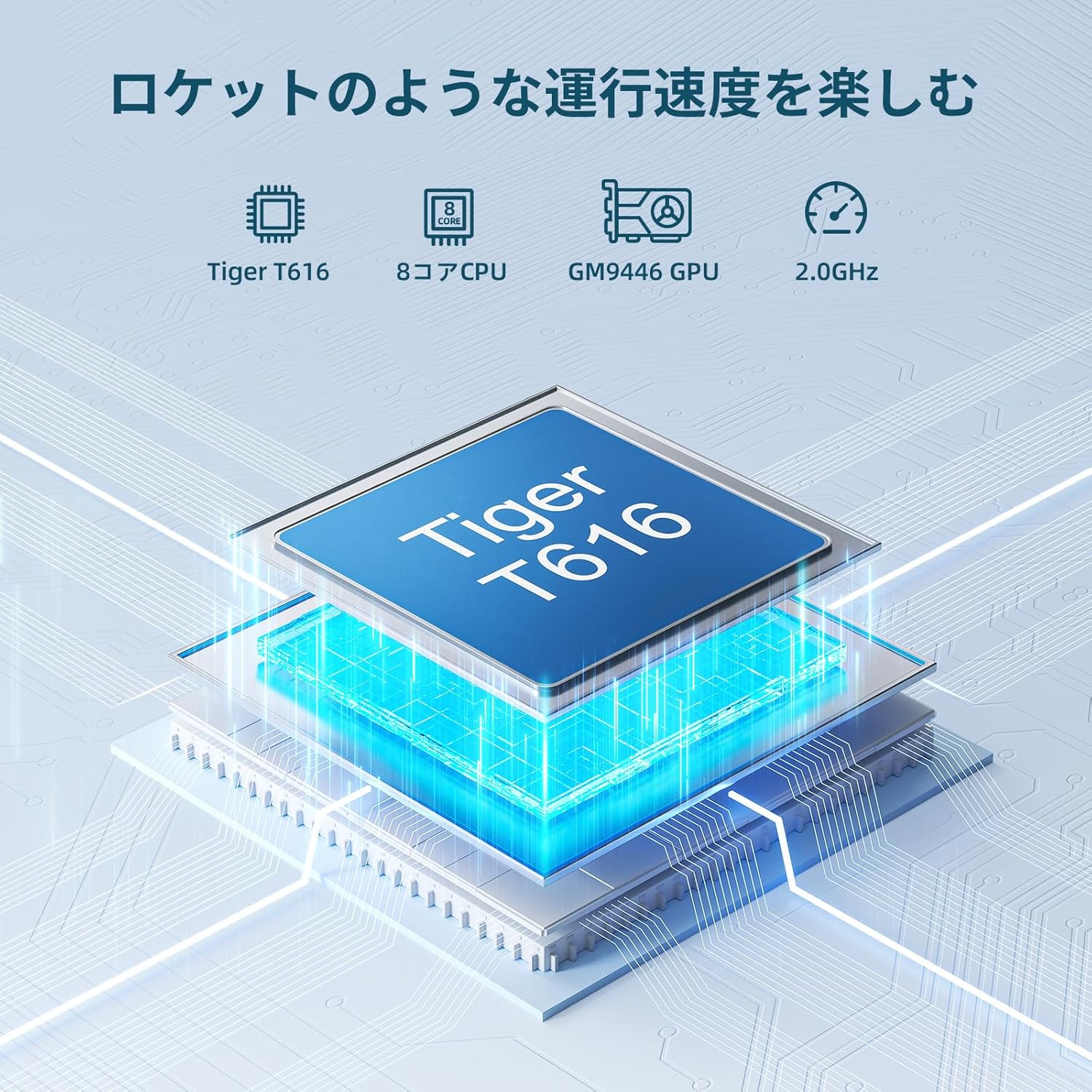
Image: OTVOC V10 Tablet, showcasing анын кооз дизайны.
2. Продукт бүтүп калдыview
2.1 Пакеттин мазмуну

Image: OTVOC Brand Logo.
The OTVOC V10 package typically includes:
- OTVOC V10 Tablet
- USB Type-C кабели
- Кубаттуу адаптер
- User Manual
- Кепилдик картасы
- SIM карта PIN
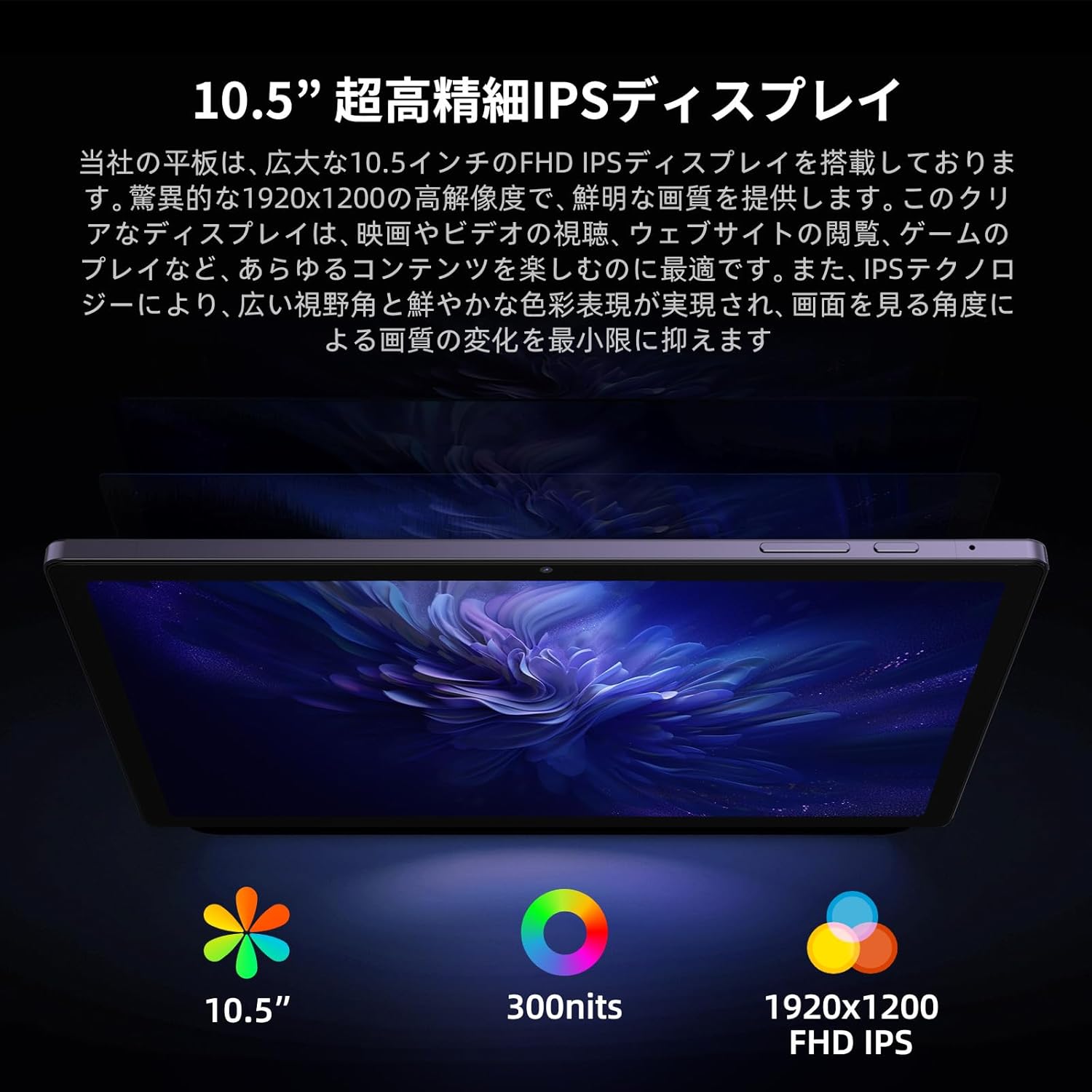
Image: The OTVOC V10 tablet and its included accessories, such as the charging cable, power adapter, user manual, and warranty card.
2.2 Негизги өзгөчөлүктөрү
- Операция системасы: Android 13 for enhanced customization, privacy, and accessibility.
- Дисплей: 10.5-inch FHD+ (1920x1200) In-Cell display with 400cd/m² brightness and 178° wide viewбурч.
- Процессор: High-performance Unisoc T616 8-core CPU (up to 1.8GHz, 12nm process) and Mali-G57 GPU for smooth multitasking and graphics.
- Эстутум жана сактоо: 8GB RAM (4GB LPDDR4 + 4GB virtual RAM) and 64GB internal storage, expandable up to 1TB via microSD card.
- Батарея: 6000mAh large capacity battery, providing over 6 hours of continuous video playback.
- Байланыш: 4G LTE SIM support (bands 1/3/8/18/19/26/28/40/41), 5G WiFi, Bluetooth 5.0, OTG, Wireless Projection, Split Screen, FM Radio.
- Камералар: 8MP front camera and 13MP rear camera for clear photos and video calls.
- Мультимедиа: Widevine L1 support for HD streaming on platforms like Amazon Prime Video, Netflix, YouTube, and Disney+.

Image: Diagram illustrating the Unisoc T616 8-core processor, highlighting its performance capabilities.

Image: The 10.5-inch FHD+ display of the OTVOC V10, emphasizing its high resolution and wide viewing angles for various uses like document creation, video watching, and online classes.

Image: Visual representation of the tablet's 8GB RAM (4GB physical + 4GB virtual) and 64GB internal storage, with support for up to 1TB microSD expansion.

Image: Close-up of the tablet's rear camera module, indicating its 13MP resolution, and mentioning the 8MP front camera.

Image: A user interacting with the tablet, showcasing various Android 13 features like customizable home screen, privacy controls, and face recognition.
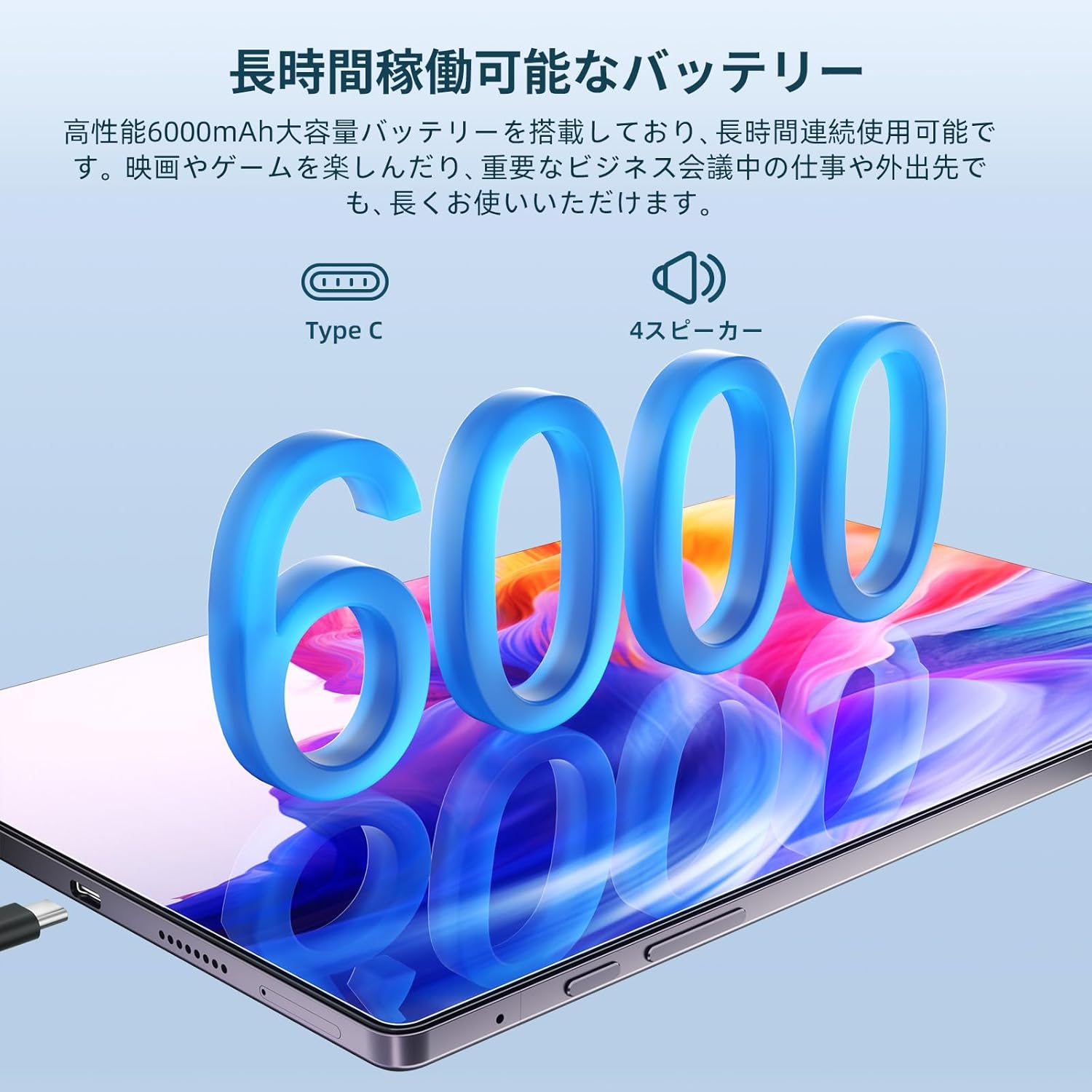
Image: The OTVOC V10 tablet connected to a Type-C charger, emphasizing its 6000mAh battery and long usage time.

Image: A collage demonstrating the tablet's connectivity options including 4G LTE, Bluetooth 5.0, 5G WiFi, and GPS/Glonass/Beidou, shown in various usage scenarios.
3. Орнотуу
3.1 Баштапкы күйгүзүү
- басып, кармап туруңуз Кубат баскычы (located on the side) until the OTVOC logo appears on the screen.
- Каалаган тилиңизди тандоо үчүн экрандагы көрсөтмөлөрдү аткарыңыз.
- Wi-Fi тармагына туташыңыз.
- Set up your Google account or skip for later.
- Configure screen lock (PIN, pattern, password, or face unlock).
3.2 SIM/MicroSD картасын салуу
Locate the SIM/microSD card tray on the side of the tablet. Use the provided SIM ejector tool to open the tray. Insert your 4G LTE SIM card and/or microSD card into the designated slots, ensuring correct orientation. Close the tray securely.
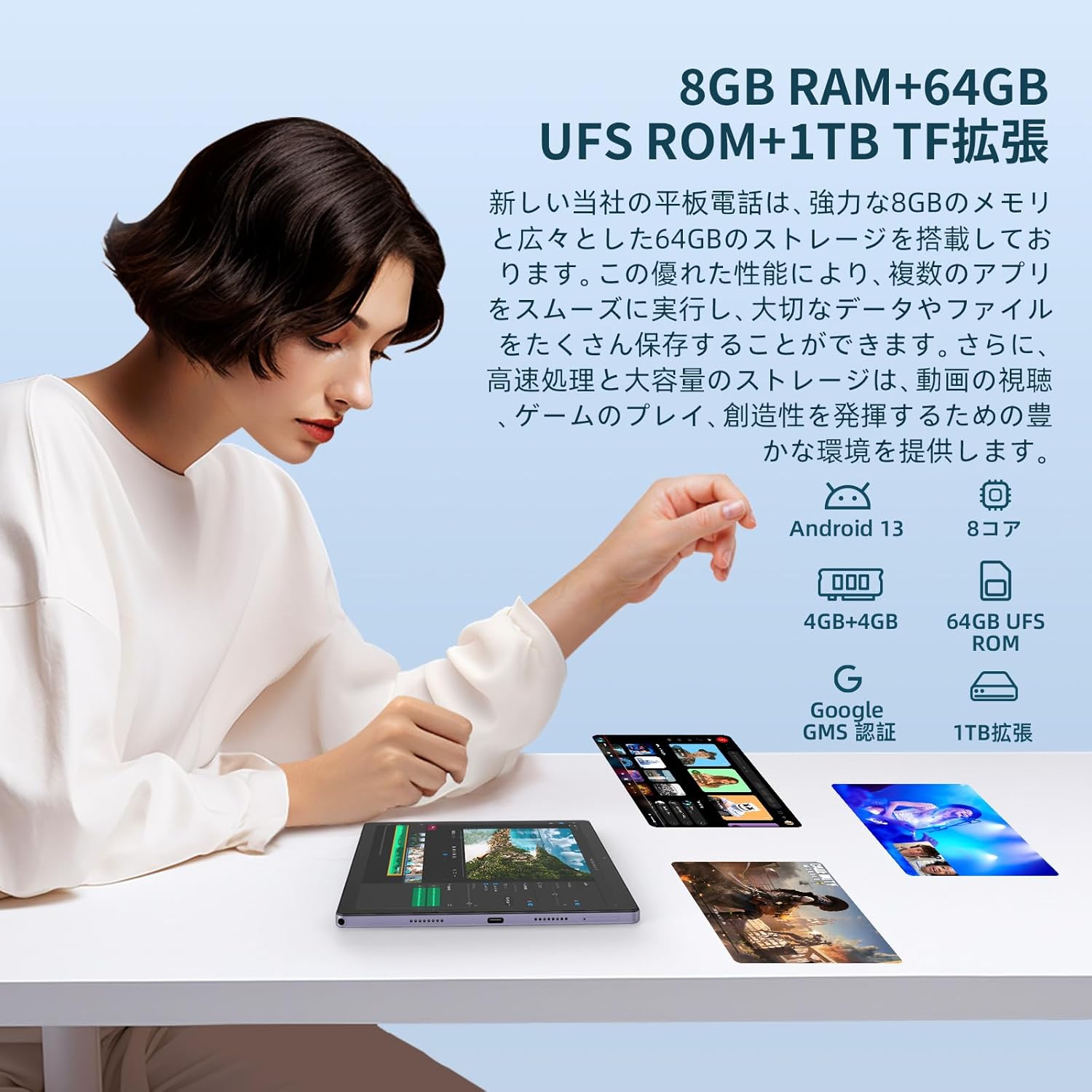
Image: A close-up of the tablet's side, showing the SIM/microSD card slot and other ports.
4. Иштөө нускамалары
4.1 Негизги навигация
- Күйгүзүү/өчүрүү: Кубат баскычын басып, кармап туруңуз.
- Үндү көзөмөлдөө: Үндү жогорулатуу/төмөндөтүү баскычтарын колдонуңуз.
- Башкы экран: Негизги экранга кайтуу үчүн Башкы бет сөлөкөтүн таптаңыз.
- Акыркы колдонмолор: үчүн Акыркы колдонмолор сөлөкөтүн таптаңыз view жана ачык колдонмолордун ортосунда которулуу.
- Артка: Tap the Back icon to go back to the previous screen.
4.2 Android 13 өзгөчөлүктөрү
The OTVOC V10 runs on Android 13, offering enhanced features:
- Ыңгайлаштыруу: Personalize your home screen with shortcuts and widgets.
- Купуялык жана коопсуздук: Оңой кайраview access history for location, camera, and microphone. Face recognition allows for quick and secure device unlocking.
- Бөлүнгөн экран: Use two apps simultaneously by activating split-screen mode.
- Зымсыз проекция: Share your tablet screen wirelessly to compatible displays.

Image: The OTVOC V10 display showing the Android home screen with various app icons.
Image: A user demonstrating the split-screen feature on the OTVOC V10, with two applications open side-by-side.
4.3 Мультимедиа жана байланыш
- Видео агымы: With Widevine L1 support, enjoy HD streaming from popular services.
- Аудио: The tablet features a 3.5mm audio jack, allowing you to use headphones while charging.
- OTG функциялары: Connect external devices via OTG for expanded functionality.
Image: The OTVOC V10 display showing a streaming service interface, indicating Widevine L1 support for high-definition content.
5. Техникалык тейлөө
5.1 Жалпы кам көрүү
- Keep the tablet away from extreme temperatures, direct sunlight, and liquids.
- Экранды жумшак, мамыксыз чүпүрөк менен тазалаңыз. Абразивдүү тазалоочу каражаттардан алыс болуңуз.
- Protect the screen with a screen protector and use a protective case.
5.2 Батареяга кам көрүү
- Батареяны бат-баттан толук кубаттап калуудан алыс болуңуз.
- Планшет толук кубатталгандан кийин аны көпкө кубаттап турбаңыз.
- Аспап менен кошо берилген оригиналдуу заряддагычты жана кабелди гана колдонуңуз.
6. Кыйынчылыктарды
6.1 Жалпы маселелер жана чечимдер
| Маселе | Мүмкүн чечим |
|---|---|
| Планшет күйбөйт | Ensure the battery is charged. Connect to charger for at least 30 minutes. Try a forced restart by holding the Power button for 10-15 seconds. |
| Жай аткаруу | Close unnecessary background apps. Clear cache. Restart the tablet. Check for system updates. |
| Wi-Fi туташуу маселелери | Restart the tablet and your Wi-Fi router. Forget the network and reconnect. Check Wi-Fi settings. |
| Колдонмолор бузулуп жатат | Clear the app's cache and data (Settings > Apps). Update the app. Reinstall the app. |
Бул жерде каралбаган туруктуу маселелерге туш болсоңуз, кардарларды колдоо кызматына кайрылыңыз.
7. Техникалык шарттар
| Өзгөчөлүк | Деталь |
|---|---|
| Бренд | OTVOC |
| Модель аты | V10 |
| Операция системасы | Android 13 |
| Screen Size | 10.5 дюйм |
| Display Resolution | 1920 x 1200 (FHD+) |
| CPU бренди | Unisoc T616 (8-core) |
| GPU бренди | ARM Mali-G57 |
| Эстутум сактоо сыйымдуулугу | 64 ГБ (microSD аркылуу 1 ТБ чейин кеңейтүүгө болот) |
| RAM | 8GB (4GB LPDDR4 + 4GB virtual) |
| Зымсыз түрү | 802.11ac (5G WiFi), Bluetooth 5.0 |
| Байланыш | 4G LTE SIM (Bands: 1/3/8/18/19/26/28/40/41) |
| Батарея сыйымдуулугу | 6000 мАч |
| Элемент Салмагы | 500 г |
| Продукциянын өлчөмдөрү | 32 x 19.1 x 3.9 см |
8. Кепилдик жана колдоо
Your OTVOC V10 tablet comes with a manufacturer's warranty. Please refer to the included Warranty Card for details on coverage and duration. For technical support, troubleshooting assistance, or warranty claims, please contact OTVOC customer service through the official webсайт же продукт документациясында көрсөтүлгөн байланыш маалыматы.

Image: A representation of customer support, indicating assistance is available.


