1. Продукт бүтүп калдыview
The SGIN Y101 is a 15.6-inch laptop designed for everyday computing tasks, featuring a Core i3 processor, 16GB RAM, and a 1024GB SSD. It operates on Windows 11 Home and includes a backlit keyboard, WiFi 6 connectivity, and a 180-degree hinge for flexible use.

Image: SGIN Y101 Laptop highlighting its Core i3 processor, Windows 11, 7000mAh battery, backlit keyboard, WiFi 6, 180-degree hinge, 16GB RAM, and 1024GB SSD.
2. Кутуда эмне бар
- 1 x SGIN Y101 Laptop
- 1 x Кубат адаптери/кубаттагыч
- 1 х Колдонуучунун колдонмосу (бул документ)
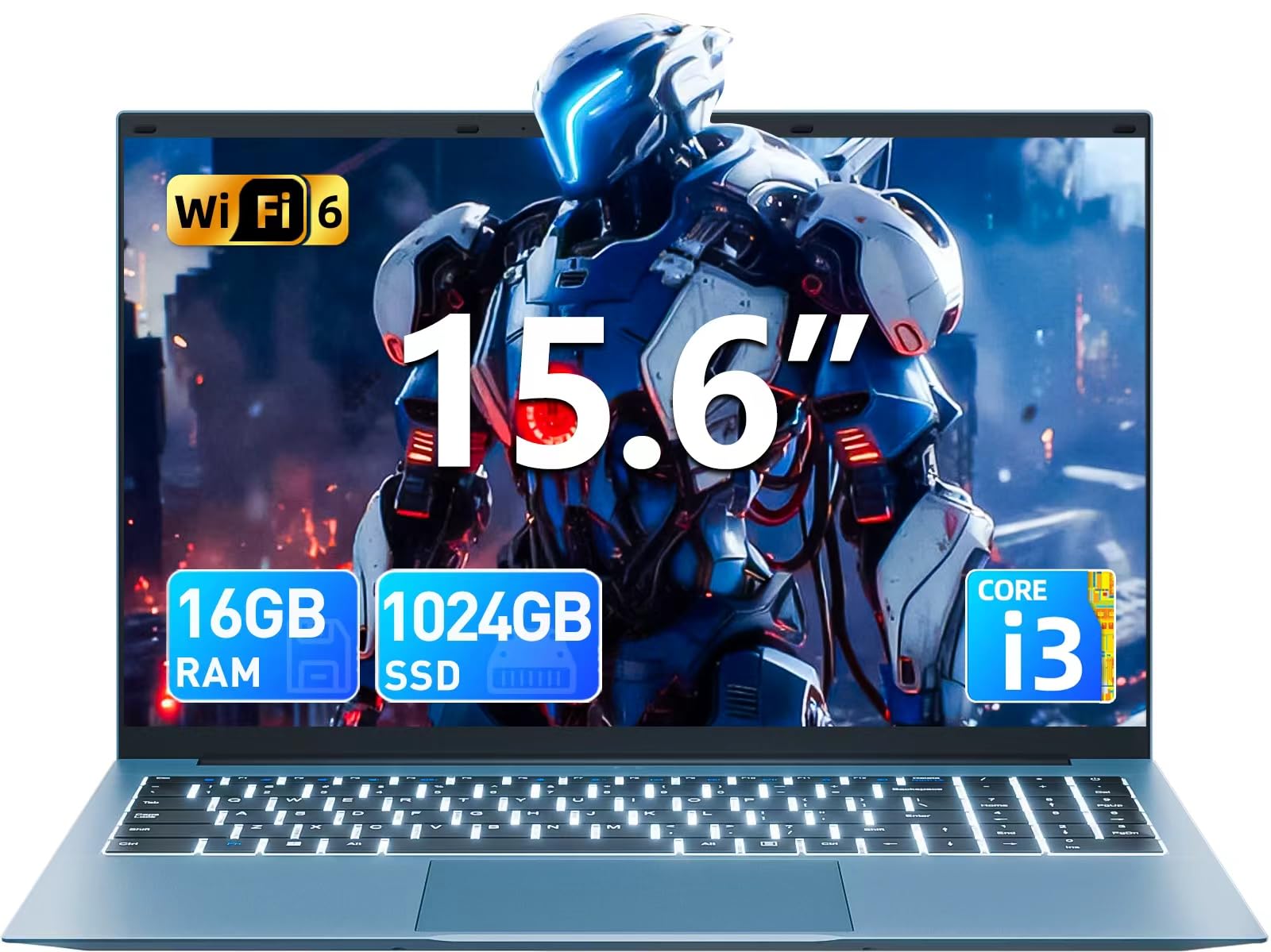
Image: The SGIN Y101 laptop, its power adapter, and the user manual as typically found in the product packaging.
3. Орнотуу
3.1 Алгачкы заряддоо жана күйгүзүү
- Кубат адаптерин туташтыруу: Plug the power adapter into the DC jack on the side of the laptop and then into a power outlet.
- Батареяны заряддоо: Алгачкы колдонуудан мурун, же батарейка индикатору жетиштүү зарядды көрсөткөнгө чейин ноутбукту жок дегенде 30 мүнөт кубаттоого уруксат бериңиз.
- Күйгүзүү: Open the laptop lid and press the power button, usually located on the top right of the keyboard, to turn on the device.
3.2 Windows 11 орнотуу
Follow the on-screen instructions to complete the initial Windows 11 Home setup. This typically includes:
- Аймагыңызды жана клавиатураңызды тандоо.
- Connecting to a Wi-Fi network (WiFi 6 supported).
- Microsoft аккаунту менен кирүү же түзүү.
- PIN же сырсөз орнотуу.
3.3 Перифериялык түзүлүштөрдү туташтыруу
The SGIN Y101 laptop offers various ports for connecting external devices:
Сүрөт: деталдуу view of the laptop's multiple interfaces, including DC jack, Type-C, HDMI, USB 3.2, Security lock, TF card slot, 3.5mm Headphone jack, and RJ45 Ethernet port.
- USB 3.0/3.2 порттору: Чычкандар, баскычтоптор же тышкы сактагыч сыяктуу USB түзмөктөрүн туташтыруу үчүн.
- HDMI порту: Кеңейтилген дисплей үчүн тышкы монитор же сыналгыга туташыңыз.
- Тип-C Port: For data transfer and potentially charging compatible devices.
- Micro SD оюгу: Insert a TF card for expanded storage up to 1TB.
- 3.5 мм гарнитура уячасы: Наушниктерди же тышкы динамиктерди туташтырыңыз.
- RJ45 Ethernet порту: Зымдуу интернет байланышы үчүн.
- Kensington Lock Slot: Физикалык коопсуздук үчүн.
4. Ноутбукту иштетүү
4.1 Баскычтоп жана сенсордук такта
The laptop features a full-size keyboard with a numeric keypad and a large touchpad for navigation. The keyboard is backlit for use in low-light conditions.
- Арткы жарык клавиатура: Басыңыз Fn + F5 to toggle the keyboard backlight on or off.
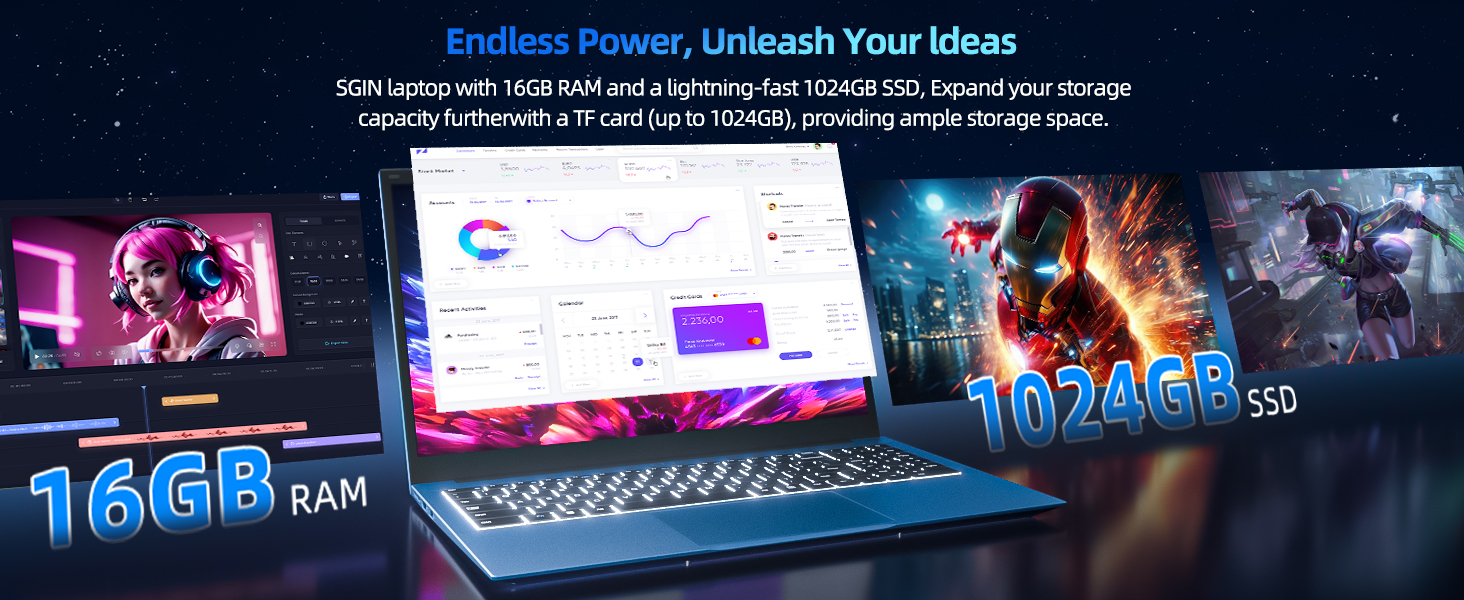
Image: Close-up of the SGIN Y101 laptop's backlit keyboard and numeric keypad, illustrating the Fn+F5 shortcut for backlight control.
4.2 Дисплейдин өзгөчөлүктөрү
The 15.6-inch Full HD (1920x1080) IPS screen provides clear visuals and wide viewing angles. The laptop also features a 180-degree hinge, allowing the screen to lay flat for easy sharing and collaboration.
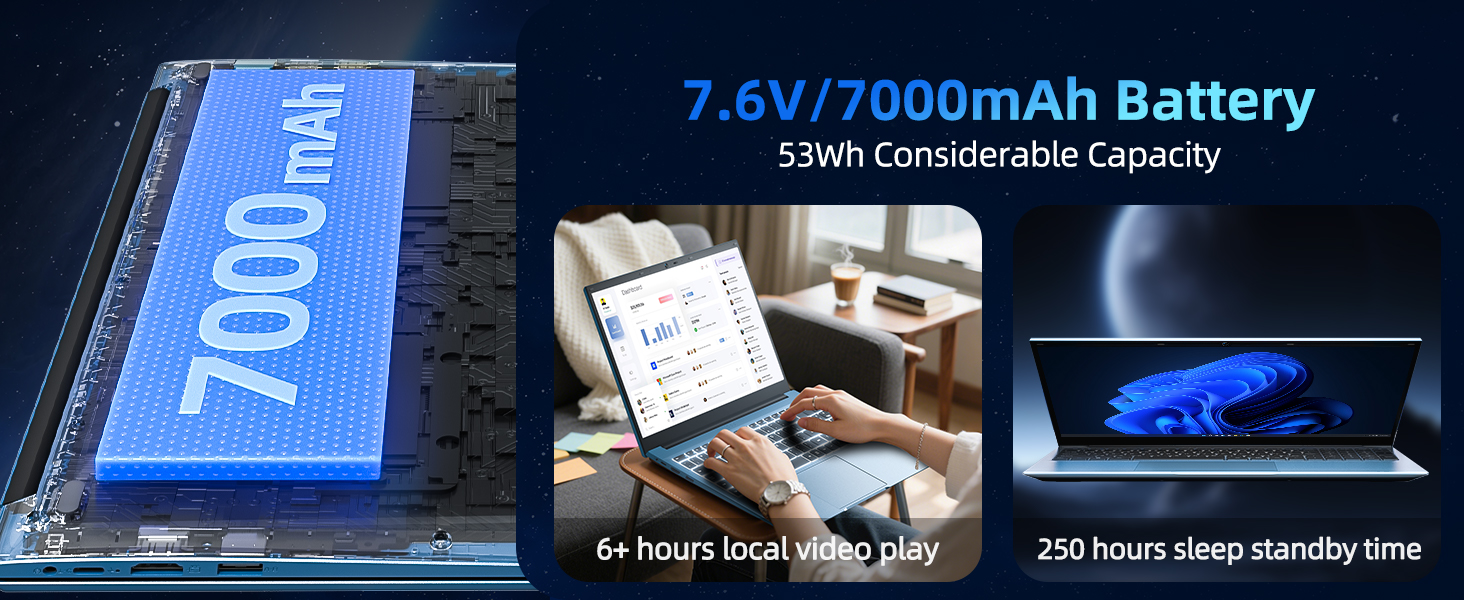
Image: The SGIN Y101 laptop displaying vibrant visuals on its 15.6-inch Full HD IPS screen.
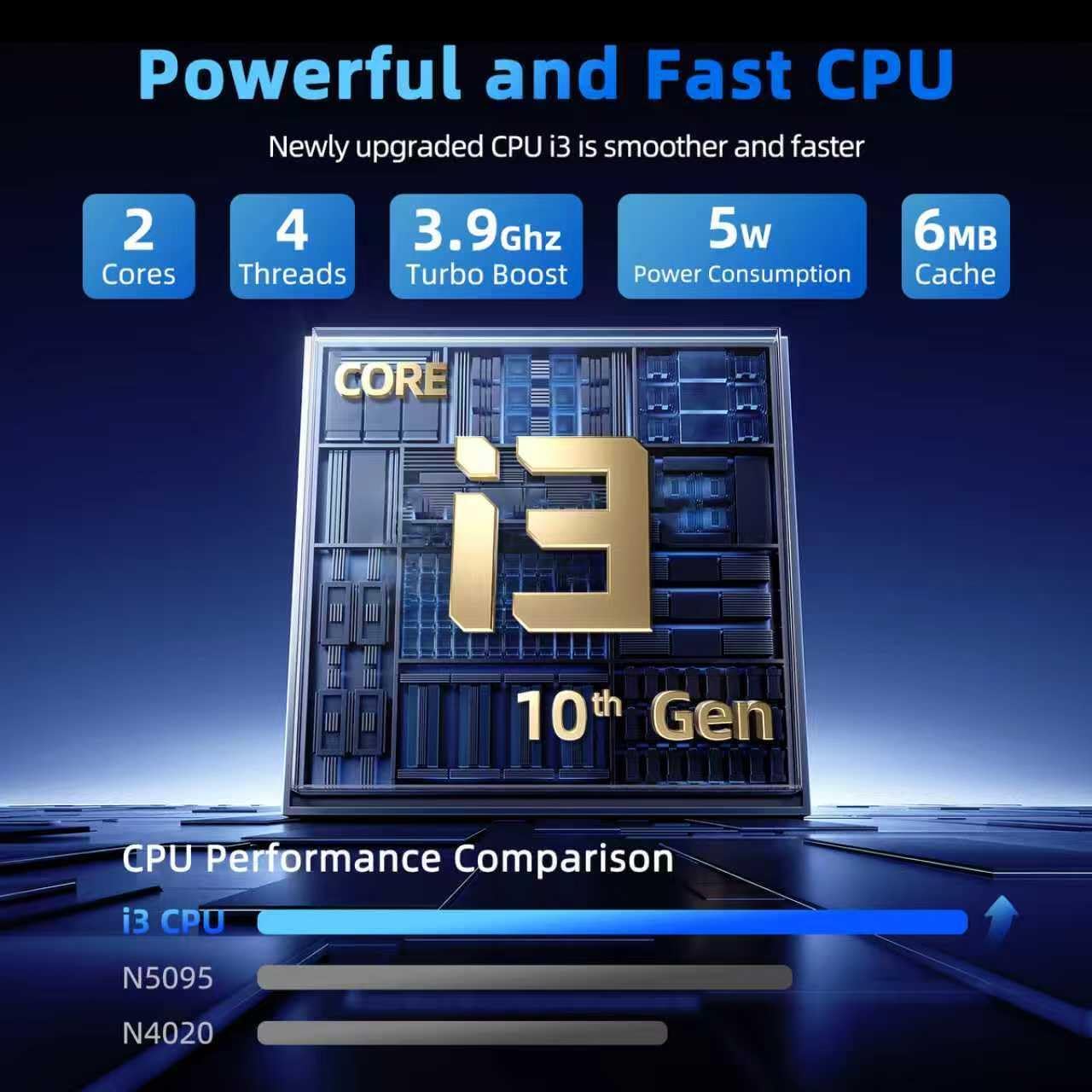
Image: The SGIN Y101 laptop open, illustrating its 180-degree hinge design for flexible viewинг жана бөлүшүү.
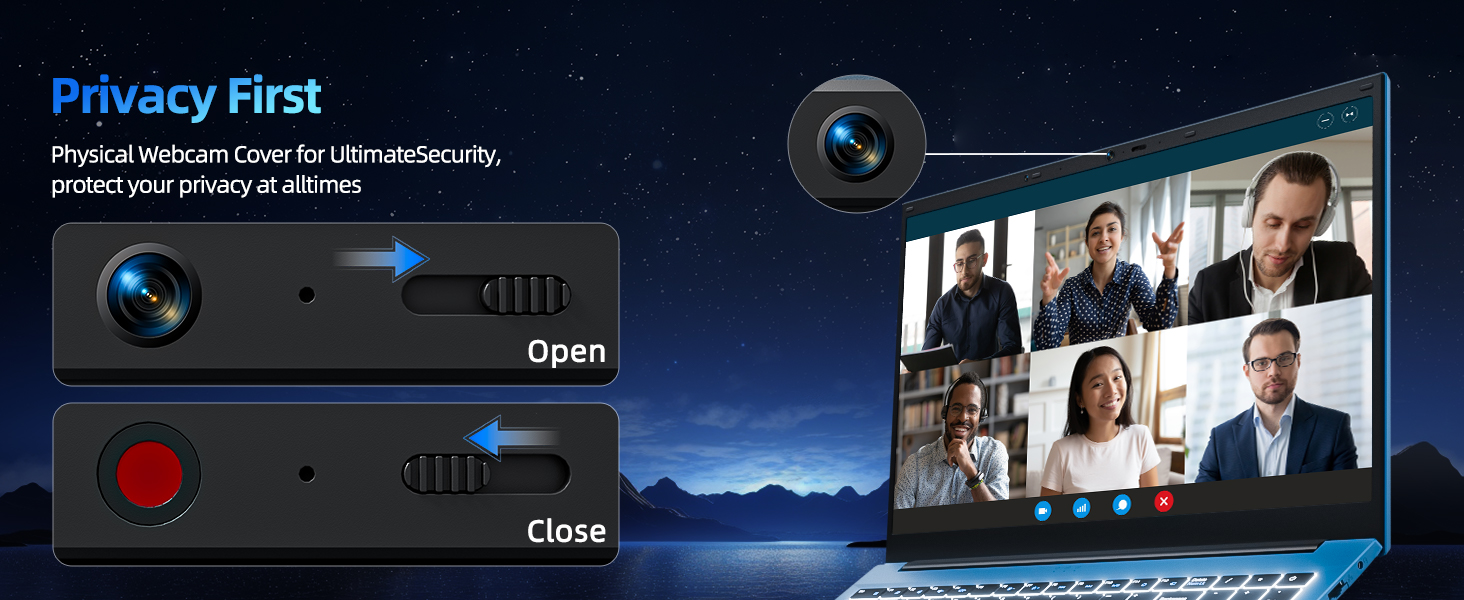
4.3 Купуялык Webcam Cover
For enhanced privacy, the laptop includes a built-in physical webcam switch. Slide the cover to open or close the webкерек болсо камера.
5. Техникалык тейлөө
5.1 Жалпы кам көрүү
- Ноутбукка экстремалдык температуранын, тике күндүн нурунун же жогорку нымдуулуктун таасиринен алыс болуңуз.
- Суюктуктарды аппараттан алыс кармаңыз.
- Handle the laptop with care to prevent physical damage.
5.2 Тазалоо
- Экранды жана сыртты тазалоо үчүн жумшак, түксүз чүпүрөктү колдонуңуз.
- өжөр белгилери үчүн, бир аз гampкездемени суу же экранды коргоочу тазалоочу каражат менен сүртүңүз.
- Do not spray cleaners directly onto the laptop.
5.3 Батареяга кам көрүү
- Батареянын иштөө мөөнөтүн узартуу үчүн, бат-баттан батарейканы толук зарядсыздандырбаңыз.
- Ноутбукту узак убакыт бою колдонбосо, салкын, кургак жерде сактаңыз.
- The 7000mAh/53.2Wh battery provides up to 8 hours of typical use.
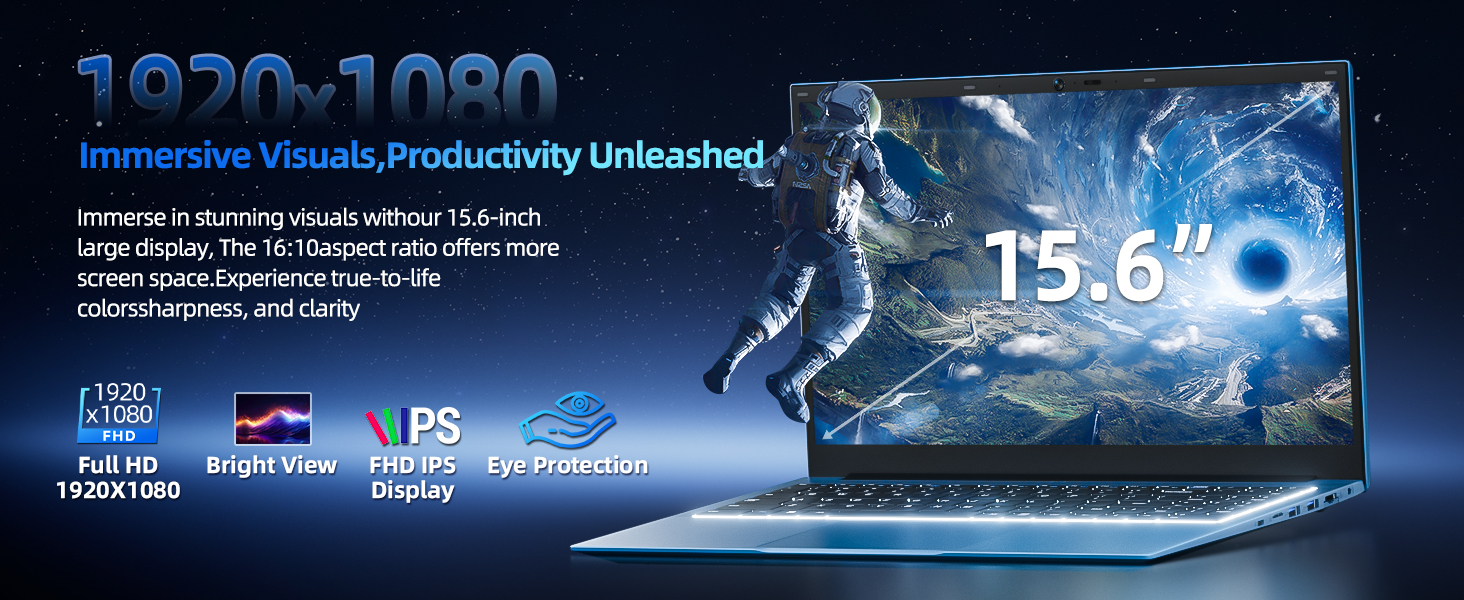
Image: Visual representation of the SGIN Y101 laptop's 7000mAh/53.2Wh large capacity battery, indicating its suitability for extended use.
6. Кыйынчылыктарды
This section addresses common issues you might encounter with your SGIN Y101 laptop.
6.1 Кубат жана жүктөө маселелери
- Ноутбук күйбөйт: Кубат адаптери бекем туташып турганын жана батарейканын заряды жетиштүү экенин текшериңиз. Башка электр розеткасын колдонуп көрүңүз.
- Laptop turns on but screen is black: Connect to an external monitor via HDMI to check if the display is the issue. Restart the laptop.
6.2 Дисплей жана графика
- Screen flickering or unusual display: Update graphics drivers. If connecting to an external display, ensure the cable is secure.
- Screen appears dim or too bright: Adjust brightness settings in Windows or using keyboard function keys.
6.3 Байланыш маселелери
- Wi-Fi туташпай жатат: Check if Wi-Fi is enabled in Windows settings. Restart your router and the laptop. Ensure correct password entry.
- USB түзмөктөрү таанылган жок: Башка USB портун колдонуп көрүңүз. Түзмөктүн драйверлери орнотулганын текшериңиз.
6.4 Баскычтоп жана сенсордук такта
- Баскычтоп жооп бербей жатат: Restart the laptop. Ensure no foreign objects are under the keys.
- Сенсордук такта иштебейт: Check Windows settings to ensure the touchpad is enabled. Restart the laptop.
- Арткы жарык иштебейт: Басыңыз Fn + F5 to ensure it's toggled on.
If you encounter persistent issues not covered here, please refer to the support section for assistance.
7. Техникалык шарттар
| Өзгөчөлүк | Деталь |
|---|---|
| Модель аты | SGIN-Y101 |
| Процессор | Intel Core i3-10100 (2-core, 4-thread, 6MB cache, up to 3.9GHz) |
| RAM | 16 ГБ DDR3 SDRAM |
| Сактагыч | 1024GB SSD (expandable with TF card up to 1TB) |
| Дисплей | 15.6-inch Full HD (1920x1080) IPS |
| Операция системасы | Windows 11 Home |
| Батарея | 7000mAh / 53.2Wh (up to 8 hours battery life) |
| Зымсыз байланыш | WiFi 6 (802.11ax) |
| Порттар | USB 3.0, HDMI, Micro SD slot, Type-C, Kensington lock, 3.5mm Headphone jack, RJ45 Ethernet |
| Өлчөмдөрү (LxWxH) | 15.6 x 9 x 0.6 дюйм |
| Салмагы | 4.97 фунт |
| Түс | Боз |
8. Кепилдик жана колдоо
Your SGIN Y101 laptop comes with comprehensive support and warranty:
- 1 жылдык коргоо: Enjoy a 1-year protection plan covering manufacturing defects.
- 1-Year Repair Service: The product includes a 1-year repair service.
- 30 күндүк кайтаруу саясаты: Сатып алгандан кийин 30 күндүн ичинде кайтарып алууга укуктуу.
- 24/7 Кардарларды колдоо: Access instant customer help for any queries or issues.
For support, please contact SGIN customer service through the official channels provided at the time of purchase or on the SGIN webсайт.
9. Продукцияны көрсөтүүчү видео
Watch this official video for a visual guide on the SGIN 15.6 Inch Laptop Computer's features and connectivity options.
Видео: Бүттүview and demonstration of the SGIN 15.6-inch laptop, showcasing its design, features, and available ports.


