Introduction
The VAST H1 4G LTE Mobile WiFi Hotspot Router provides high-speed internet access using 4G LTE network technology. This device is designed for portability and offers reliable connectivity for multiple devices, making it suitable for home, office, or travel use. It supports dual-band Wi-Fi (2.4GHz and 5GHz) and allows for wired connections via USB tethering.
Пакеттин мазмуну
Пакетте бардык буюмдар бар экенин текшериңиз:
- VAST H1 Router
- USB кабели
- Дубал заряддагыч
- User Manual

Image: VAST H1 Hotspot Router, its packaging, USB cable, wall charger, and user manual.
Продукт бүттүview
The VAST H1 features a compact design with essential indicators and ports for easy operation.
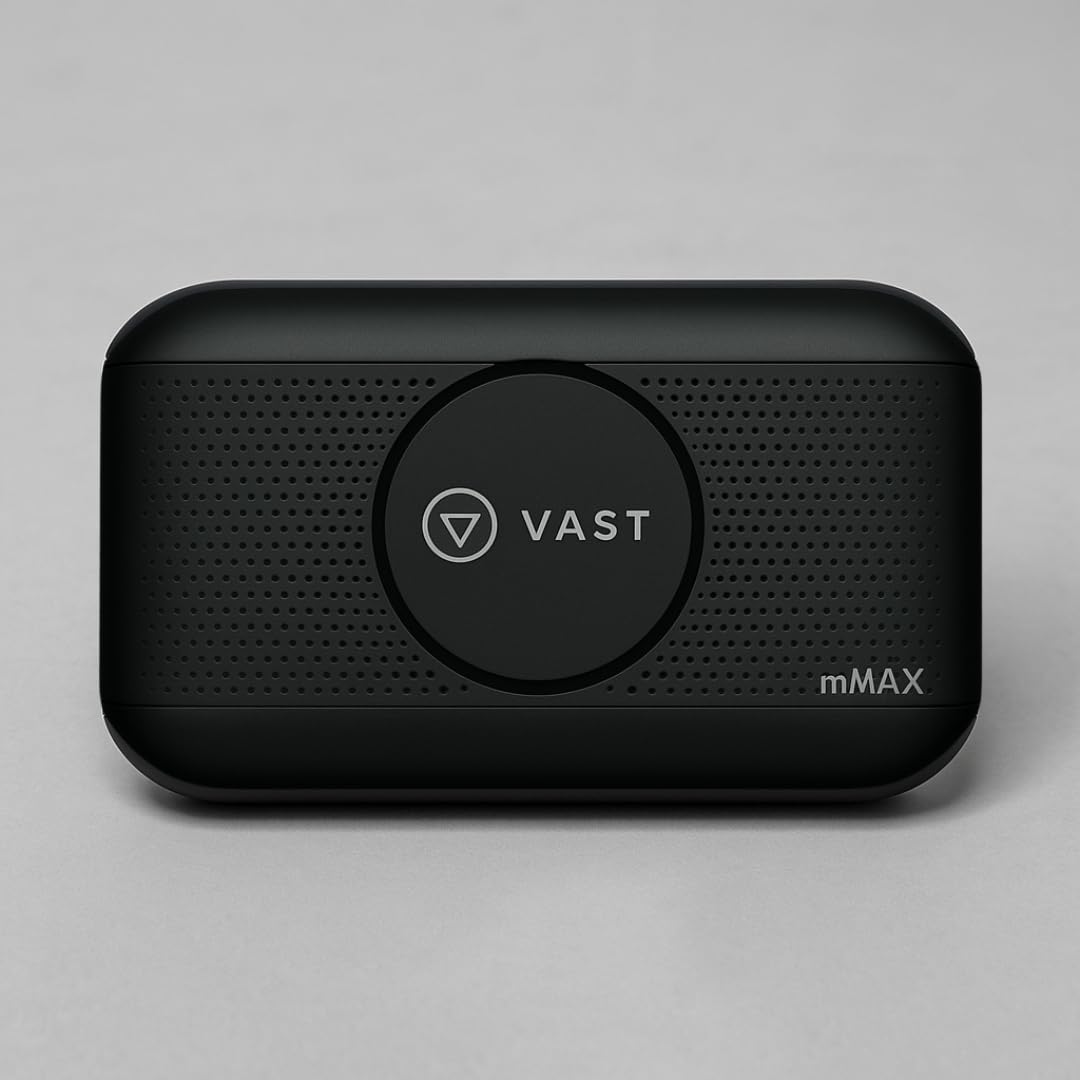
Сүрөт: алдыңкы view of the VAST H1 Hotspot, highlighting key features such as removable 3000mAh battery, fast 4G LTE speed, ability to connect up to 10 devices, inclusion of USB cable, wall charger, and user manual, and its unlocked status.
Түзмөктүн компоненттери:
- Кубат баскычы: Түзмөктү күйгүзүү же өчүрүү үчүн колдонулат.
- Дисплей экраны: Shows network status, battery level, signal strength, and connected devices.
- SIM карта слоту: Located under the battery cover, for inserting a 4G LTE SIM card.
- USB порт: For charging the device and potentially for wired tethering to a single computer.
- Wi-Fi көрсөткүчү: Wi-Fi абалын көрсөтөт.
- Сигнал көрсөткүчү: Displays cellular signal strength.
- Батарея көрсөткүчү: Учурдагы батареянын деңгээлин көрсөтөт.
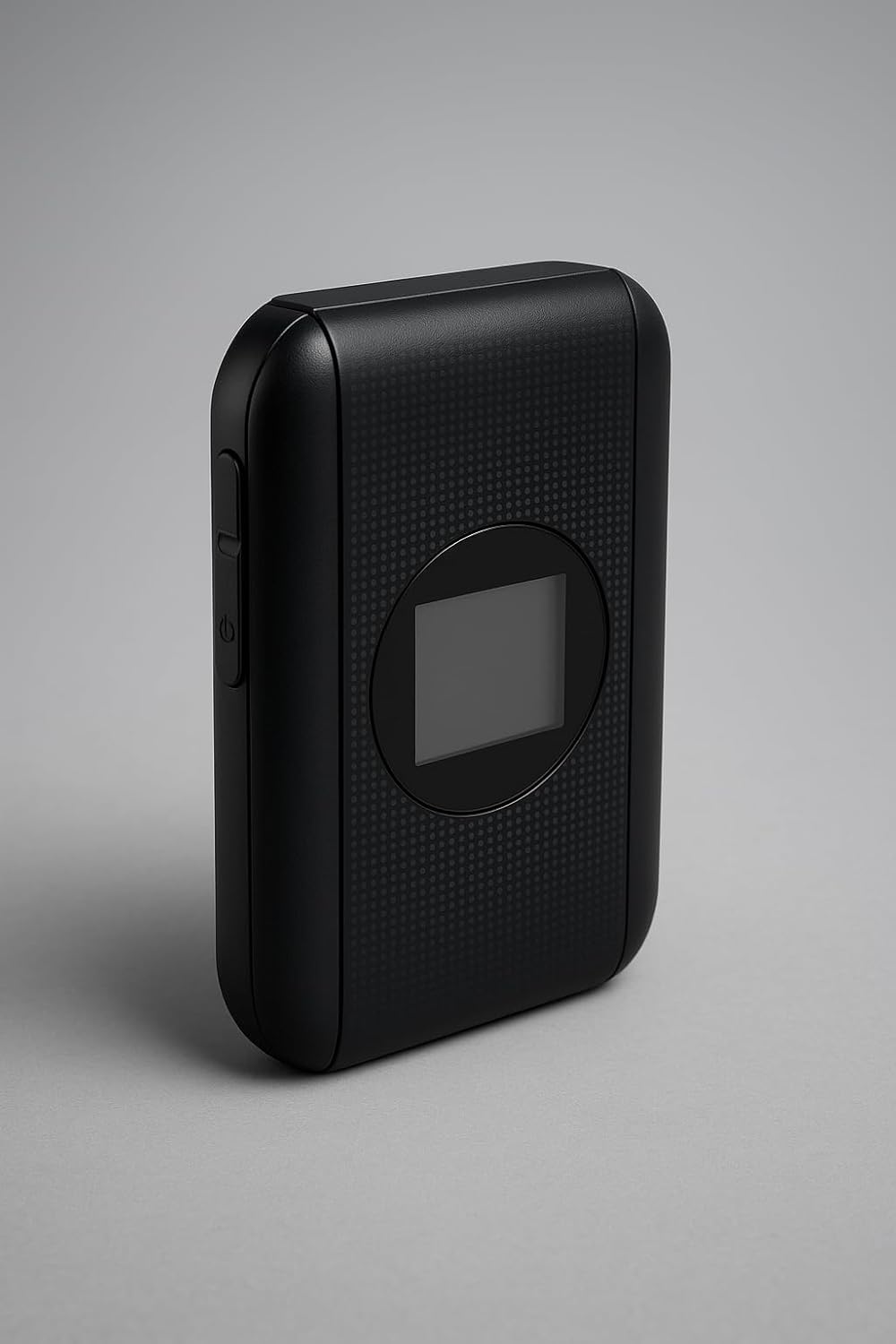
Сүрөт: каптал view of the VAST H1 Hotspot, illustrating the power button and device profile.
Жайгашуу
1. Inserting the SIM Card:
- Ensure the VAST H1 device is powered off.
- Аппараттын арткы капкагын кылдаттык менен алып салыңыз.
- SIM картанын уячасын табыңыз.
- Insert your activated 4G LTE SIM card into the slot with the gold contacts facing down and the notched corner aligned correctly.
- Replace the back cover and ensure it is securely fastened.
2. Аппаратты заряддоо:
- Connect the provided USB cable to the VAST H1's USB port.
- Connect the other end of the USB cable to the wall charger.
- Дубалдагы заряддагычты розеткага сайыңыз.
- The battery indicator on the device will show charging status. Allow the device to fully charge before first use.
Иштөө нускамалары
1. Күйгүзүү/өчүрүү:
- To power on, press and hold the Power button until the display screen illuminates.
- Өчүрүү үчүн, түзмөк өчмөйүнчө Кубат баскычын басып, кармап туруңуз.
2. Connecting Devices via Wi-Fi:
- Ensure the VAST H1 is powered on and has established a cellular connection (indicated by the signal icon).
- Wi-Fi иштетилген түзмөгүңүздө (смартфон, ноутбук, планшет) жеткиликтүү Wi-Fi тармактарын издеңиз.
- Locate the network name (SSID) of your VAST H1 hotspot. The SSID and default password are typically found on a sticker inside the battery compartment or on the device packaging.
- Select the VAST H1 network and enter the Wi-Fi password when prompted.
- Your device should now be connected to the internet through the VAST H1 hotspot.
3. Wi-Fi Band Selection (2.4GHz / 5GHz):
The VAST H1 supports both 2.4GHz and 5GHz Wi-Fi bands. However, only one band can be active at a time. To switch between bands:
- Аппаратка кириңиз web management interface (usually via a web browser on a connected device, e.g., 192.168.x.x). Refer to the device's display or packaging for the exact IP address and login credentials.
- Navigate to the Wi-Fi settings section.
- Select your preferred Wi-Fi band (2.4GHz for wider range, 5GHz for faster speeds over shorter distances).
- Save the changes. The device will restart its Wi-Fi module.
4. Advanced Settings (APN Configuration):
For some carriers, manual APN (Access Point Name) configuration may be required. This is typically done through the device's web башкаруу интерфейси.
- кирүү web башкаруу интерфейси.
- Locate the Network Settings or APN settings section.
- If your carrier requires a specific APN, enter the details provided by your carrier (APN name, username, password, etc.).
- Save the new APN profile.
Маанилүү эскертүү: Some users have reported that custom APN profiles may not persist after the device reboots. If you encounter this issue, you may need to re-enter the APN settings after each restart. Ensure your SIM card is fully activated with your chosen carrier.
Техникалык тейлөө
- Тазалоо: Use a soft, dry cloth to clean the device. Avoid liquid cleaners.
- Сактагыч: Аппаратты түз күн нурунан жана экстремалдык температурадан алыс салкын, кургак жерде сактаңыз.
- Батареяга кам көрүү: To prolong battery life, avoid fully discharging the battery frequently. If storing for extended periods, charge the battery to about 50%.
- Программалык камсыздоонун жаңыртуулары: Өндүрүүчүнү текшериңиз webоптималдуу иштөөнү жана коопсуздукту камсыз кылуу үчүн мезгил-мезгили менен микропрограммалык камсыздоону жаңыртып туруу үчүн сайтты текшерип туруңуз.
Проблемаларды чечүү
| Көйгөй | Мүмкүн себеп | Чечим |
|---|---|---|
| Интернет байланышы жок | No SIM card, inactive SIM, incorrect APN settings, no cellular signal. | Ensure SIM is inserted correctly and activated. Check APN settings. Move to an area with better signal. Restart the device. |
| Түзмөк күйбөйт | Low battery, faulty battery, power button issue. | Charge the device fully. If the device only powers on when plugged in, the battery may be depleted or faulty. |
| Wi-Fi байланышы бат-баттан үзүлөт | Interference, too many connected devices, device too far from hotspot. | Reduce distance to hotspot. Minimize interference from other electronic devices. Limit number of connected devices. |
| Жай интернет ылдамдыгы | Weak cellular signal, network congestion, data plan limitations, 2.4GHz Wi-Fi band selected. | Move to an area with better signal. Check your data plan. Switch to 5GHz Wi-Fi band if available and within range. |
| Custom APN settings not saving | Firmware limitation or bug. | Re-enter APN settings after each reboot. Check for firmware updates that might address this issue. |
Техникалык шарттар
- Модель аты: H1
- Байланыш технологиясы: 4G LTE
- Зымсыз байланыш стандарты: 802.11a (Wi-Fi)
- Жыштык тилкесинин классы: Dual-Band (2.4GHz and 5GHz, selectable)
- Батарея: 3000mAh стандарттуу эмес батарейка (кошулган)
- Элемент Салмагы: 7.2 унция
- Пакеттин өлчөмдөрү: 4.41 x 3.07 x 2.24 дюйм
- Түсү: Кара
- Өзгөчө өзгөчөлүгү: High-Speed 4G LTE Connectivity, GSM Unlocked
- Шайкеш түзмөктөр: Smartphones, Laptops, Tablets, etc.
- Сунушталган колдонуулар: Home WiFi, Mobile Hotspot, Travel
Кепилдик жана колдоо
Кепилдик жөнүндө маалымат жана техникалык колдоо алуу үчүн, сатып алууңузга тиркелген документтерди караңыз же сатуучуга/өндүрүүчүгө түздөн-түз кайрылыңыз. Кепилдик боюнча дооматтар үчүн сатып алууну тастыктаган документти сактап коюңуз.
Эскертүү: The product is described as "open-box, like-new condition" and "includes all original accessories". Warranty terms may vary for such items. Please consult your seller for specific warranty details.


