1. Киришүү
The MOOER F40i is a 40W smart guitar amplifier designed for a wide range of instruments including electric guitar, acoustic guitar, bass, and vocals. It features a touch screen interface, AI-powered tone generation, a comprehensive effects system, and various practice tools. This manual provides essential information for setting up, operating, and maintaining your F40i ampөмүрлүү.
2. Орнотуу
2.1 Пакеттен чыгаруу жана жайгаштыруу
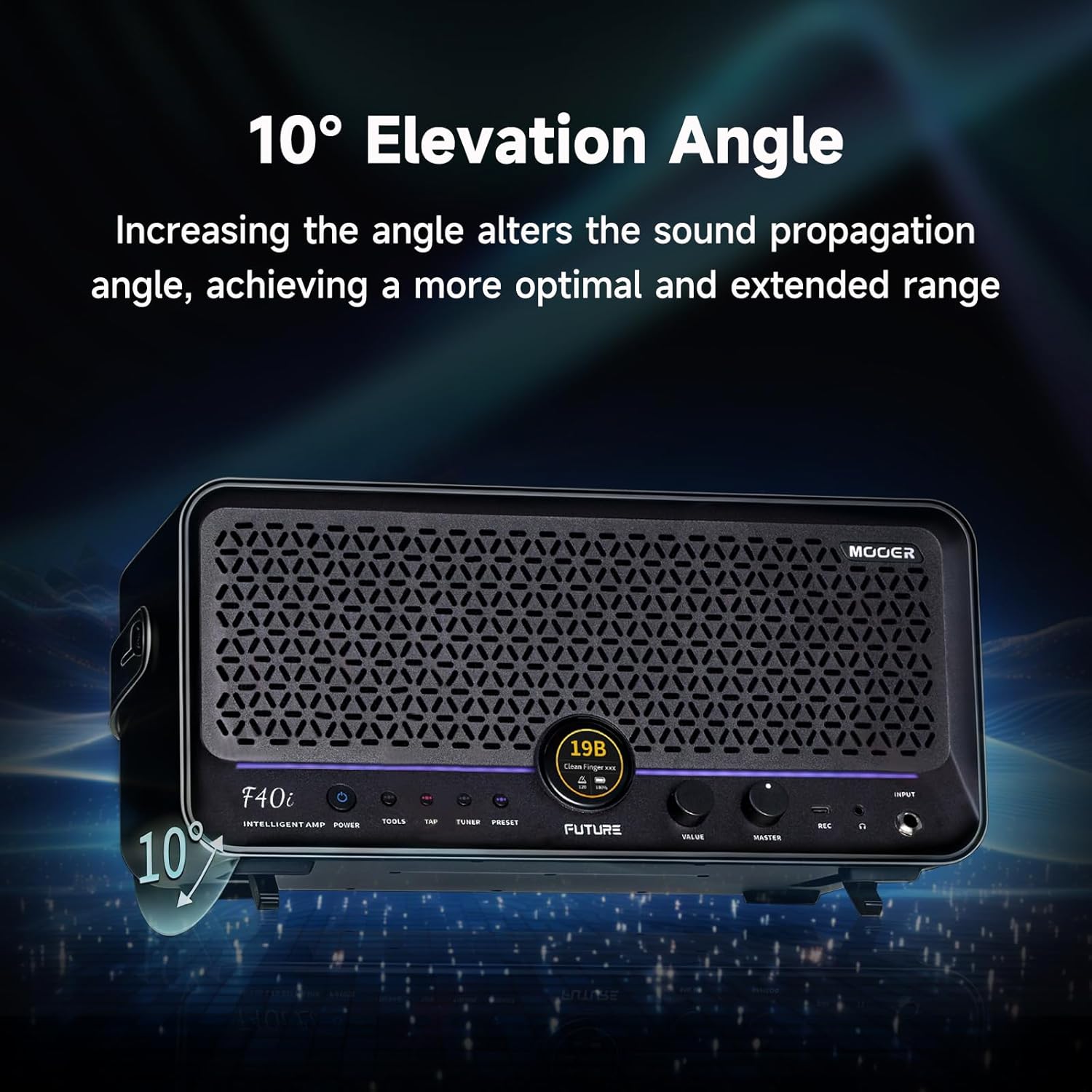
Carefully remove the F40i ampкөтөргүчтү таңгагынан чыгарыңыз. amplifier on a stable, flat surface. Ensure adequate ventilation around the unit. The amplifier's design includes a 10-degree upward angle for optimal sound projection.

Image: The MOOER F40i amplifier demonstrating its 10-degree elevation angle for improved sound projection.
2.2 Кубат туташтыруу
Connect the provided AC adapter to the power input jack on the rear of the F40i amplifier. Plug the AC adapter into a suitable power outlet. The F40i operates on 19V DC, 3.5A.
2.3 Аспапты жана микрофонду туташтыруу
The F40i features a dual effects system with an XLR connector for various instruments. Connect your electric guitar, acoustic guitar, bass, or microphone to the appropriate input jacks on the amplifier. The XLR input supports vocals and acoustic instruments, while the standard 1/4-inch input is for electric guitars and basses.

Image: The F40i amplifier connected to both a microphone and a guitar, highlighting its versatile input options for different instruments.
Сүрөт: деталдуу view of the rear panel of the MOOER F40i, showing the XLR/MIC input, MIC GAIN switch, and LINE OUT (L/R) jacks.
3. Иштөө нускамалары
3.1 Күйгүзүү/өчүрүү
Press the power button located on the amplifier's control panel to turn the unit on or off.
3.2 Сенсордук экран интерфейси
The F40i features a 1.3-inch touch screen for direct access to various functions. Use the touch screen to quickly select Bluetooth, presets, tuner, and drum machines. You can also play/pause music directly from the touch screen when connected via Bluetooth.

Image: The 1.3-inch touch screen of the F40i amplifier, showing icons for Bluetooth, presets, tuner, and drum machines.
3.3 MOOER AI Chat for Tone Generation
Utilize the MOOER AI feature to generate desired tones. Access the AI chat via the iAmp app. Input keywords (song titles, characters, styles) using voice or text. The AI will generate three preset tones for preview and download. You can refine your search or edit downloaded tones.

Image: A smartphone displaying the MOOER AI interface, where users can request specific tones by typing or speaking keywords.
3.4 Effects System and Presets
The F40i includes 80 preset saving slots and reusable effect modes. It comes pre-installed with 55 amplifier models, utilizing MOOER's MNRS nonlinear modeling technology, and 69 effect types (delay, modulation, reverb, dynamic processing). The iAmp app provides a dedicated effects system with adjustable parameters for the XLR input instrument.
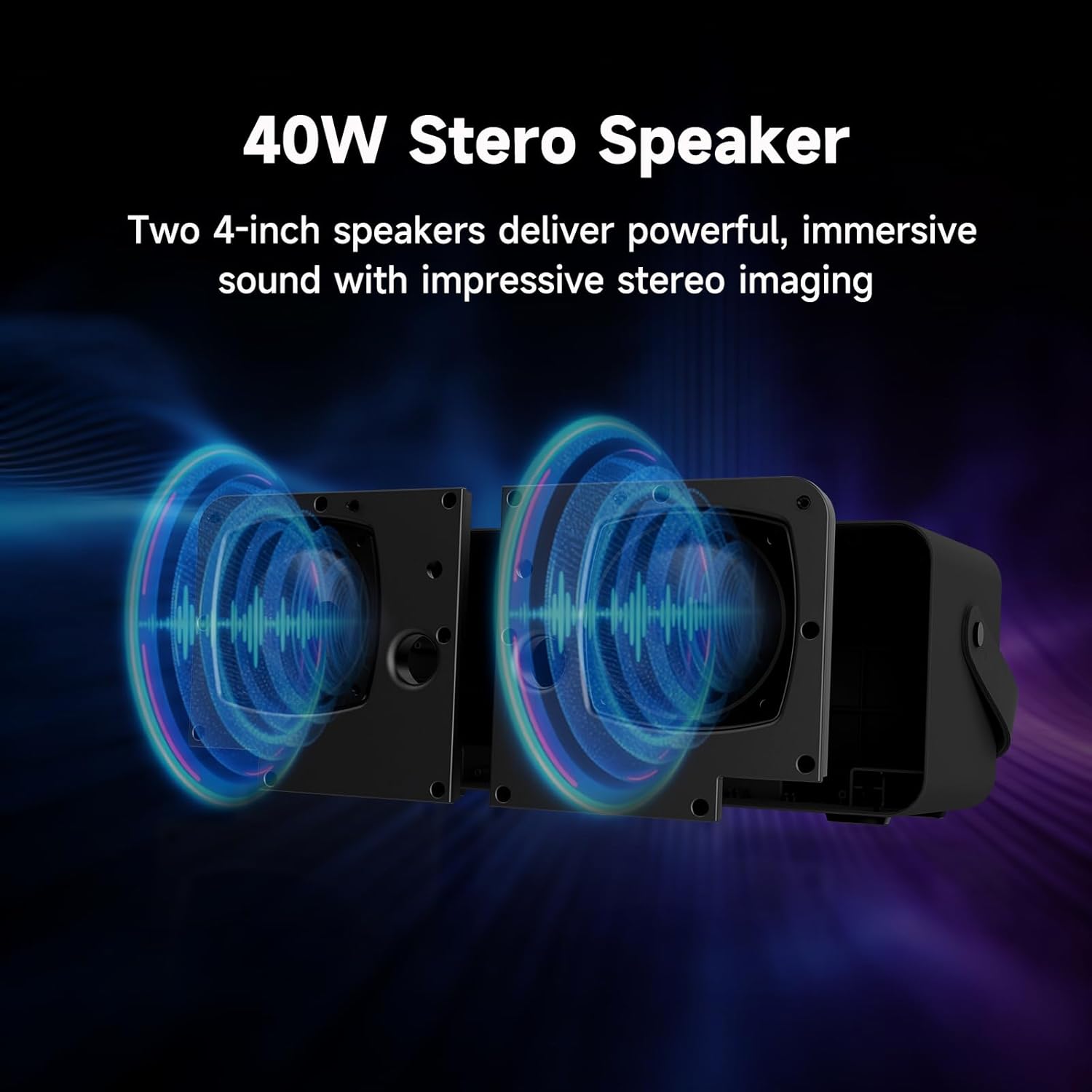
Image: A user interacting with the MOOER iAmp app on a smartphone, adjusting effect parameters for the ampөмүрлүү.
3.5 Dynamic Spatial Enhancement (DPE)
The F40i delivers 40W output through two 4.5-inch speakers, producing simultaneous stereo sound. MOOER's DPE technology enhances the spatial presence of the audio, providing greater depth and improved tonal quality.

Сүрөт: ички view diagram of the F40i, showing the two 4.5-inch speakers and the stereo sound output.
Image: A visual representation of MOOER's DPE technology, illustrating how it enhances the spatial depth and tonal quality of the ampкөтөргүчтүн үнү.
3.6 Practice Tools
The F40i includes professional practice tools:
- Барабан машинасы: 60 common rhythm patterns and 10 metronome types.
- Лупер: 60-second phrase looping, usable simultaneously with the drum machine.
- тюнер: A high-precision tuner is built into the amplifier's software.
- Bluetooth ойнотуу: Connect your device via Bluetooth for accompaniment.
- Wireless Pedal Support: Supports wireless pedal remote switching of presets and control of drum machine and loops (GWF4/F4 sold separately).
3.7 iAMP Cloud Sharing
The MOOER Cloud hosts a vast collection of official and user-uploaded tones. Shared with GS1000 Cloud, data sampled via GS1000 can be used directly. You can upload your own tones or download official tones and tones uploaded by experts.
4. Техникалык тейлөө
To ensure the longevity and optimal performance of your MOOER F40i amplifier, бул тейлөө көрсөтмөлөрүн аткарыңыз:
- Тазалоо: Сыртын тазалоо үчүн жумшак, кургак чүпүрөктү колдонуңуз amplifier. Avoid using abrasive cleaners, solvents, or waxes.
- Сактагыч: сактаңыз ampтүз күндүн нурунан, экстремалдык температурадан жана жогорку нымдуулуктан алыс салкын, кургак жерде liifier.
- Вентиляция: камсыз кылуу amplifier's vents are not obstructed to prevent overheating.
- Электр камсыздоо: Always use the original MOOER power adapter. Disconnect the power supply when the unit is not in use for extended periods.
- Программалык камсыздоонун жаңыртуулары: Regularly check for and perform firmware upgrades via the MOOER Audio app to ensure your device has the latest features and improvements.
5. Кыйынчылыктарды
If you encounter issues with your MOOER F40i, refer to the following common troubleshooting steps:
- Кубат жок: Ensure the power adapter is securely connected to both the amplifier and a working power outlet. Verify the power button is pressed.
- Үн жок: Check all instrument and speaker cables. Ensure the volume controls (Master and instrument-specific) are turned up. Verify that the correct input is selected.
- Бурмаланган үн: Reduce the input gain or instrument volume. Check for damaged cables. Ensure the ampкөтөргүч ашыкча жүктөлгөн эмес.
- Bluetooth туташуу маселелери: Ensure Bluetooth is enabled on both the amplifier (via touch screen) and your device. Try unpairing and re-pairing the devices.
- Колдонмо жооп бербей жатат: Close and restart the iAmp app. Ensure your amplifier's firmware is up to date.
- AI Chat Not Generating Tones: Ensure you have a stable internet connection. Try rephrasing your request or using different keywords.
For persistent issues, contact MOOER customer support or visit the official MOOER webкошумча жардам үчүн сайт.
6. Техникалык шарттар
| Өзгөчөлүк | Спецификация |
|---|---|
| Модель аты | F40i |
| Чыгуу Wattage | 40 Ватт |
| Динамик конфигурациясы | 4.5 дюймдук эки динамик |
| Шайкеш түзмөктөр | Vocals, Acoustic Guitar, Electric Guitar, Bass |
| Туташтыргыч түрү | XLR, 1/4-inch Instrument Input |
| Power Source | AC adapter (19V DC, 3.5A) |
| Элемент Салмагы | 7.7 фунт |
| Пакеттин өлчөмдөрү | 16.5 x 10.5 x 10 дюйм |
| Ampкөтөргүч моделдер | 55 (MNRS nonlinear modeling technology) |
| Эффект түрлөрү | 69 (Delay, Modulation, Reverb, Dynamic Processing) |
| Алдын ала коюлган Slots | 80 |
| Looper Duration | 60 секунд |
| Drum Machine Patterns | 60 rhythm patterns + 10 metronome types |


