Introduction
This manual provides detailed instructions for the Edillas Digital Fitness Tracker Watch S06. This watch is designed for both men and women, offering a range of features including activity tracking, timekeeping, alarms, and sleep monitoring without requiring a smartphone app connection.
Кутуда эмне бар
Upon opening your Edillas S06 watch package, you will find the following items:
- Edillas Digital Fitness Tracker Watch S06
- Заряддоо кабели
- User Manual
- Two (2) Replaceable Straps

Image: The Edillas S06 watch, charging cable, user manual, and two interchangeable straps are neatly arranged in the product box.
Продукт өзгөчөлүктөрү
The Edillas S06 watch offers a variety of functions to support your daily activities and well-being:
- All-day Activity Tracking: Кадамдарды, аралыкты жана күйгөн калорияларды көзөмөлдөйт.
- EL арткы жарык: Provides a 3-second backlight for visibility in low-light conditions.
- Убакыт жана дата дисплей: Clear digital display of current time and date.
- Multiple Vibration Alarms: Set up to 3 distinct alarms with vibration alerts.
- Секундомер функциясы: For timing activities and workouts.
- Артка саноо таймери: Useful for timed tasks or exercises.
- Уйкунун мониторинги: Tracks sleep duration and quality.
- Отуруучу эстеткич: Кыймылсыздык мезгилинен кийин көчүп кетүү тууралуу эскертет.
- Суу каршылык: Rated 30M/3BAR, suitable for daily use like hand washing and sweating, but not for swimming.
- Батареянын узак иштөө мөөнөтү: Up to 30 days on a single charge, with quick 1.5-hour charging.

Image: A visual representation of the Edillas S06 watch's diverse functionalities, including fitness tracking, time management, and health monitoring features.
Жайгашуу
Убакыт жана дата орнотуу
To set the time and date on your Edillas S06 watch, follow these steps:
- Tap the screen or press any button to wake the display.
- басып, кармап туруңуз РЕЖИМ орнотуу режимине өтүү үчүн баскыч.
- When the hour flashes, tap the START button to change the hour.
- басып, кармап туруңуз РЕЖИМ button again to switch to minutes, then tap START тууралоо.
- Continue pressing and holding РЕЖИМ to cycle through setting the month, date, and year, tapping START ар бир маанини тууралоо үчүн.
- Next, select your preferred 12-hour or 24-hour format.
- Then, select units for height and stride length to ensure accurate distance calculation.
- Finally, press and hold the РЕЖИМ button to save all settings and return to the time screen.
Video: This video demonstrates the process of setting the time, date, and personal metrics on the Edillas S06 watch.
Strap Installation and Replacement
The Edillas S06 watch comes with interchangeable straps. To install or replace a strap:
- Gently pull the existing strap away from the watch body to detach it.
- Align the new strap with the watch body's slot.
- Push the strap firmly into place until it clicks securely.

Image: Step-by-step instructions for easily changing the watch strap.
Video: This video demonstrates the simple process of installing and replacing the watch strap.
Иштөө нускамалары
Кыймыл-аракетти көзөмөлдөө (кадамдар, аралык, калориялар)
The Edillas S06 automatically tracks your daily steps, estimated distance, and calories burned. These metrics are displayed on the main screen. You can view your steps, calories, and mileage for the past seven days.

Image: The watch tracks steps, distance, and calories throughout the day, helping you visualize progress and stay motivated.
Уйкунун мониторинги
To activate sleep monitoring, press and hold the ЖАРЫК button for 3 seconds until the sleep monitoring icon appears and blinks. The watch will automatically exit sleep mode if more than 50 steps are detected during monitoring. A sleep quality score will only be provided if the monitored sleep duration exceeds one hour.
To exit sleep monitoring mode, press and hold the ЖАРЫК баскычы. Андан кийин, басыңыз RESET баскычына view your sleep duration and sleep quality score.

Image: The watch monitors your sleep and provides a score to help you adjust your sleep schedule.
Video: This video demonstrates how to activate and use the sleep monitoring feature on the S06 watch.
Ойготкуч саат функциясы
The watch supports up to 3 vibration alarms. To set an alarm:
- From the default time interface, press the РЕЖИМ button once to select the alarm group (choose 1, 2, or 3).
- басыңыз START button to turn the alarm on/off.
- көпкө басыңыз RESET button to enter the alarm setting interface.
- басыңыз РЕЖИМ button to switch between setting positions (hours - minutes - vibration duration).
- басыңыз START button to set the flashing digits.
- басыңыз RESET button once to complete the setting.
A bell icon and a number displayed on the screen indicate that the corresponding alarm group is enabled. When an alarm is triggered, the watch will vibrate. Press the РЕЖИМ button to stop the alarm. The flashing alarm icon indicates that snooze mode is activated, and the alarm will sound again after five minutes (snooze is supported up to 4 times).
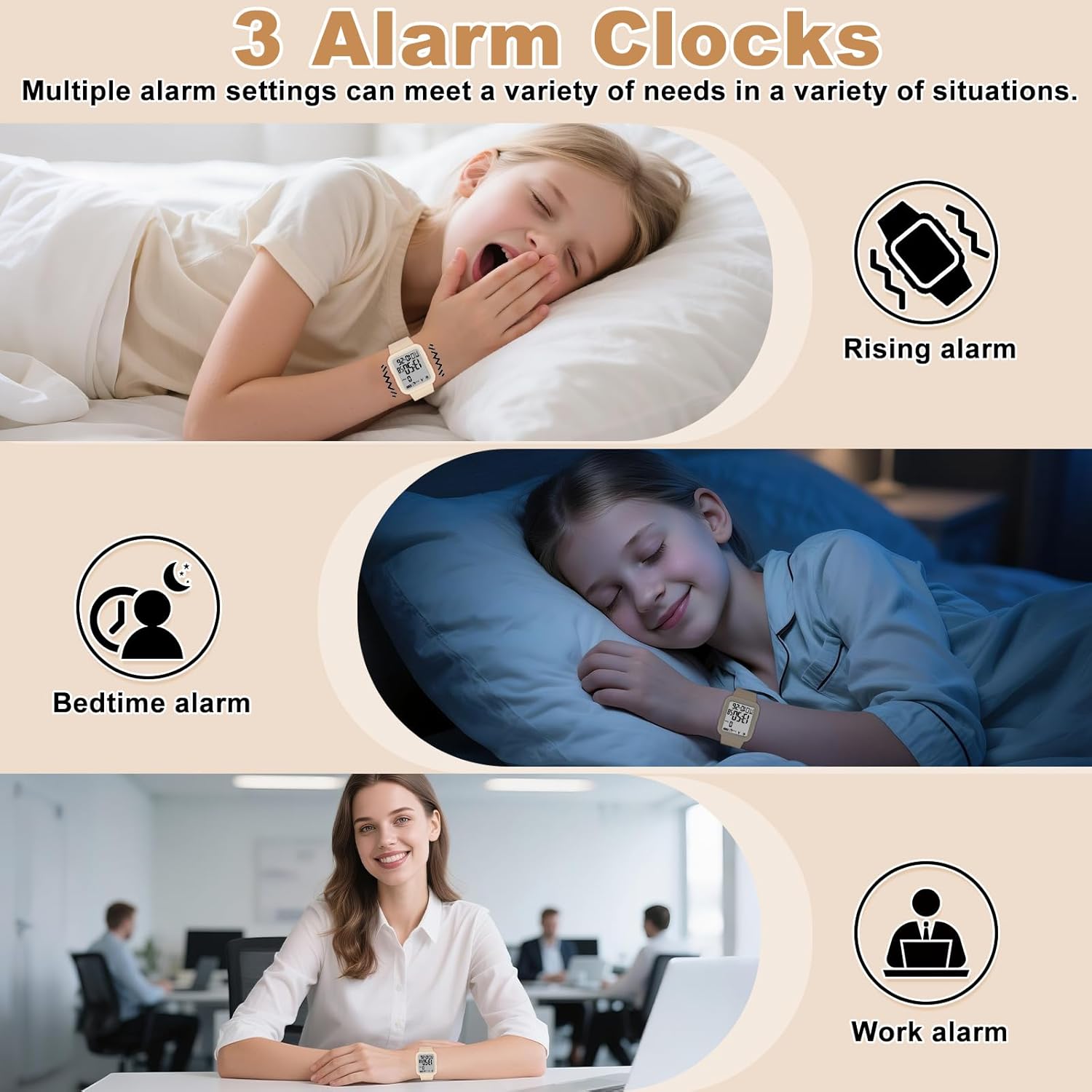
Image: Multiple alarm settings can be configured to meet various daily needs.
Video: This video guides you through setting up the alarm feature on your S06 watch.
Секундомер функциясы
Секундомерди колдонуу үчүн:
- басыңыз РЕЖИМ button 4 times to enter stopwatch mode.
- басыңыз START убакытты белгилөөнү баштоо үчүн баскыч.
- басыңыз START секундомерди тындыруу үчүн кайра баскычын басыңыз.
- үчүн view the current stopwatch time without interrupting the timing (SPL mode), press the RESET баскычы. Басуу RESET again to return to the stopwatch timing interface.
- To reset the stopwatch while paused, press the RESET баскычы.
- басыңыз РЕЖИМ button to exit stopwatch mode.

Image: The stopwatch function is ideal for timing various sports and exercises.
Video: This video explains how to operate the stopwatch feature on the S06 watch.
Артка саноо таймеринин функциясы
Артка санак таймерин колдонуу үчүн:
- басыңыз РЕЖИМ button 5 times to enter countdown mode.
- басыңыз START артка санаууну баштоо үчүн баскычты басыңыз.
- басыңыз START артка санакты тындыруу үчүн кайра баскычын басыңыз.
- To reset the countdown, press and hold the RESET баскычын 3 секунда басыңыз.
- To adjust the countdown time, press the START button after resetting.

Image: The countdown function is useful for timing exercise intervals or other activities.
Video: This video demonstrates how to set and use the countdown timer on your S06 watch.
Кыймылсыз эстеткич
The sedentary reminder alerts you to move after periods of inactivity. To set the sedentary reminder time:
- басып, кармап туруңуз РЕЖИМ button with one finger, then press the START button with another finger.
- басыңыз START button to set the desired reminder time (e.g., 0:10 for 10 minutes).
The watch will vibrate to alert you after the set time of inactivity. The reminder vibrates 5 times every 30 minutes until movement is detected. Customizable intervals are available (up to 2 hours).

Image: The sedentary reminder promotes healthy habits by gently alerting you to move after periods of prolonged sitting.
Video: This video demonstrates how to set up the sedentary reminder feature on the S06 watch.
Арткы жарык
To activate the backlight for 3 seconds, press the ЖАРЫК button located on the side of the watch.
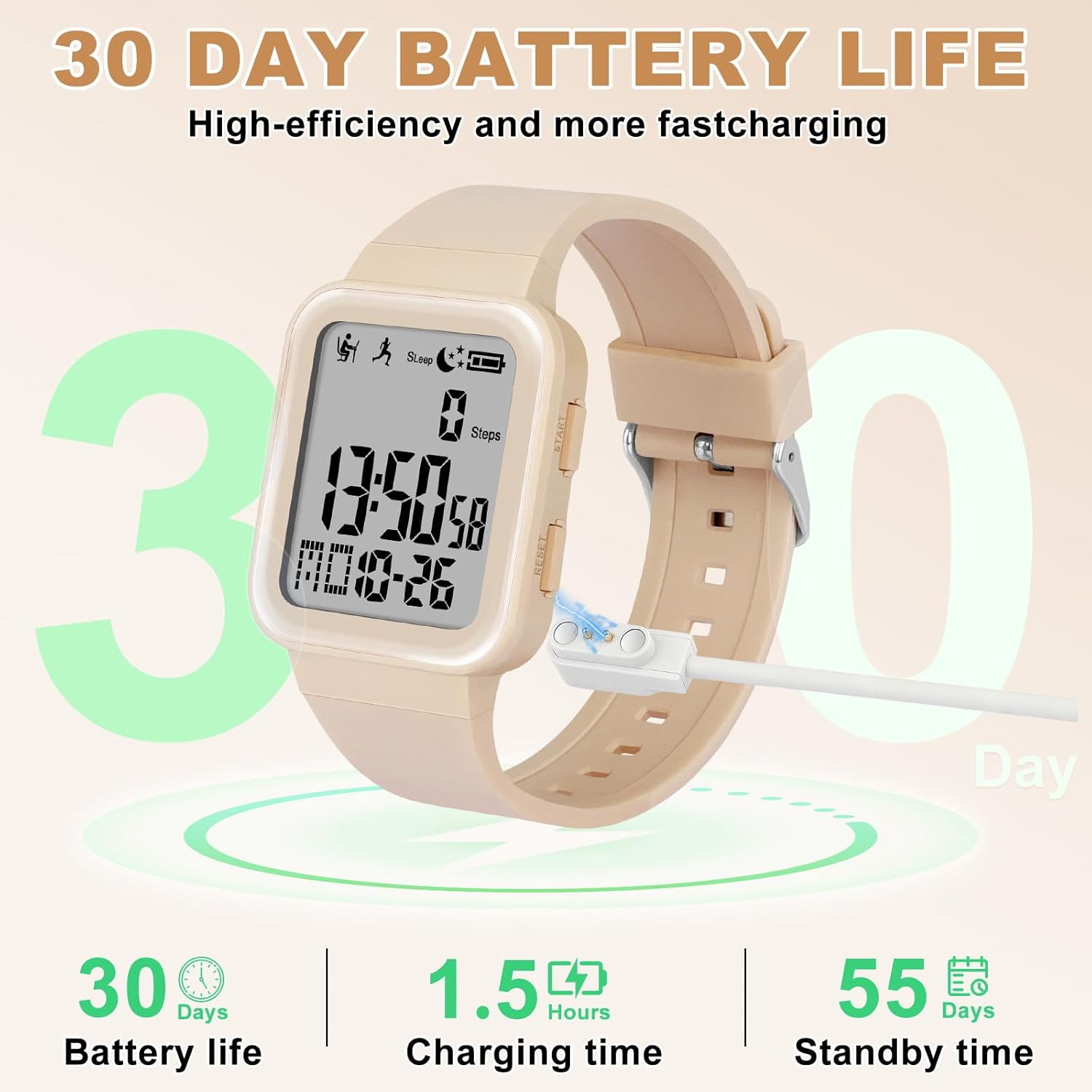
Image: The 3-second backlight ensures clear visibility of the display in low-light conditions.
Техникалык тейлөө
Саатты заряддоо
The watch battery cannot be replaced. The product package includes a dedicated charging cable. The watch can only be charged using this cable. When the battery is running low, an icon will flash as a reminder. We recommend that users charge the watch promptly. If the battery is fully depleted, the time and data on the watch will be reset after recharging, and you will need to reset the watch's time and data.

Image: The watch features high-efficiency charging, providing long battery life for extended use.
Video: This video demonstrates the charging process for the S06 watch.
Суу каршылык
The Edillas S06 watch is rated 30M/3BAR water resistant. This means it is suitable for everyday activities such as sweating, washing hands, and light housework. It is жок recommended for swimming or showering, as prolonged exposure to water pressure or hot water may compromise its water resistance.

Image: The watch is designed to withstand splashes and brief immersion, making it suitable for daily wear.
Troubleshooting (Q&A)
Here are answers to some common questions about the Edillas S06 watch:
- Q: Does the watch have a charging function? Does it have a replaceable battery? And how does the watch's charging reminder work?
A: The watch's battery cannot be replaced. The product package includes a dedicated charging cable (the watch can only be charged using the cable we provide). When the battery is running low, an icon will flash as a reminder. We recommend that users charge the watch promptly. If the battery is fully depleted, the time and data on the watch will be reset after recharging, and you will need to reset the watch's time and data.
- Q: How to set the exercise goal function and how does this feature work?
A: Setup steps: Long press the РЕЖИМ баскычы. колдонуу START button to set the target distance (setting range: 0.50-999.50 km). Long press the РЕЖИМ button to confirm the setting (a 3-second countdown will begin before tracking starts). When halfway to the goal, the watch will vibrate three times as a reminder. Upon goal completion, it will vibrate five times.
- Q: How is the watch's alarm set and how does it work? Does it have a snooze function?
A: Setup steps: From the default time interface, press the РЕЖИМ button once to select the alarm group (choose the corresponding number 1, 2, or 3). Press the START button to turn the alarm on/off. Long-press the RESET button to enter the alarm setting interface. Press the РЕЖИМ button to switch between setting positions (hours - minutes - vibration duration). Press the START button to set the flashing digits. Press the RESET button once to complete the setting. A bell icon and a number displayed on the screen indicate that the corresponding alarm group is enabled. The alarm will remind the user through vibration. When the alarm is triggered, press the РЕЖИМ button. The flashing alarm icon indicates that snooze mode is activated, and the alarm will sound again after five minutes (snooze is supported up to 4 times).
- С: Кантип view the final score of the sleep monitoring function?
A: Long-press the ЖАРЫК button to enter the sleep monitoring function. Once activated, the sedentary reminder and step counting functions will be unavailable. If the watch detects more than 50 steps within one minute, it will automatically exit the sleep monitoring mode. A sleep duration of more than one hour is required to generate a score. To exit the sleep monitoring mode, long-press the ЖАРЫК баскычын, андан кийин басыңыз RESET баскычына view the sleep duration and sleep quality score.
Техникалык шарттар
| Өзгөчөлүк | Деталь |
|---|---|
| Модель аты | S06 |
| Бренд | Edillas |
| Дисплей түрү | Санарип |
| Кыймыл түрү | Japanese Automatic |
| Power Source | Батарея менен иштейт (1 C батарейкасы камтылган) |
| Сууга каршылыктын тереңдиги | 30 метр (3 БАР) |
| Band Материал түрү | Термопластикалык полиуретан (TPU) |
| Иштин материалдык түрү | Акрилонитрил бутадиен стирол (ABS) |
| Элемент Салмагы | 36 грамм |
| Камтылган компоненттер | 2 боо |
Кепилдик жана колдоо
The Edillas S06 Digital Fitness Tracker Watch comes with a Өмүр бою кепилдик. For any support inquiries or warranty claims, please refer to the contact information provided with your purchase or visit the official Edillas webсайт.


