Introduction
This user guide provides detailed instructions for operating the ICOM IC-7300 transceiver. It covers essential setup procedures, operational functions, advanced features, and troubleshooting tips to help both new and experienced ham radio operators maximize their experience with the device.
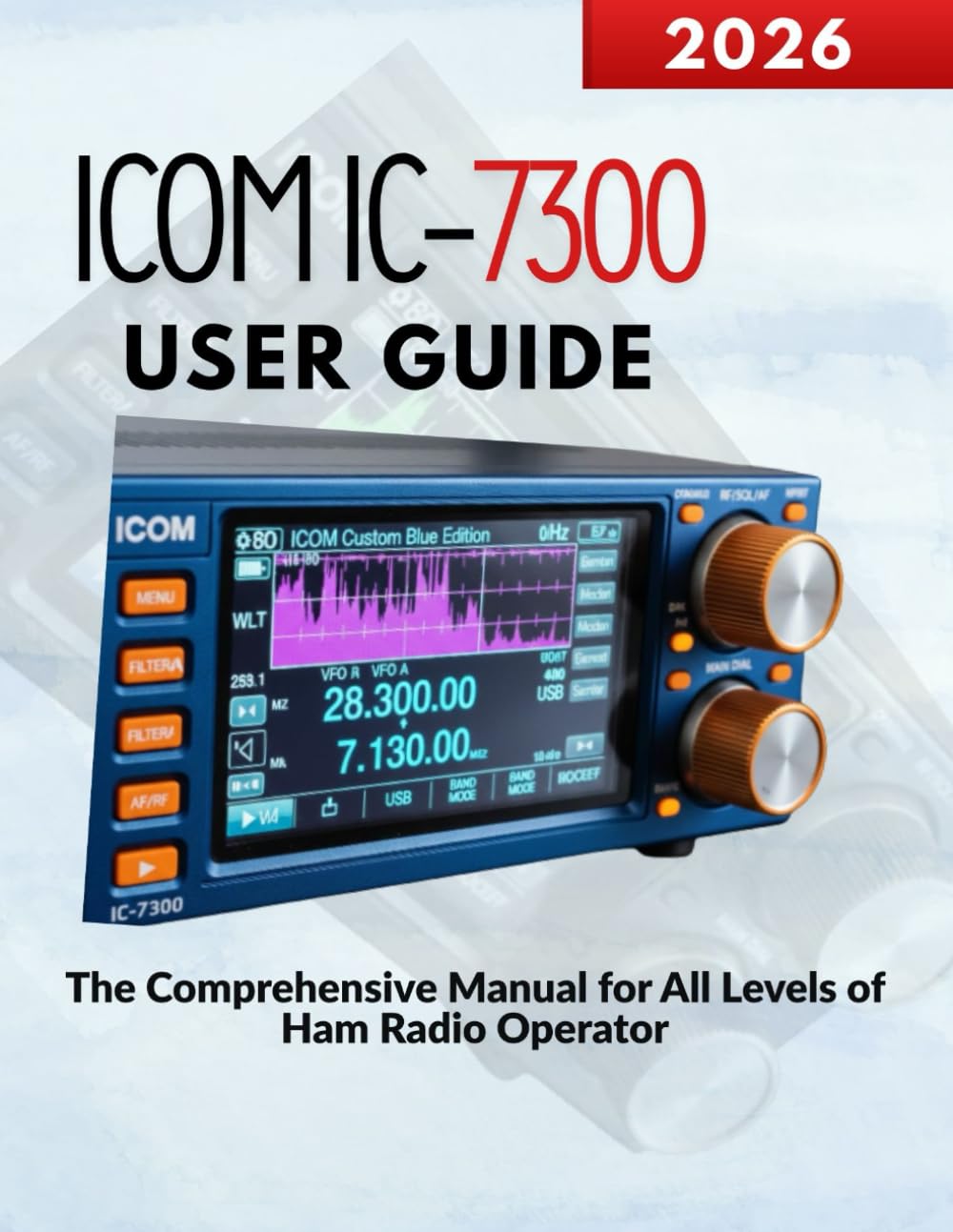
Image: Front cover of the ICOM IC-7300 User Guide book. This image displays the title and design of the manual itself.
Жайгашуу
Proper setup is crucial for optimal performance of your ICOM IC-7300. This section outlines the initial steps to get your transceiver operational.
1. Таңгактан чыгаруу жана текшерүү
- Бардык компоненттерди таңгактан кылдаттык менен алып салыңыз.
- Таңгактоо тизмесинде көрсөтүлгөн бардык аксессуарлардын бар экенин текшериңиз.
- Inspect the transceiver for any signs of physical damage.
2. Кубатты туташтыруу
Connect the supplied DC power cable to the transceiver's DC IN jack. Ensure the power supply is rated for the IC-7300's requirements (typically 13.8V DC). Connect the other end to a stable power source, observing correct polarity.
3. Антенна туташтыруу
Connect your antenna cable to the ANT connector on the rear panel. Use a high-quality coaxial cable with appropriate connectors. Ensure the antenna is properly tuned for the operating frequencies to prevent damage to the transceiver.
4. Баштапкы орнотуулар
Upon first power-on, the transceiver may require initial setup of date, time, and basic operating preferences. Refer to the detailed instructions in the manual for navigating the menu system to configure these settings.
Иштеп жатат
This section details the various operational aspects of the ICOM IC-7300, from basic tuning to advanced digital modes.
1. Негизги операция
- Күйгүзүү/өчүрүү: Бирдикти күйгүзүү же өчүрүү үчүн кубат баскычын басып, кармап туруңуз.
- Жыштыкты жөндөө: Use the main dial to adjust the operating frequency. The step size can be changed via the menu.
- Режим тандоо: Press the MODE button to cycle through available modes such as USB, LSB, CW, RTTY, AM, and FM.
- Үндү көзөмөлдөө: Adjust the AF gain knob for desired audio output level.
2. Сигналдарды санариптик иштетүү (ССИ)
The IC-7300 features advanced DSP capabilities to enhance signal quality. Key DSP functions include:
- Noise Reduction (NR): Reduces random noise components in the received signal.
- Автоматтык пайданы башкаруу (AGC): Automatically adjusts receiver gain to maintain a consistent audio output level.
- Чентик чыпкасы: Eliminates specific interfering tones from the received audio.
3. Advanced Digital Modes
The IC-7300 supports various digital modes, including FT8, RTTY, and PSK31. Connecting your transceiver to a computer via USB allows for seamless integration with digital mode software. Detailed configuration steps for each mode are provided in the full manual.
4. Тышкы түзмөк туташуу
The transceiver can be connected to external devices such as linear amplifiers, tuners, and computer interfaces. Refer to the manual for specific connection diagrams and settings for each type of device.
Техникалык тейлөө
Regular maintenance ensures the longevity and reliable operation of your ICOM IC-7300.
1. Тазалоо
- Wipe the exterior of the transceiver with a soft, dry cloth.
- Кежир кир үчүн, чүпүрөктү жеңил колдонуңуз dampсуу жана жумшак жуугуч менен жууп, андан кийин кургатып сүртүңүз.
- Do not use strong solvents or abrasive cleaners.
2. Микропрограмманы жаңыртуу
ICOMду мезгил-мезгили менен текшерип туруңуз website for firmware updates. Keeping your transceiver's firmware up-to-date can provide new features, performance enhancements, and bug fixes. Follow the instructions provided by ICOM carefully during the update process.
3. Экологиялык эске алуулар
- Operate the transceiver in a well-ventilated area to prevent overheating.
- Түзмөктү күндүн түз нуруна, өтө жогорку температурага же жогорку нымдуулукка дуушар кылбаңыз.
- Keep the transceiver away from dust and moisture.
Проблемаларды чечүү
This section addresses common issues you might encounter with your ICOM IC-7300 and provides basic troubleshooting steps.
1. Күч жок
- Бардык электр кабелдик байланыштарын текшериңиз.
- Кубат булагы туура иштеп жатканын жана туура көлөмдү камсыз кылып жатканын текшериңизtage.
- Check the transceiver's fuse.
2. Аудио чыгыш жок
- Ensure the AF gain (volume) knob is turned up.
- Check headphone or external speaker connections.
- Verify that the squelch level is not set too high.
3. Poor Transmission/Reception
- Inspect antenna connections and cable integrity.
- Ensure the antenna is properly tuned for the operating frequency.
- Check the SWR (Standing Wave Ratio) using the built-in meter. High SWR can indicate an antenna issue.
- Verify correct mode selection for the desired communication.
For more complex issues, consult the detailed troubleshooting section within the comprehensive manual or contact ICOM support.
Техникалык шарттар
The following specifications pertain to the ICOM IC-7300 User Guide book itself, which is the product being described.
| Атрибут | Нарк |
|---|---|
| ASIN | B0GF26G5T5 |
| Жарыялоочу | Көз карандысыз басылып чыккан |
| Жарыяланган датасы | 5-январь, 2026-жыл |
| Тил | Англисче |
| Басып чыгаруу узундугу | 131 бет |
| ISBN-13 | 979-8242657724 |
| Элемент Салмагы | 14.4 унция |
| Өлчөмдөр | 8.5 x 0.3 x 11 дюйм |

Image: Back cover of the ICOM IC-7300 User Guide book. This image shows the back cover, including the ISBN barcode.


