
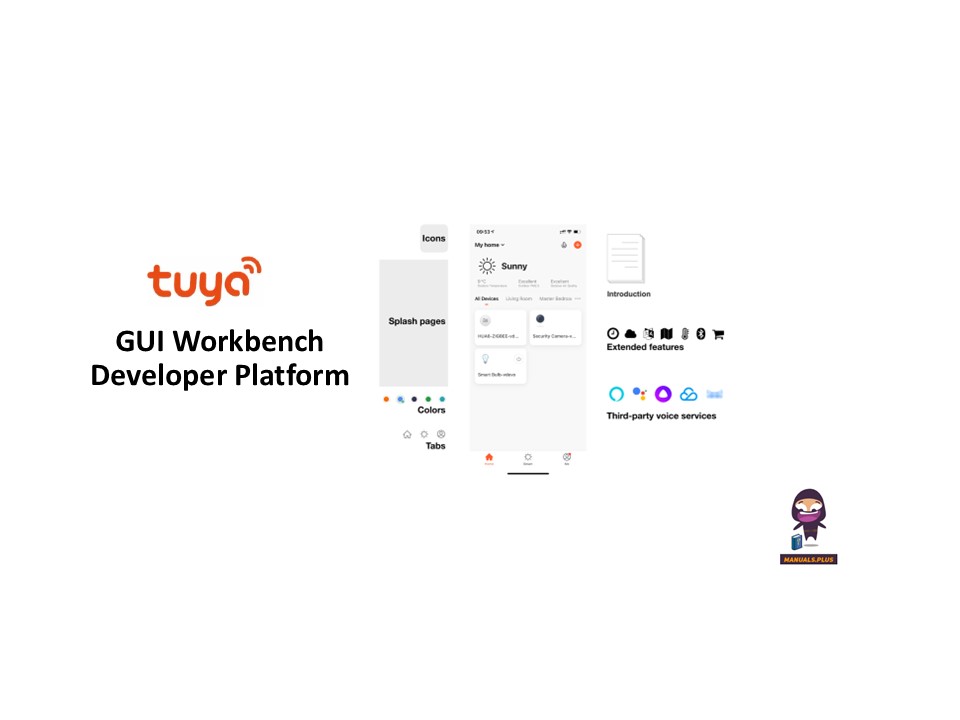

tuya GUI Workbench Developer Platform

Бүттүview
On the Tuya Developer Platform, the GUI workbench is a graphic resource management tool designed for smart devices with screens. With this tool, you can easily configure and update images, fonts, audio, video, and other resource content in your product.
This topic describes how to configure screen-related resources in the GUI workbench.
Процедура
Submit a resource package
Биринчиден, сүрөт, анын ичинде продукт ресурстук пакетин даярдоо fileс, шрифт китепканалары, аудио, видео жана башкалар files, ensuring each resource type has a clearly defined ID. After packaging is completed, submit the resource package to the Tuya project manager.
After the Tuya project manager uploads the resource package in the backend, you can select and configure the resources on the Tuya Developer Platform.
Edit and configure GUI cloud capabilities
- Log in to the Tuya Developer Platform and choose Product > Development in the left-side navigation bar.
- On the page of Product Development, select the desired product and click Develop in the Operation column.
- In the step of Device Interaction, click the Display Control Screen GUI tab.

- Click Cloud Capability Configuration. You can perform the following operations on various resource files:
- Replace: Replace existing images, fonts, audio fileс, жана башкалар files.
- Add: Add a new resource file and specify a unique ID.
- Delete: Delete resources that are no longer used.
- Modify ID: Modify the unique identifier of the specified resource.


- After completing resource configuration, click Save.
Күчүнө кириңиз
Өркүндөтүлгөн функциялардын орнотууларында GUI ресурс конфигурациясын иштетиңиз. Жогорудагы ресурс конфигурациялары продуктуңуз үчүн бул өркүндөтүлгөн өзгөчөлүк иштетилгенден кийин гана күчүнө кирет.
Документтер / Ресурстар
 | GUI Workbench Developer Platform |
Шилтемелер
- Set GUI Resource Package-Tuya Developer Platform-Tuya Developerdeveloper.tuya.com
- Tuya Smart Developer Centerplatform.tuya.com
- User Manualmanual.tools